part 2 FreeCAD Part Design Tutorial | Pad, Pocket, Boolean & Polar Pattern Explained
Автор: Engineer
Загружено: 2026-01-10
Просмотров: 97
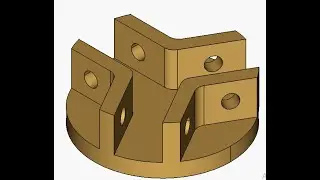
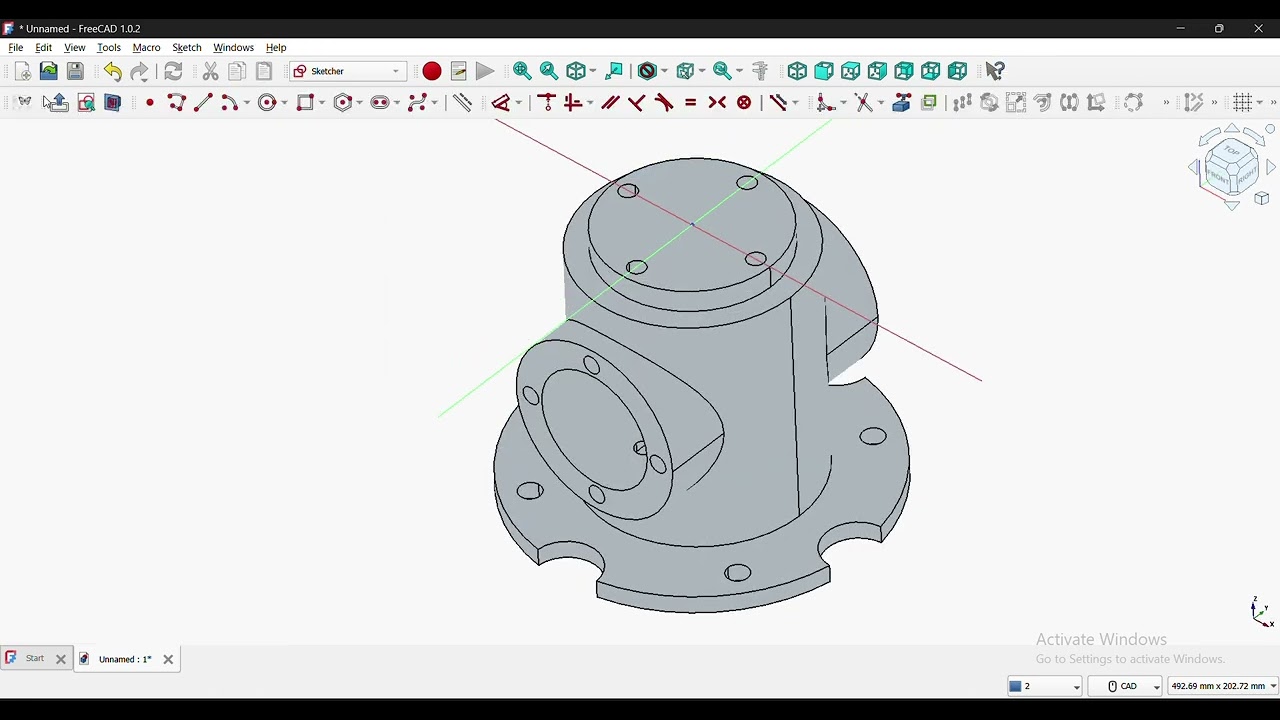
In this video, I demonstrate step-by-step modeling of a mechanical component in FreeCAD using the Part Design Workbench.
We start from a simple sketch and gradually build a complex 3D model using Pad, Pocket, Boolean, Polar Pattern, and External Geometry tools.
🔧 What is covered in this video:
Creating a base circle of 160 mm diameter and padding it to 8 mm height
Sketching on faces and creating holes using Pad and Pocket (Through All)
Using Boolean operations to create identical shapes
Applying the Polar Pattern tool to generate multiple features
Creating multiple circular cutouts and pockets
Sketching on XZ plane and using Section View for better clarity
Using External Geometry to maintain accurate references
Creating additional cylindrical features and patterned holes
Working with symmetry to plane and parallel pad options
This video focuses on practical FreeCAD workflow, especially for beginners who want to understand how real mechanical parts are created step by step.
Доступные форматы для скачивания:
Скачать видео mp4
-
Информация по загрузке: