Downloading and Setting Up SillyTavern on Mac
Автор: VictoryCat
Загружено: 2026-01-01
Просмотров: 137
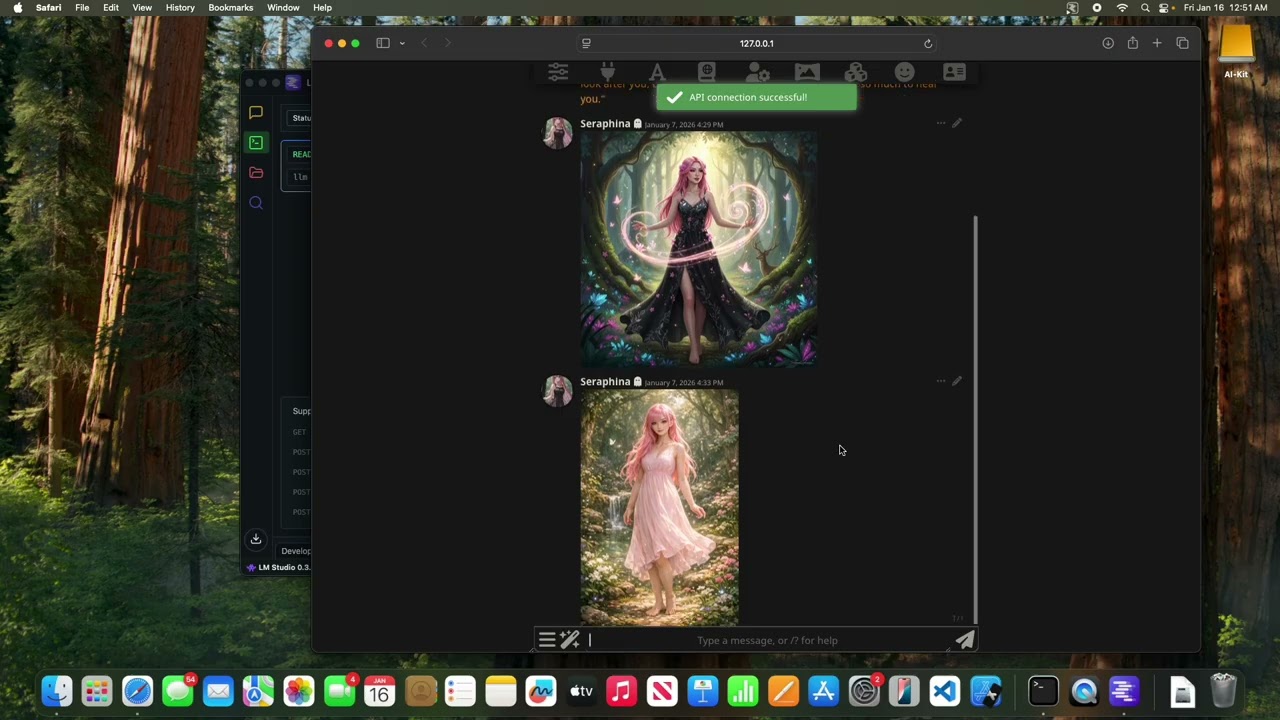
We will download the open source role playing game SillyTavern and set it up on our Mac OS. We will use API calls so that it will run with almost no resource usage on our machine, allowing it to run on even the smallest Mac OS.
USEFUL COMMANDS:
ls : View current directory
cd : change directory (followed by the directory you wish to change into)
mkdir : make a directory (followed by the name of the directory you want to make)
git --version : view the version of git you have, or trigger an option to install it via apple developer tools if it is not installed.
brew install git : manually download git
git clone https://github.com/SillyTavern/SillyTavern... : Download the SillyTavern files into current directory
node --version : see currently installed node version
npm --version : see currently installed npm version
brew install node : install both node and npm
npm install : run in the SillyTavern directory to install SillyTavern
npm start : run in the SillyTavern directory after install to open SillyTavern

Доступные форматы для скачивания:
Скачать видео mp4
-
Информация по загрузке: