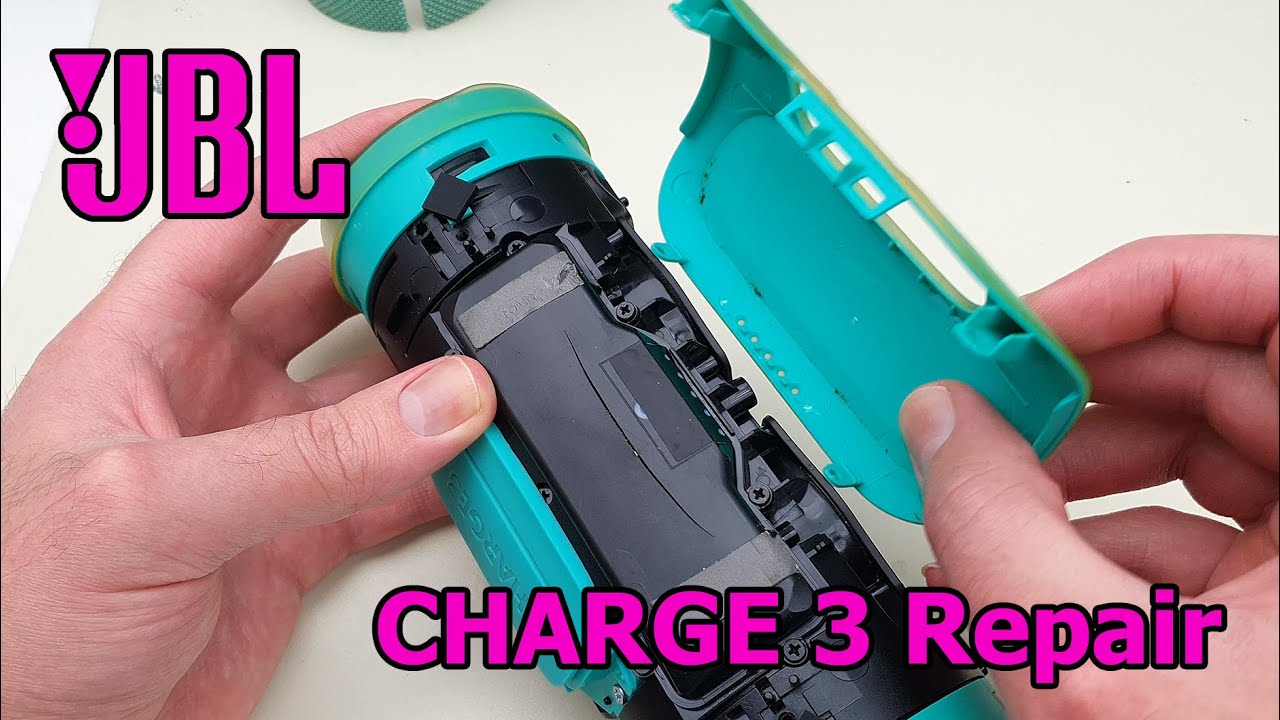
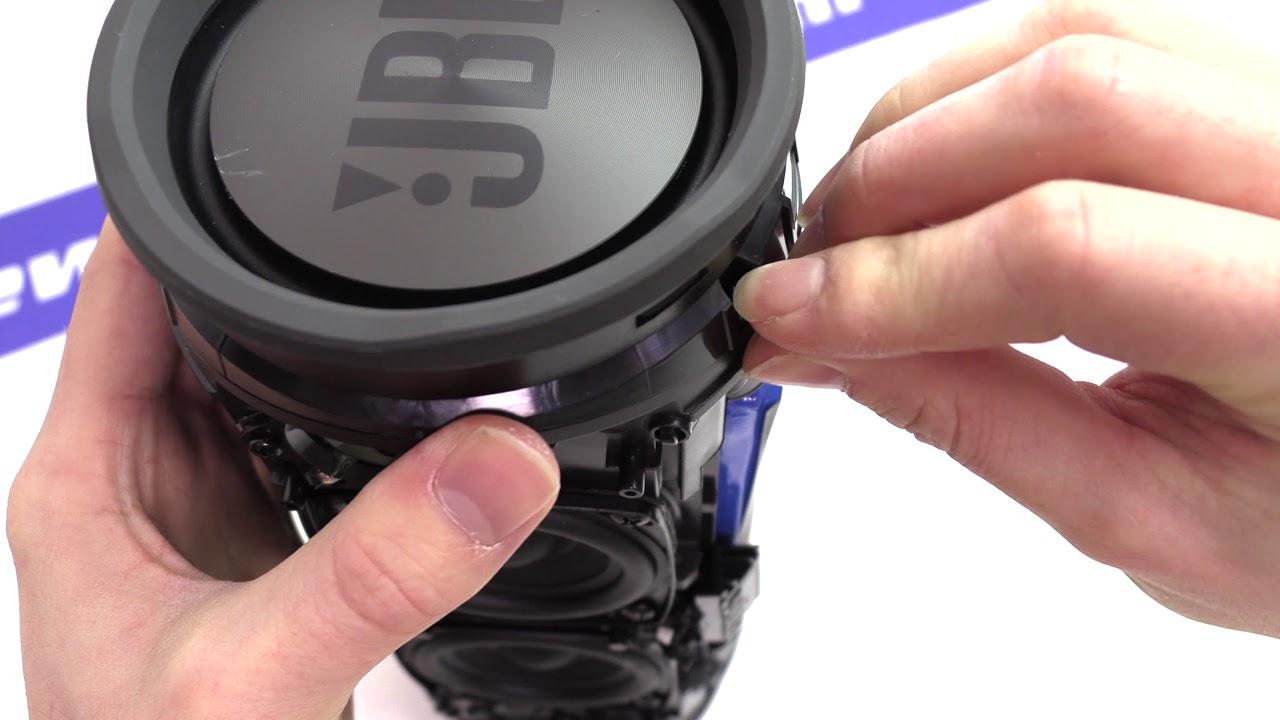
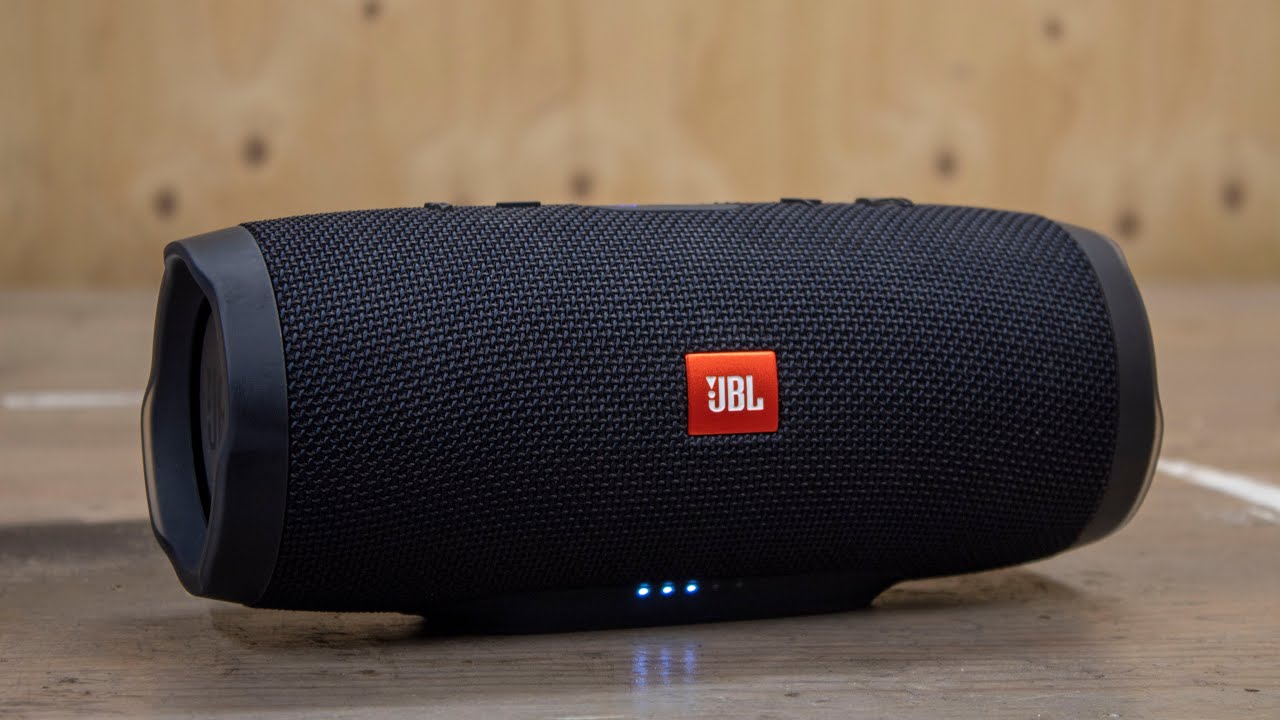
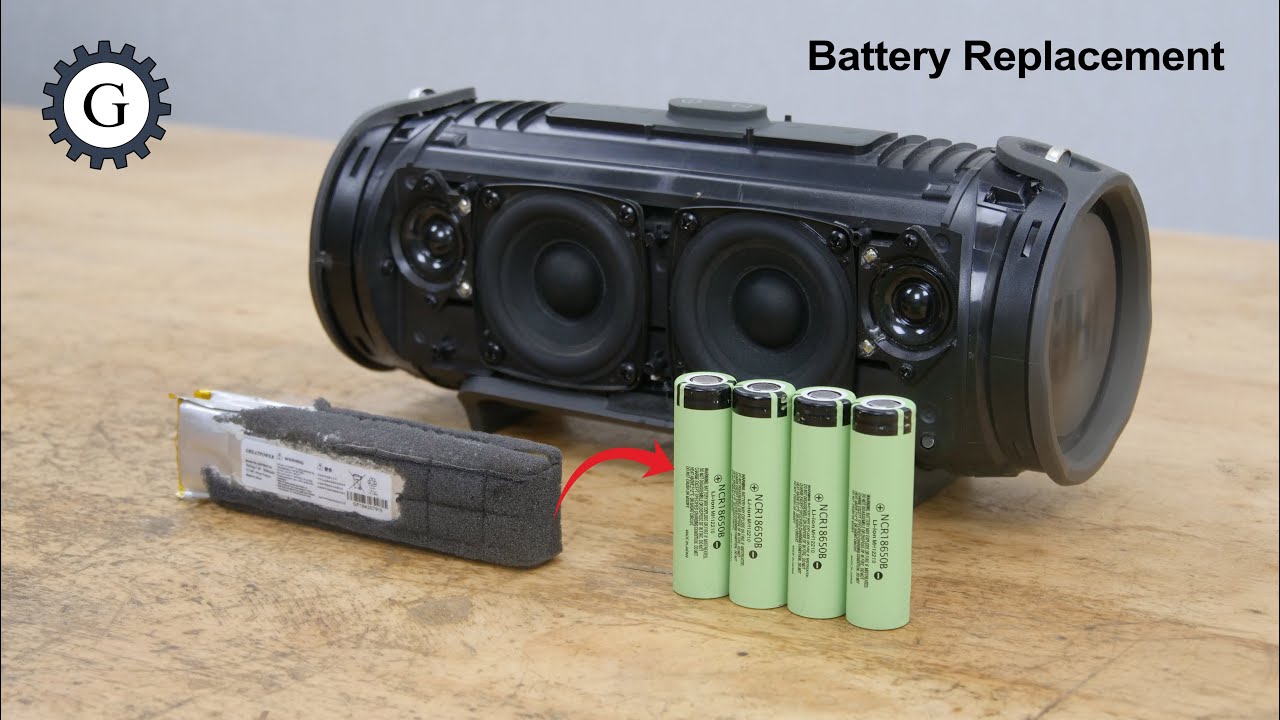
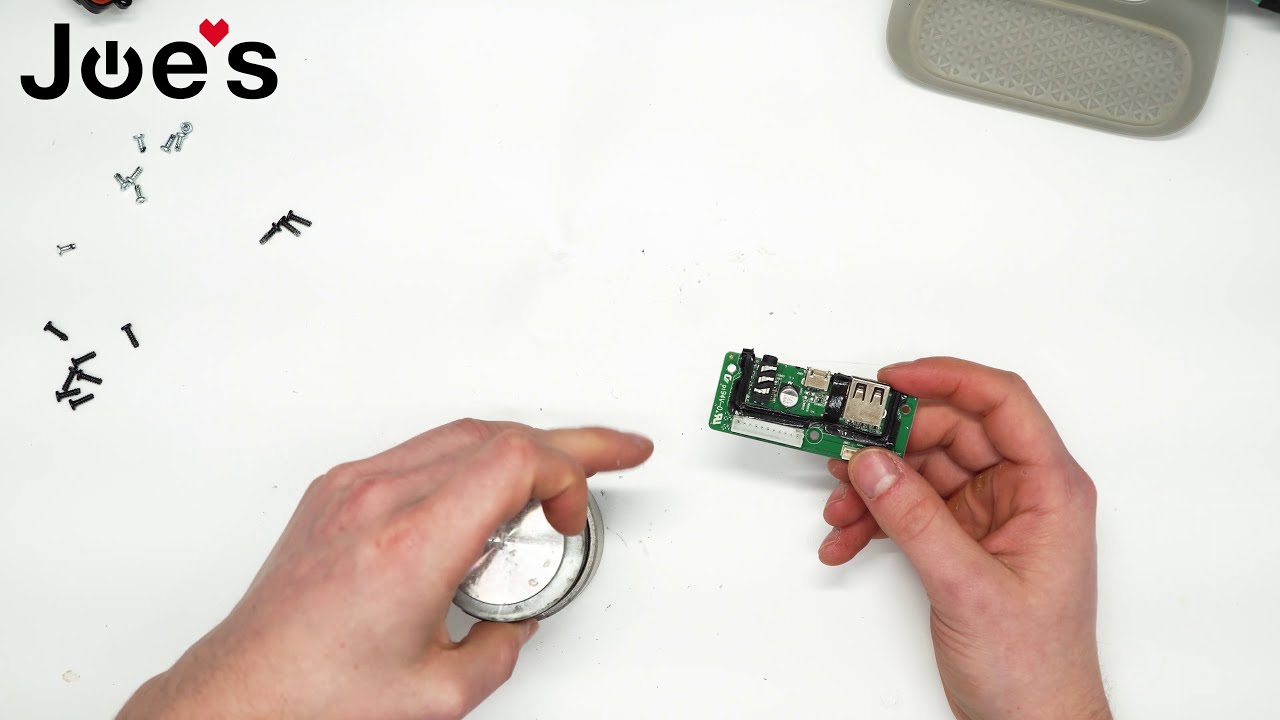
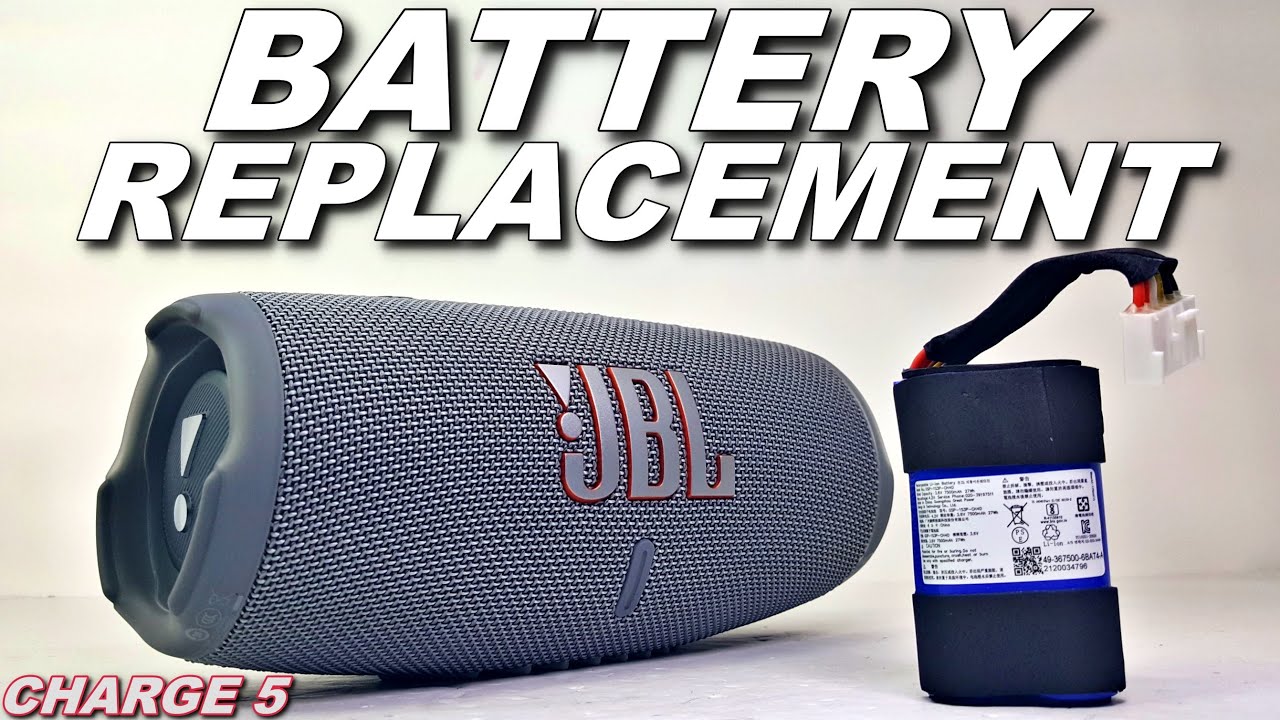
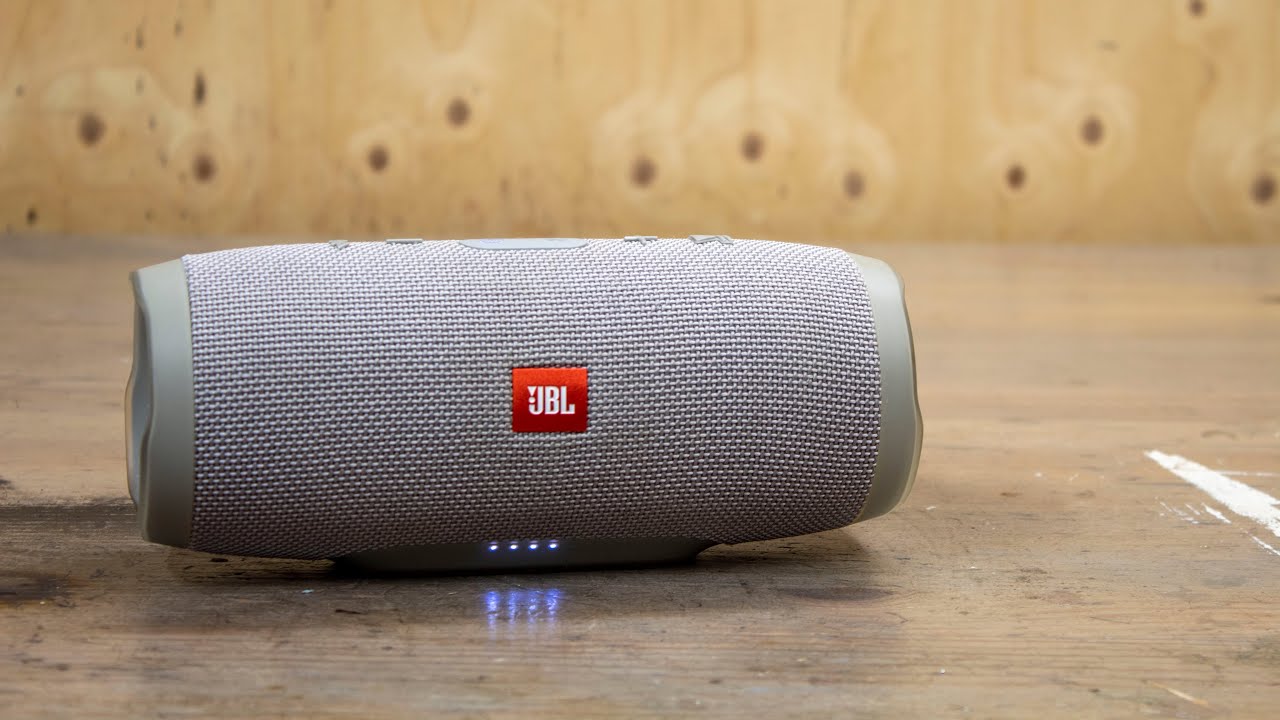
JBL Charge 3 battery replacement, pre 2016 model.
Автор: Spare Time Workshop
Загружено: 2022-05-31
Просмотров: 67291
In this tutorial I will show you how to replace your JBL charge 3 pre 2016 model battery. Serial number starting with "TL".
This JBL made a crackling sound at high volume, this in combination with the dimming of the lights I decided to change the battery. Which was the solution in this case.
If you have a JBL Charge 3 serial number starting with "GG" (2016 model or newer)You can use this tutorial: • JBL Charge 3 battery replacement
Don't forget to leave a like if you found this tutorial helpful.
→If you don't want to miss a video or if you want to support the channel consider subscribing.
→Instagram: / spare_time_. .
→As an Amazon Associate I earn from qualifying purchases.
Tools I used:
-iFixit Pro Tech Toolkit https://amzn.to/3IPtPAn
Parts I used:
-Replacemend battery https://amzn.to/3mEm5Z6
(Make sure that the connector and the location of the red and black wires are the same as the battery you take out. there are different models of batteries for the charge 3)
Recorded with:
-Canon 4000D https://amzn.to/3ZxNSt2
Доступные форматы для скачивания:
Скачать видео mp4
-
Информация по загрузке: