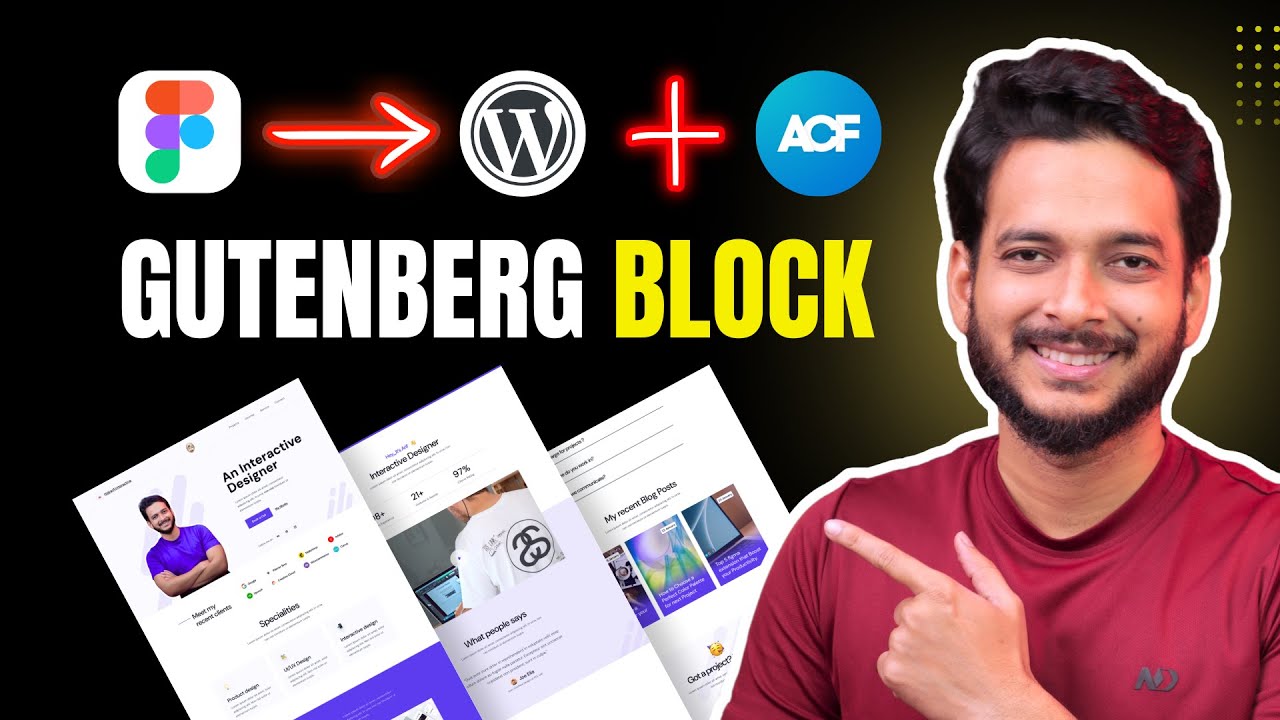
Figma to WordPress Gutenberg - How to build your Portfolio Website? Fully Custom Made!
Автор: Riad Mahmud
Загружено: 2025-07-07
Просмотров: 3295
✅ Get Hostinger 85% OFF : https://riadmahmud.com/ref/hostinger (COUPON: RIADM10)
✅ Full Playlist: • Gutenberg FSE - Full Site Editing using Gu...
✅ Resource file: https://riadmahmud.com/ref/2025-tuts-...
✅ Hire me: https://riadmahmud.com
In this Figma to WordPress Gutenberg tutorial, I’ll show you how to convert a Figma design to a fully functional WordPress website using WordPress Full Site Editing (FSE) features. This project is built entirely with the default Gutenberg blocks — no page builders involved!
Whether you're a freelancer, doctor, lawyer, graphic designer, or simply building your portfolio website, this video will guide you through creating a modern, fast, and dynamic site.
📌 What you’ll learn:
✅ How to convert a Figma design into WordPress step by step
✅ How to use Gutenberg (Block Editor) for full site customization
✅ How to create dynamic content using Custom Post Types (CPT)
✅ How to use the ACF (Advanced Custom Fields) plugin for flexible data display
This tutorial is perfect for beginners and professionals who want to master WordPress without relying on third-party page builders.
TIME STAMP:
00:00 - Intro
01:18 - Figma Design overview and what we will gonna learn on this course
05:17 - Live server, Local server, Recommended Hosting and Basic Configure of WordPress
12:19- Configure the Global Typography and Global color
23:40 - Build a Custom Header using WordPress Blocks
40:53 - Build a Custom Footer using WordPress Blocks
47:13 - Create Hero Area
1:04:38 - Understand the Grid while Creating Meet My Recent client Section
1:16:26 - Create Card or Infobox with image using default block
1:26:17 - Create Custom Post type and display dynamic content using Loop builder
1:46:27 - Create Experience Section
1:55:42 - Add Featured Video using Presto Player
2:07:17 - Create Testimonials Section and understand Cover Block
2:20:00 - Use Toggle in Gutenberg and Create FAQ’s Section
2:30:00 - How to use Loop Builder to display posts content?
2:42:45 - How to Create CTA (Call to Action)
2:47:45 - Understand All Archive Template, Tags archive, date archive, Template hierarchy, Custom Template
2:56:31 - Customize All Archive template
3:13:39 - Customize Author Archive Template
3:20:30 - Customize Category Archive Template
3:26:03 - Customize Blog Archive Template
3:30:31 - Customize Page No Title Template
3:32:10 - 404 Page and Page Template
3:36:11 - Search Resutl Page
3:42:10 - Single post page
4:00:45 - Custom post Project archive page template
4:08:13 -Custom post Project Single template
Доступные форматы для скачивания:
Скачать видео mp4
-
Информация по загрузке: