Building .NET and ActiveX Subpalettes and Programming Visio in LabVIEW
Автор: Rashid Malik
Загружено: 2019-12-06
Просмотров: 1989
Building .NET and ActiveX Subpalettes and Programming Visio in LabVIEW
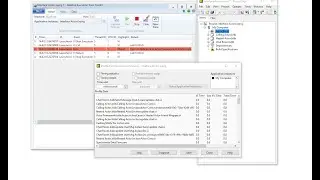
Building .NET and ActiveX Subpalettes
If we use .NET or ActiveX controls on the front panel, select Tools - Import - .NET Controls to Palette or ActiveX Controls to Palette to convert a set of .NET or ActiveX controls, respectively, to custom controls and add them to the Controls palette. LabVIEW saves the controls in the labview\menus\Controls\DotNet & ActiveX directory by default because all files in this directory automatically appear in the .NET & ActiveX palette.
ActiveX Visio Document Viewer
In this video we will learn how we an add ActiveX Visio document viewer to the ActiveX palette, how we can place it on the front panel, how we can load a document into the viewer, how to use zoom property, how to display Visio about dialog box, how to display context menu, how to display property dialog, how to set shape index, select that shape and find the shape name, how to unload the document in the Visio document viewer and how to close the reference to the Visio object, programmatically and step by step.
Watch the entire LabVIEW tutorial series here;
• NI LabVIEW - How to Use View Menu?
Watch the entire TestStand video learning series here;
• NI TestStand Documentation and Resources
#LabVIEW #BuildingNETandActiveXSubpalettes #ActiveXVisioDocumentViewer

Доступные форматы для скачивания:
Скачать видео mp4
-
Информация по загрузке: