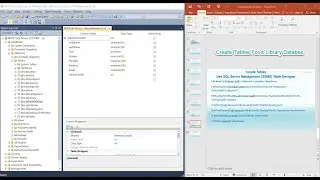
How to use SQL Server Management Studio to Create a Database for a Library Management System
Автор: Programming in life step by step.
Загружено: 2026-01-09
Просмотров: 1
In this video we use SQL Server Management Studio to create the database. We will learn about the components of a database name and where the database is stored.
We create the dbLibrary database. As soon as the database name is created, it generates two files:
dbLibrary.mdf, dbLibrary_log.ldf.
mdf stands for Master Database File. It contains all the data for the database.
ldf stands for Log Database File. It contains transaction logs, recording all changes and transactions made to the database. This ensures data integrity and the ability to recover data in case of errors.
#dblibrary#createdatabase#components of adatabname#where the dababase is stored?#how to create a library database

Доступные форматы для скачивания:
Скачать видео mp4
-
Информация по загрузке: