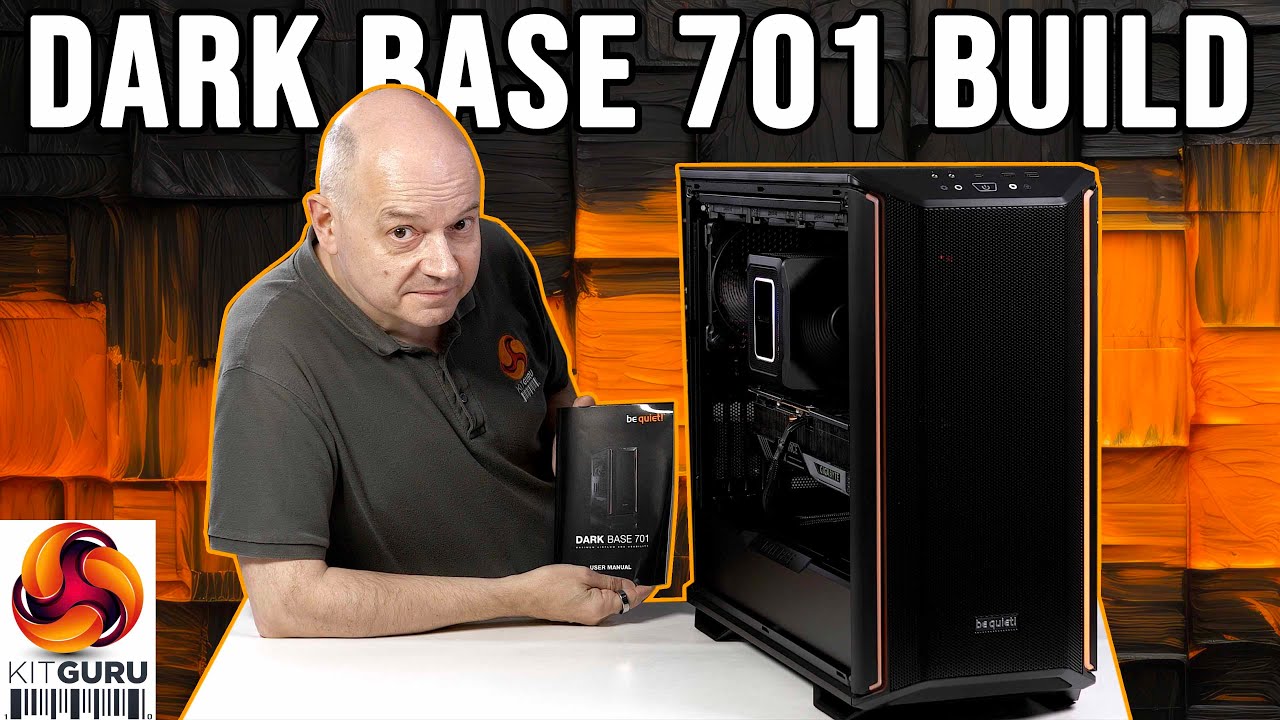
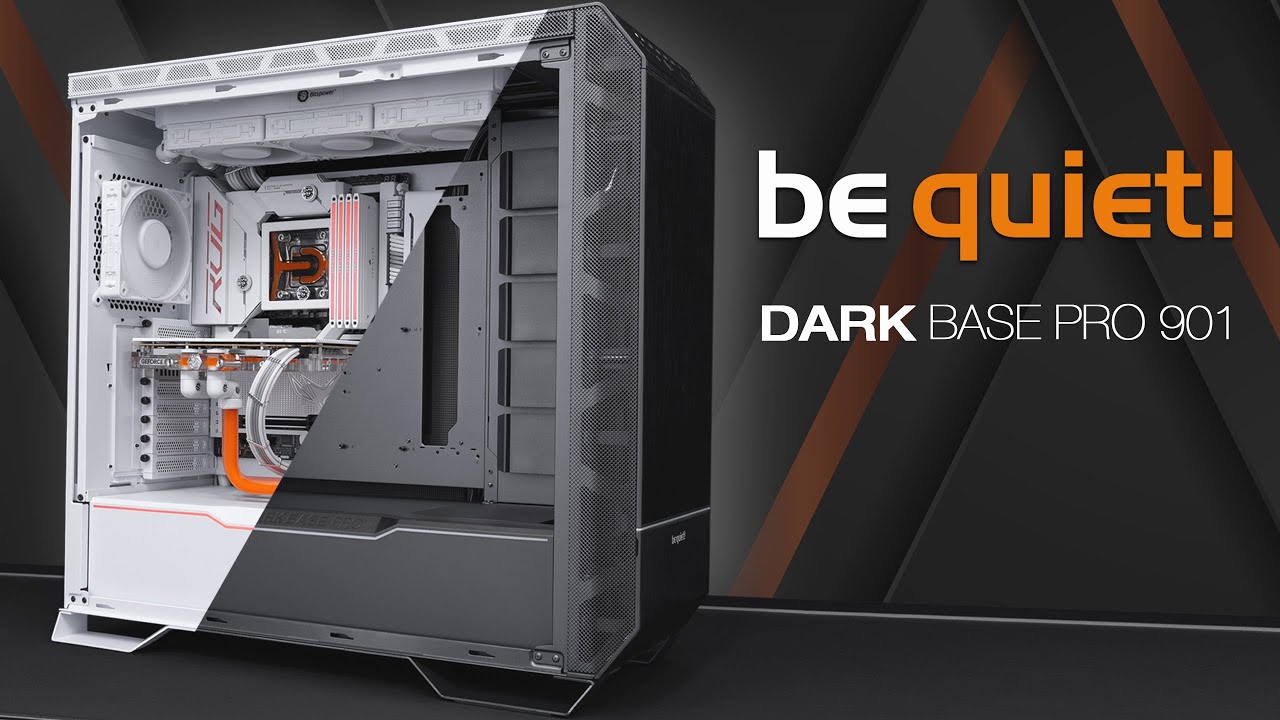
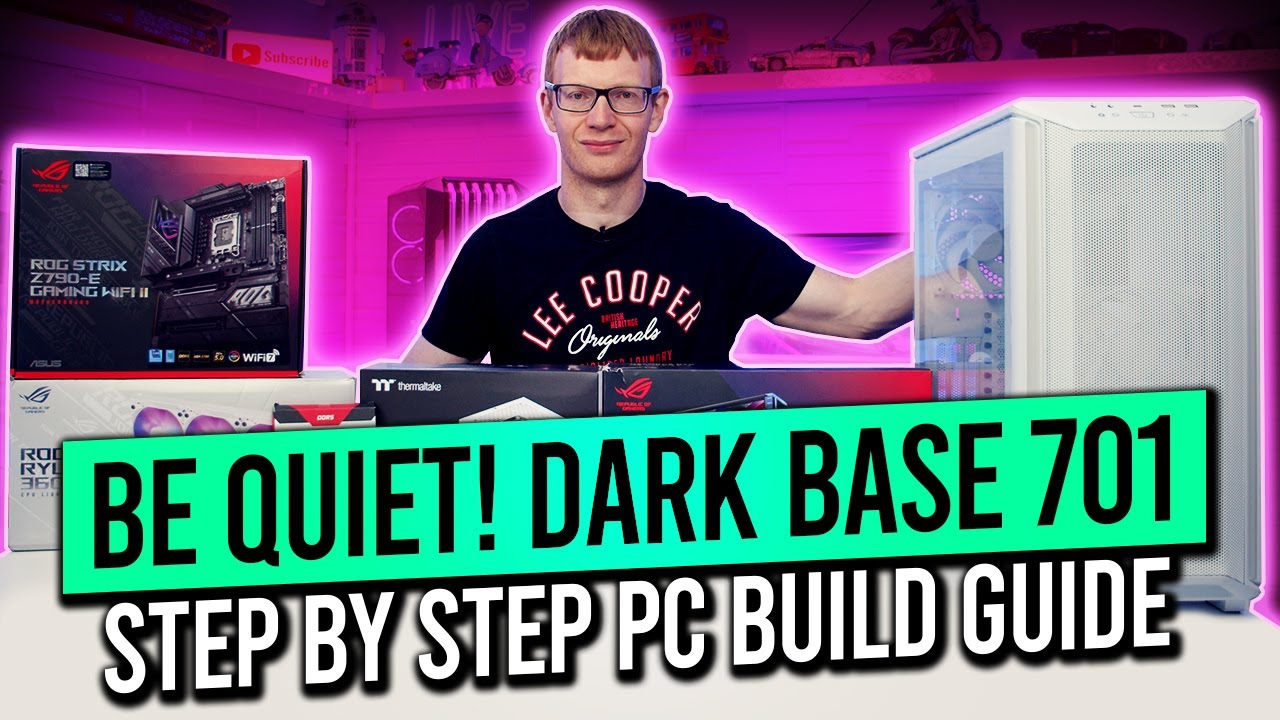
be Quiet! Dark Base 701 PC Build & Fundamental Tips Guide
Автор: Reviewing Playing & More RPM
Загружено: 2024-05-04
Просмотров: 2352
00:00 Intro
01:11 GPU Connecting Power Cable ie PCIe or VGA depending on PSU
02:56 New Windows local account issue to be aware of
04:09 Removing the GPU cable, plugging in HDMI or Display Port depending on your Monitor
06:10 Where the M.2 Slots are on this MB, and simple screw to remove or install
06:35 Where the 24 Pin Power connector goes & remove/replace, Memory Install/Removal
08:27 8 Pin & Additional 4/8 Pin Connectors, If you want to Overclock make sure your MB support it
09:22 Connecting RGB or ARGB/CPU Fan/Optional or additional Fan Header
11:52 CPU Air Cooler & Fan Direction
12:15 Standoffs that will be on your case or need to be placed to fit your Motherboard
13:16 Where your Front Panel connectors go on the Motherboard explained/Clear CMOS
16:00 More M.2 Info
16:16 Standoffs in the case, currently ATX configuration, Fans, AIO location Top or Front 360mm
16:52 Case Cables, Fan/ARGB Hub
18:27 Motherboard installed, IO Shield part of the MB
19:02 Power Supply, what cables you need, placement & how it goes in the case
27:40 Cable Management look, case cables, a great surprise of a combined FP connector
31:58 Installing your GPU
33:29 Before powering up the PC, first step
34:13 Powering up the first time to check it now works, forgot to plug in the HDMI lol but easy fix
36:51 Conclusion
Join this channel to get access to perks:
/ @reviewing_playing_and_more_rpm
Donate to help the Channel: My Paypal: https://www.paypal.me/Reviewing
Link to TubeBuddy free Software for YouTube that will help you with your YouTube channel tags, and get more views, which also helps me: https://www.tubebuddy.com/Reviewing
/ reviewingpm

Доступные форматы для скачивания:
Скачать видео mp4
-
Информация по загрузке: