開箱試玩 VTC
Автор: Cyrus Wong
Загружено: 2026-01-15
Просмотров: 24
In this unedited hands-on session, I explore the capabilities of the new Microsoft Copilot Studio within the VTC environment. My goal was to create an AI Agent capable of answering student inquiries by "reading" the official Student Handbook and Public Website, and even performing actions like sending emails.
I test the "Reasoning" model to see if it can interpret complex academic calendar tables (spoiler: it works surprisingly well!), try to connect it to live web data, and set up an Action to draft and send multi-lingual emails via Outlook.
⚠️ Note: The audio is in Cantonese.
Key Takeaways:
Knowledge Base (RAG): Uploading a 2025/26 Student Handbook PDF. The AI successfully interpreted complex semester tables to answer questions about holidays and exam periods.
Web Search: Connecting the agent to the official VTC and HKIIT websites to fetch organizational structure and staff details.
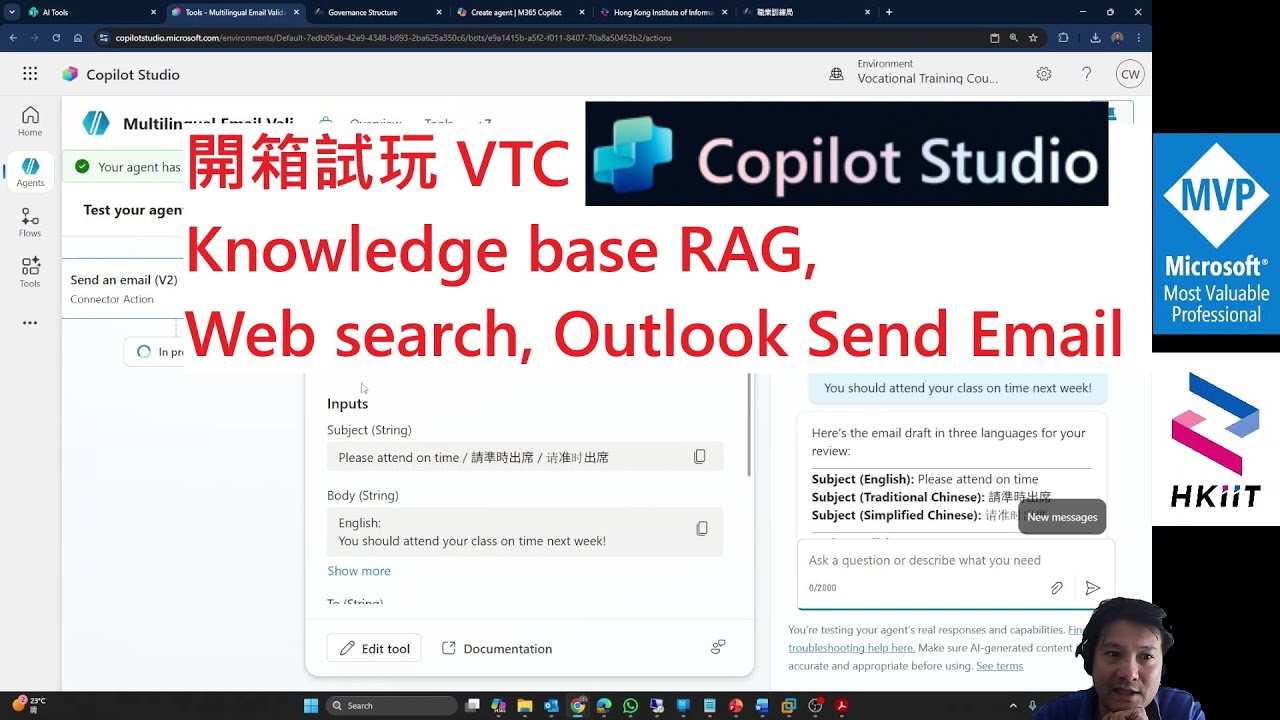
Actions & Tools: Configuring the agent to draft and send emails via Outlook with specific parameters (English, Traditional & Simplified Chinese).
Limitations: Hitting the "Admin Policy" wall when trying to publish or chain agents together.
⏱️ Timestamps:
00:00 Introduction & Creating a New Agent
01:35 Configuring Knowledge Sources (SharePoint vs. Upload)
03:00 Uploading the Student Handbook (PDF)
06:00 Testing Reasoning: Queries about Holidays & Exam Dates
09:40 Adding Public Websites as Knowledge Sources
12:15 Exploring Actions & Tools
15:00 Setting up an "Email Sender" Tool
18:00 Testing the Email Action (Multi-lingual drafting)
25:00 Attempting to create a Child Agent (Agent Chaining)
28:00 Exploring the Email Validation Agent
34:00 Final Testing & Admin Policy Restrictions
38:00 Conclusion: Great for internal tools, harder for public facing
#CopilotStudio #MicrosoftCopilot #AI #RAG #VTC #EdTech #LowCode #Automation
Доступные форматы для скачивания:
Скачать видео mp4
-
Информация по загрузке:





