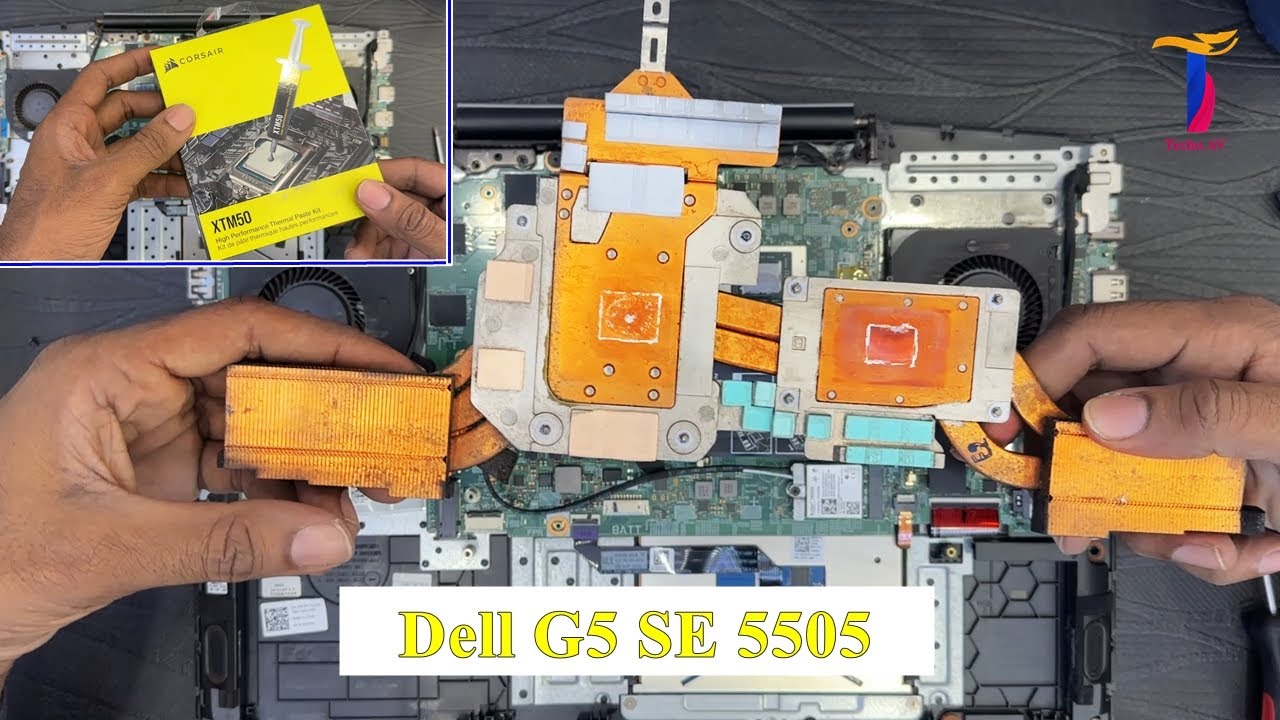
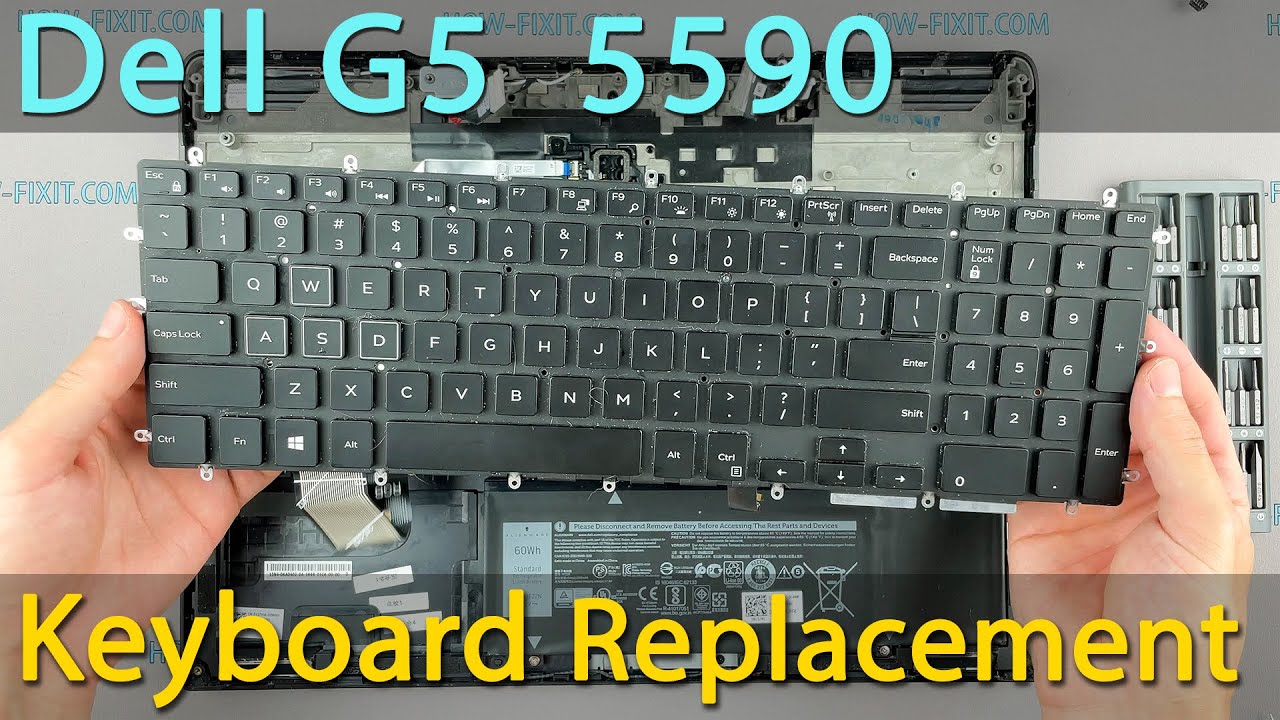
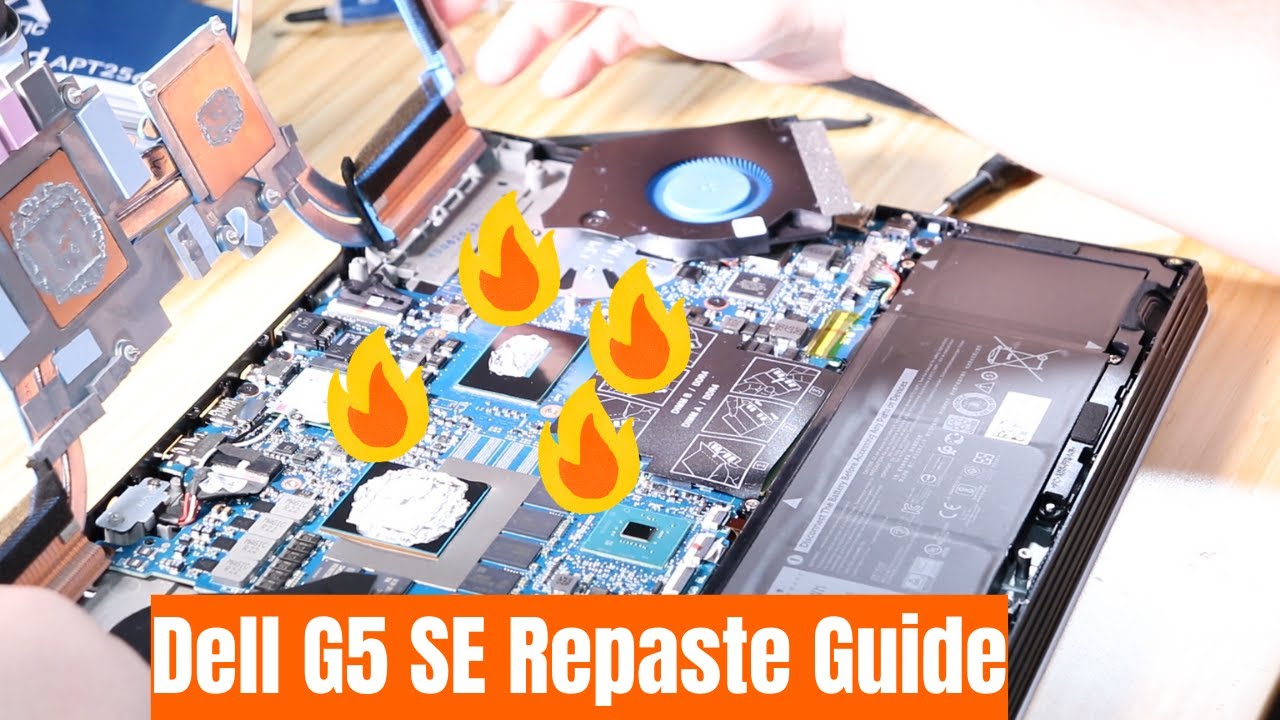
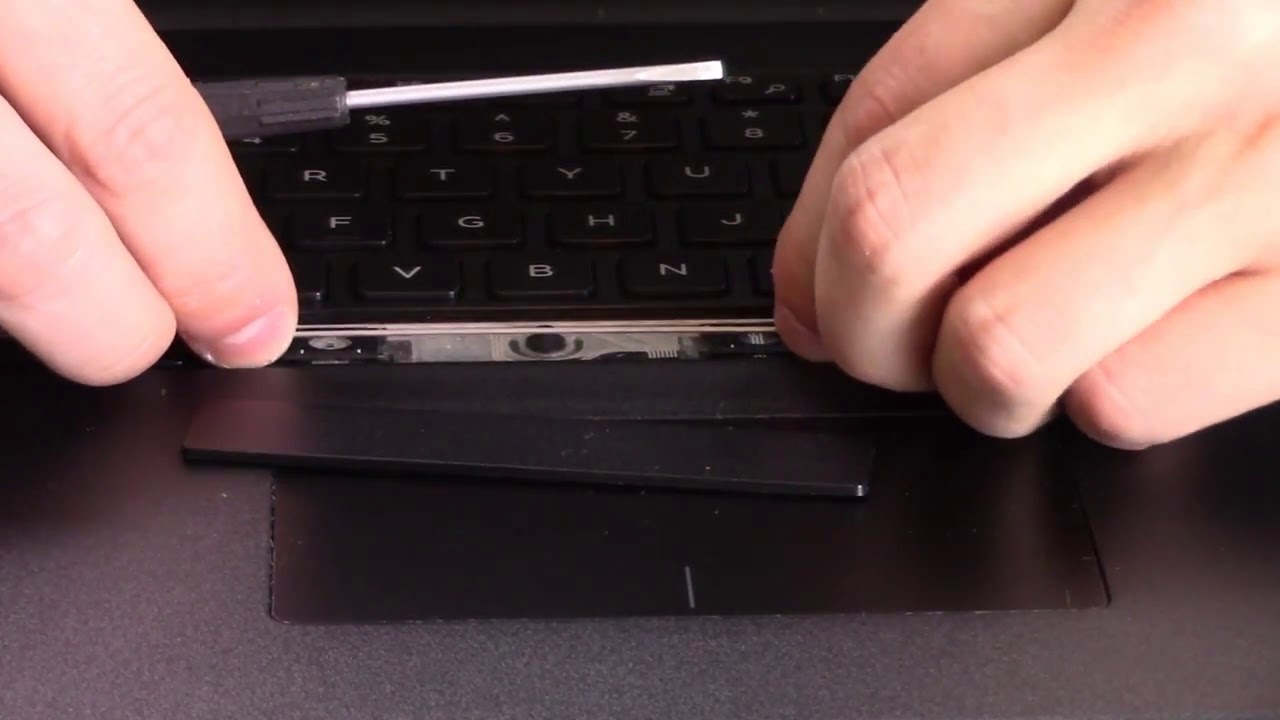
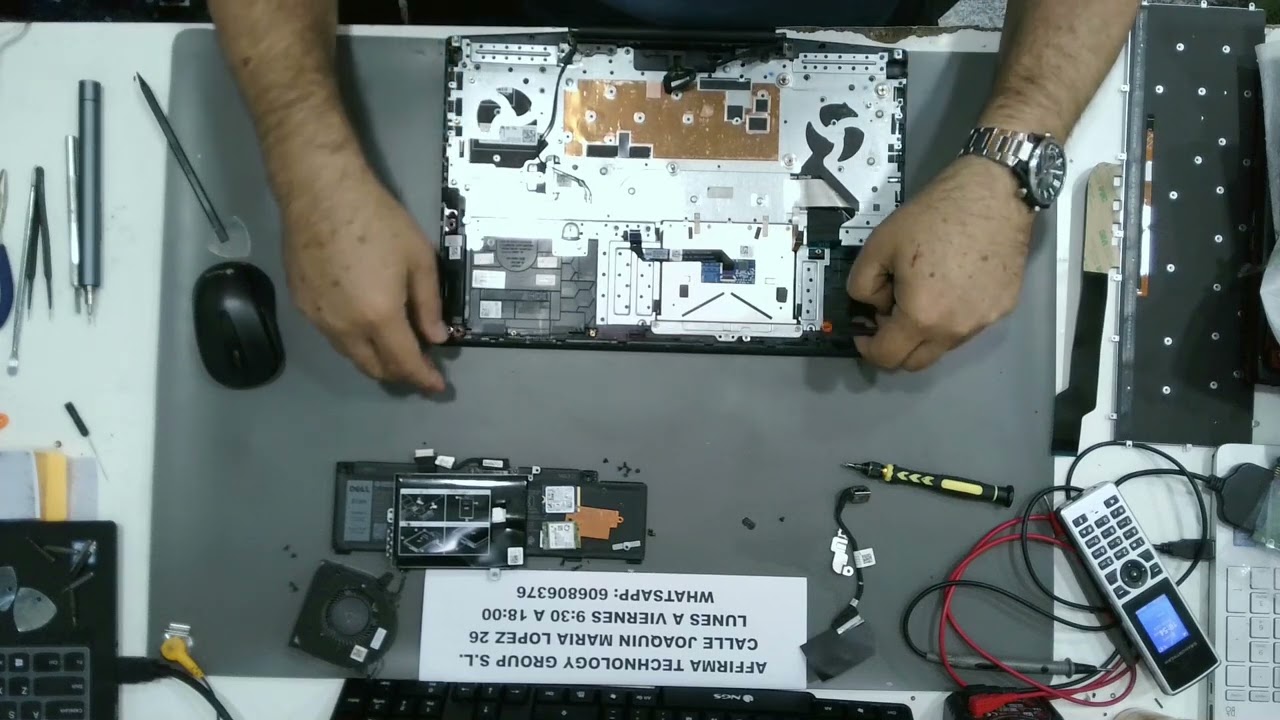
⌨️How to Replace the Keyboard on Dell G5 15 SE 5505 P89F? Step-by-Step Guide⌨️
Автор: Kelatos
Загружено: 2025-01-20
Просмотров: 558
Is your Dell G5 15 SE 5505 P89F keyboard malfunctioning or unresponsive? 😕 In this video, we’ll show you how to replace the keyboard and restore the full functionality of your laptop. 💻 Whether keys are sticking, not working, or the entire keyboard is damaged, we have you covered with a simple, easy-to-follow tutorial. 🔧 We’ll guide you through the disassembly process, step by step, so you can safely remove the old keyboard and install the new one. This repair can save you time and money while getting your laptop back to perfect working condition. 🌟 Don’t forget to like, share, and subscribe for more tech repair tutorials!
-CONTACT DETAILS-
🌐 https://delltech.com.es/
📞WhatsApp: +34 606 80 63 76
🌐 www.kelatos.com
⚙️ If you have any questions or doubts, subscribe to our electronic community at www.kelatos.com/foro
🏠 Address: Calle Joaquín María López 26, Madrid
⚙️ Kelatos: your technical service in Madrid. ⚙️
#Kelatos #technicalservice
#DellG515SE5505 #KeyboardReplacement #LaptopRepair #DellFix #TechRepair #DIYRepair #LaptopUpgrade #DellFix
Доступные форматы для скачивания:
Скачать видео mp4
-
Информация по загрузке: