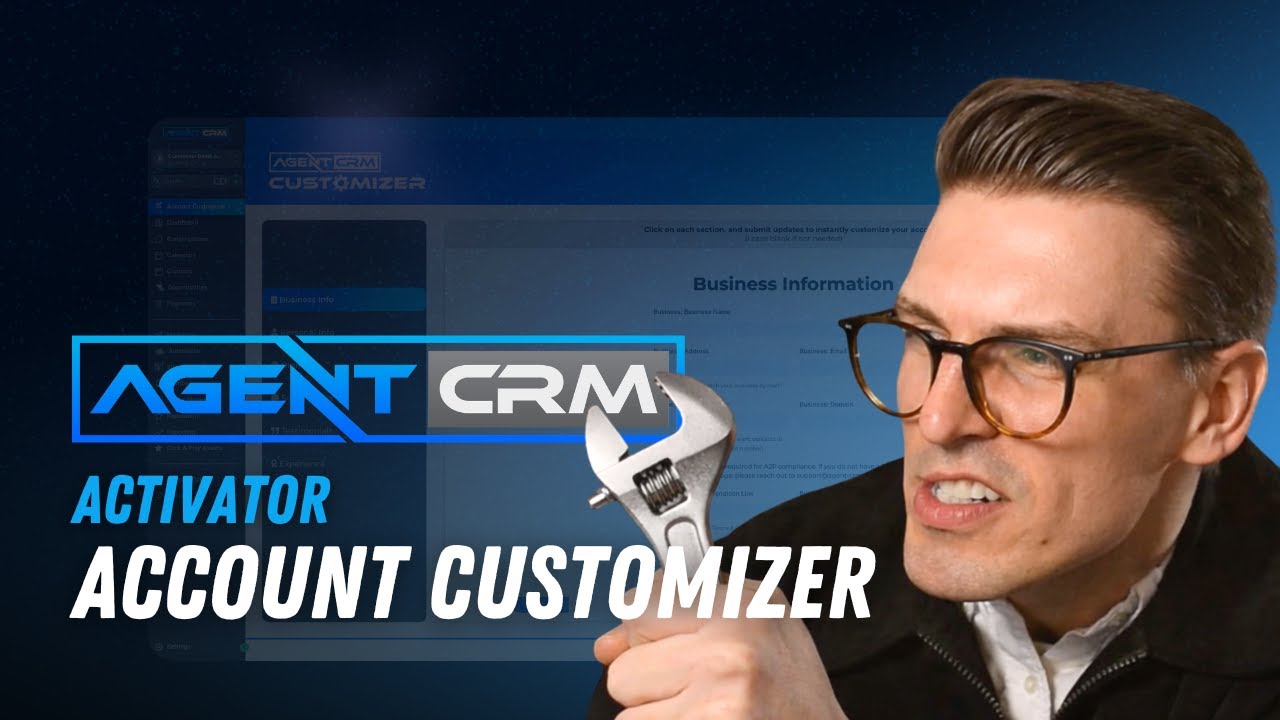
Agent CRM Account Customizer
Автор: Agent CRM
Загружено: 2026-01-15
Просмотров: 23
Agent CRM comes fully loaded with websites, emails, workflows, and assets—but out of the box, they’re generic.
In this video, Will walks us through how to personalize every major business asset in one place using the Agent CRM Account Customizer—so your system actually looks, feels, and sounds like your business.
Logos, colors, profile photos, signatures, testimonials, calendars, and emails—this is the step that turns Agent CRM from “installed” into professional and credible.
⏱️ Timestamps
0:17 – Overview: updating all assets in one place
0:36 – Where to find the Account Customizer
0:54 – Business info
2:23 – Uploading a professional profile photo
2:57 – Creating a signature using the built-in tool
4:00 – Branding section: logos & colors
5:19 – Social media links (and when to leave them blank)
5:38 – Adding testimonials for credibility
6:30 – Connecting your calendar to all emails
9:09 – Live refresh: website updates instantly
9:49 – When and why to revisit the Customizer
🎯 What This Video Covers
Updating logos, colors, and branding
Personalizing websites, emails, and workflows
Adding profile photos and digital signatures
Improving credibility with testimonials & stats
Ensuring all emails link to the correct calendar
Making system-wide changes without editing every asset manually
🔑 Key Takeaways
The Account Customizer is your single source of truth
Changes here automatically update websites, emails, and workflows
Keep bios short (~220 characters) for best results
Choose a neutral primary color and a high-contrast CTA color
Revisit the Customizer anytime your branding changes
📌 Pro Tip: This step is foundational. Before running ads, sending traffic, or scaling automation—make sure your system reflects your brand, not a placeholder.
More videos coming soon covering email edits, calendar upgrades, and deeper customization.
Thanks for watching.
Доступные форматы для скачивания:
Скачать видео mp4
-
Информация по загрузке:








![ChatGPT и Gemini устарели. Вот реально рабочий инструмент [Opal]](https://image.4k-video.ru/id-video/0RvCVXVMftE)


