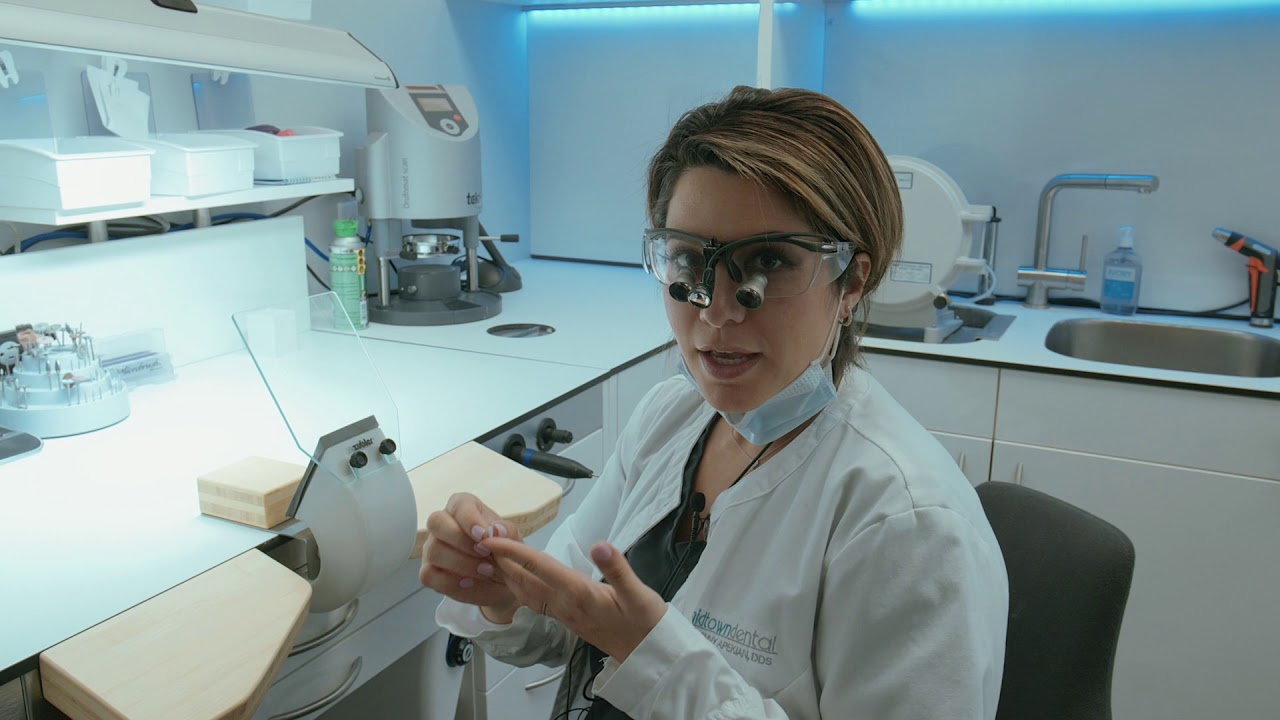
Designing a CEREC Crown with an Omnicam | Step-by-Step Workflow
Автор: Michael Gimotty, DDS, MBA
Загружено: 2024-07-14
Просмотров: 2002
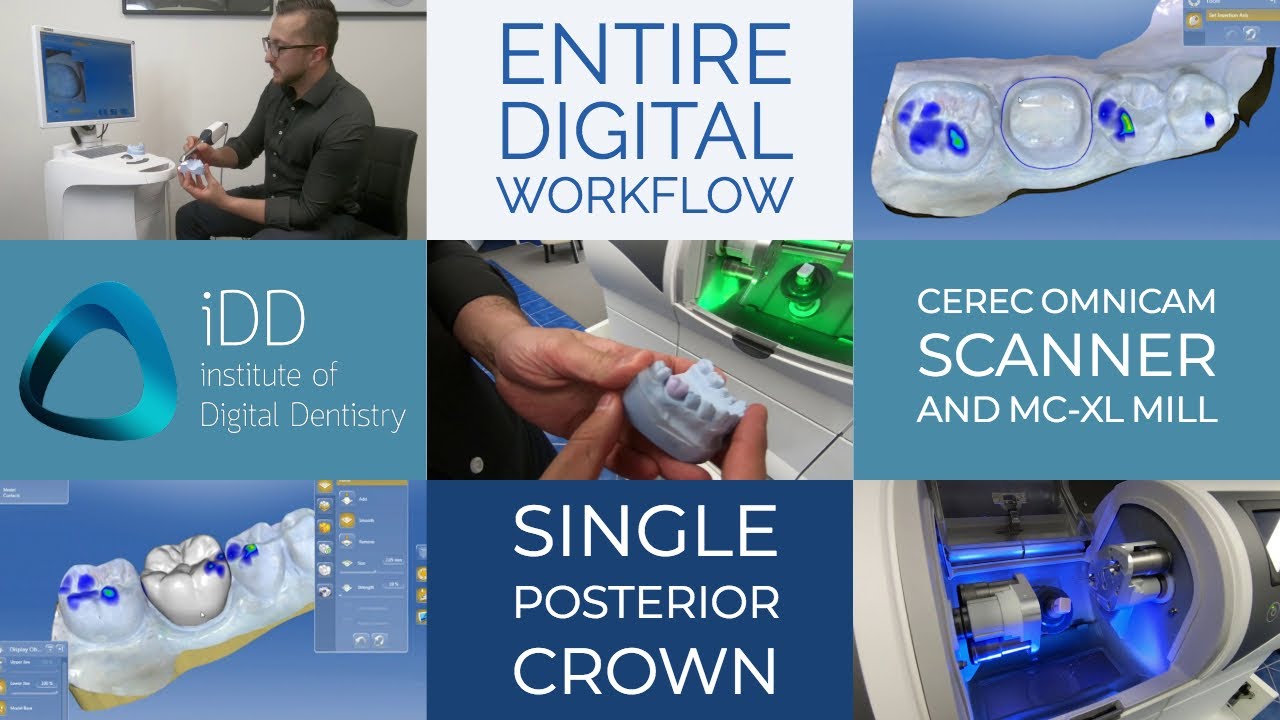
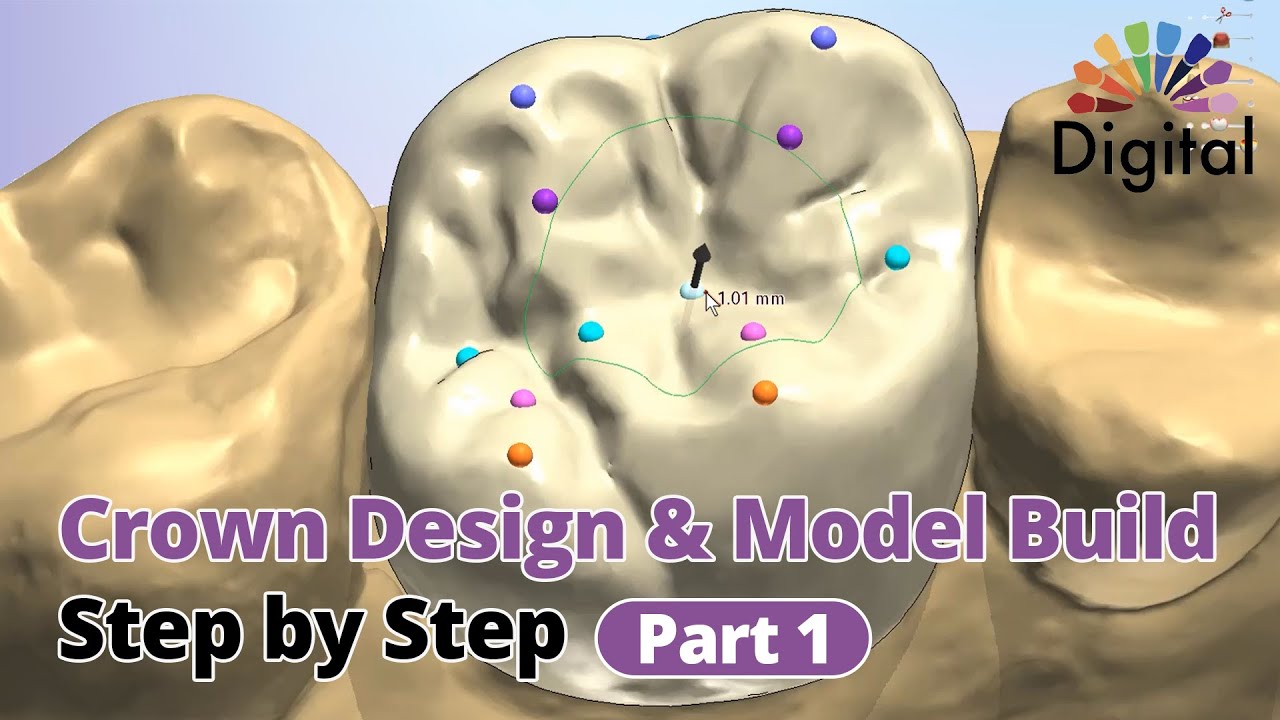
In this video, I walk through the complete process of designing a CEREC crown to be milled in-house. From using biogeneric variation to adjusting contacts and finalizing the design, this guide will help you optimize your CEREC workflow for efficient and precise chairside restorations.
Timestamps:
0:00 Intro
0:41 Opening Tools Window
2:32 Biogeneric Variation
4:12 Shape Tool
8:50 Adjusting Contacts
12:19 Final Analysis
14:40 Slice Tool
16:24 Outro
Equipment & Software Used:
Software: CEREC Version 5.1.3
Scanner: CEREC Omnicam
Milling Unit: CEREC MC XL
Watch More CEREC Omnicam Tutorials: • CEREC Omnicam Workflow | Scanning, Designi...
Watch Digital Denture Tutorials: • Complete Digital Denture Workflow | Step-b...
Watch Digital Implant Planning Tutorials: • Digital Implant Planning | Single, Multipl...
Follow me for more digital dentistry content: / gimotty_endo
Connect with me on LinkedIn: / gimotty
Like, Subscribe, and drop a comment below if you have any questions!
#DigitalDentistry #CEREC #CERECOmnicam #CERECWorkflow #MCXL #CADCAM #DentalScanning #DigitalCrown

Доступные форматы для скачивания:
Скачать видео mp4
-
Информация по загрузке: