Скачать
How to quickly compute Surface High and Low Points in Civil 3D
Автор: Jerry Bartels
Загружено: 2017-02-13
Просмотров: 22020
Описание:
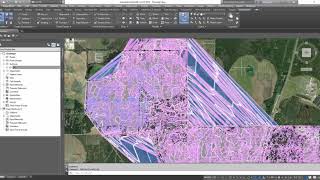
In this (5 min) video, I show how to use the AECCDRAWSURFACEHIGHLOWPOINTS command to quickly calculate and annotate the High points and Low points on my Civil 3D surface. Using this information can help me when it comes to analyzing drainage in proposed and existing situations.
Learn more tips and tricks at http://civilimmersion.typepad.com

Доступные форматы для скачивания:
Скачать видео mp4
-
Информация по загрузке: