AmiJazda 27 - The A500 Mini + Workbench 3 9 + RTG
Автор: AmiJazda
Загружено: 2022-04-28
Просмотров: 2852
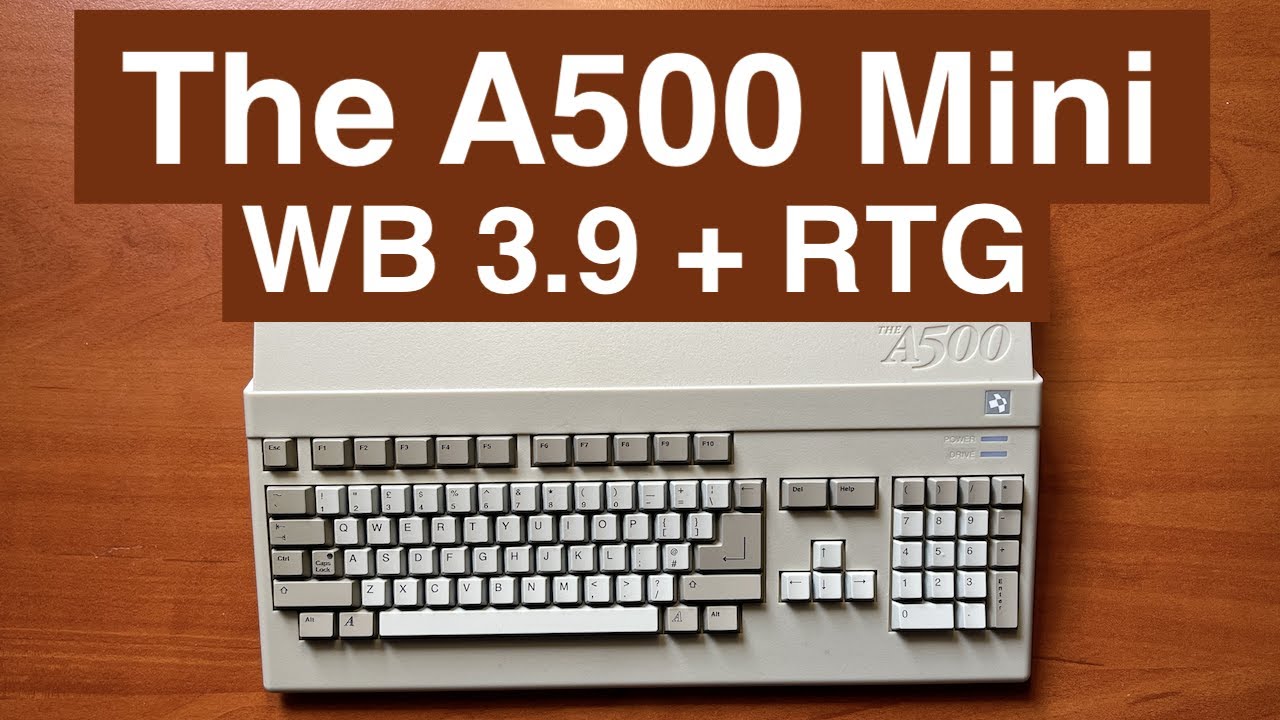
Drugi film o A500 Mini. Tym razem bardziej praktyczny - pokazuje jak uruchomić Workbencha 1.3, 3.1.4 oraz 3.9 (w trybie RTG).
A tak wyglada zawartość pliku WB39BB2_RTG_ol.uae który pokazuje w tym filmie:
amiberry.gfx_auto_height=false
amiberry.gfx_dynamic_top=0
amiberry.gfx_dynamic_height=284
chipmem_size=16
fastmem_size=0
gfx_center_vertical=smart
gfx_center_horizontal=smart
gfx_width=720
gfx_height=284
gfx_linemode=double2
blitter_cycle_exact=false
immediate_blits=false
waiting_blits=disabled
fast_copper=false
amiberry.force_jit=true
comp_fpu=true
;cachesize=16384
ntsc=true
joyport0_mode=mousenowheel
joyport0_name=MOUSE0
joyport0_amiberry_custom_none_dpad_up=
joyport0_amiberry_custom_none_dpad_down=
joyport0_amiberry_custom_none_dpad_left=
joyport0_amiberry_custom_none_dpad_right=
joyport0_amiberry_custom_none_north=
joyport0_amiberry_custom_none_west=
joyport0_amiberry_custom_none_south=
joyport0_amiberry_custom_none_east=
joyport0_amiberry_custom_none_left_shoulder=
joyport0_amiberry_custom_none_right_shoulder=
joyport0_amiberry_custom_none_start=
joyport0_amiberry_custom_hotkey_dpad_up=
joyport0_amiberry_custom_hotkey_dpad_down=
joyport0_amiberry_custom_hotkey_dpad_left=
joyport0_amiberry_custom_hotkey_dpad_right=
joyport0_amiberry_custom_hotkey_north=
joyport0_amiberry_custom_hotkey_west=
joyport0_amiberry_custom_hotkey_south=
joyport0_amiberry_custom_hotkey_east=
joyport0_amiberry_custom_hotkey_left_shoulder=
joyport0_amiberry_custom_hotkey_right_shoulder=
joyport0_amiberry_custom_hotkey_start=
joyport0_hotbutton=
joyport1_mode=djoy
joyport1_name=JOY1
joyport1_amiberry_custom_none_dpad_up=Joy2 Up
joyport1_amiberry_custom_none_dpad_down=Joy2 Down
joyport1_amiberry_custom_none_dpad_left=Joy2 Left
joyport1_amiberry_custom_none_dpad_right=Joy2 Right
joyport1_amiberry_custom_none_north=Joy2 2nd Button/Mouse2 Right Button
joyport1_amiberry_custom_none_west=Joy2 Fire/Mouse2 Left Button
joyport1_amiberry_custom_none_south=Joy2 Up
joyport1_amiberry_custom_none_east=Joy2 Fire/Mouse2 Left Button
joyport1_amiberry_custom_none_left_shoulder=Joy2 Left
joyport1_amiberry_custom_none_right_shoulder=Joy2 Right
joyport1_amiberry_custom_none_start=Toggle Virtual Keyboard
joyport1_amiberry_custom_hotkey_dpad_up=
joyport1_amiberry_custom_hotkey_dpad_down=
joyport1_amiberry_custom_hotkey_dpad_left=
joyport1_amiberry_custom_hotkey_dpad_right=
joyport1_amiberry_custom_hotkey_north=
joyport1_amiberry_custom_hotkey_west=
joyport1_amiberry_custom_hotkey_south=
joyport1_amiberry_custom_hotkey_east=
joyport1_amiberry_custom_hotkey_left_shoulder=
joyport1_amiberry_custom_hotkey_right_shoulder=
joyport1_amiberry_custom_hotkey_start=
joyport1_hotbutton=
input.mouse_speed=100
manhattan.joyport0_is_default=false
manhattan.joyport1_is_default=true
amiberry.open_gui=F12
amiberry.save_state_on_exit=true
amiberry.ignore_gui=false
;use_gui=yes
cpu_type=68020
cpu_compatible=false
cpu_24bit_addressing=false
cpu_cycle_exact=false
cpu_memory_cycle_exact=false
cycle_exact=false
compfpu=true
cachesize=16384
cpu_speed=max
fpu_no_unimplemented=true
fpu_strict=false
chipset=aga
kickstart_rom_file=/usr/share/amiberry/kickstarts/kick40068.A4000
hardfile2=rw,HD0:/mnt/hdf/WB39BB2.hdf,32,1,2,512,50,,uae0
uaehf1=hdf,rw,HD0:/mnt/hdf/WB39BB2.hdf,32,1,2,512,50,,uae0
hardfile2=rw,HD1:/mnt/hdf/Extras.hdf,32,1,2,512,0,,uae1
uaehf2=hdf,rw,HD1:/mnt/hdf/Extras.hdf,32,1,2,512,0,,uae1
filesystem2=rw,DH4:Data:/mnt/data,0
uaehf3=dir,rw,DH4:Data:/mnt/data,0
rtg_modes=0x502
z3mem_size=16
gfxcard_size=16
mbresmem_size=128
Доступные форматы для скачивания:
Скачать видео mp4
-
Информация по загрузке: