Ruby Highlights: "Manage Screen" Tutorial | The Best Laser Software
Автор: Trotec Laser Canada
Загружено: 2023-07-06
Просмотров: 1159
In this video, we will guide you through the essential tips and tricks for effectively managing laser designs and maximizing your productivity using Trotec Ruby software. Whether you are a beginner or an experienced user, these strategies will help you streamline your workflow and save valuable time.
The Manage screen in Trotec Ruby is a powerful tool that provides searchable storage for your laser designs and jobs. It also allows you to import designs and ideas from other design software seamlessly. In this video, we will explore the various features and functions of the Manage screen to help you make the most out of your laser engraving projects.
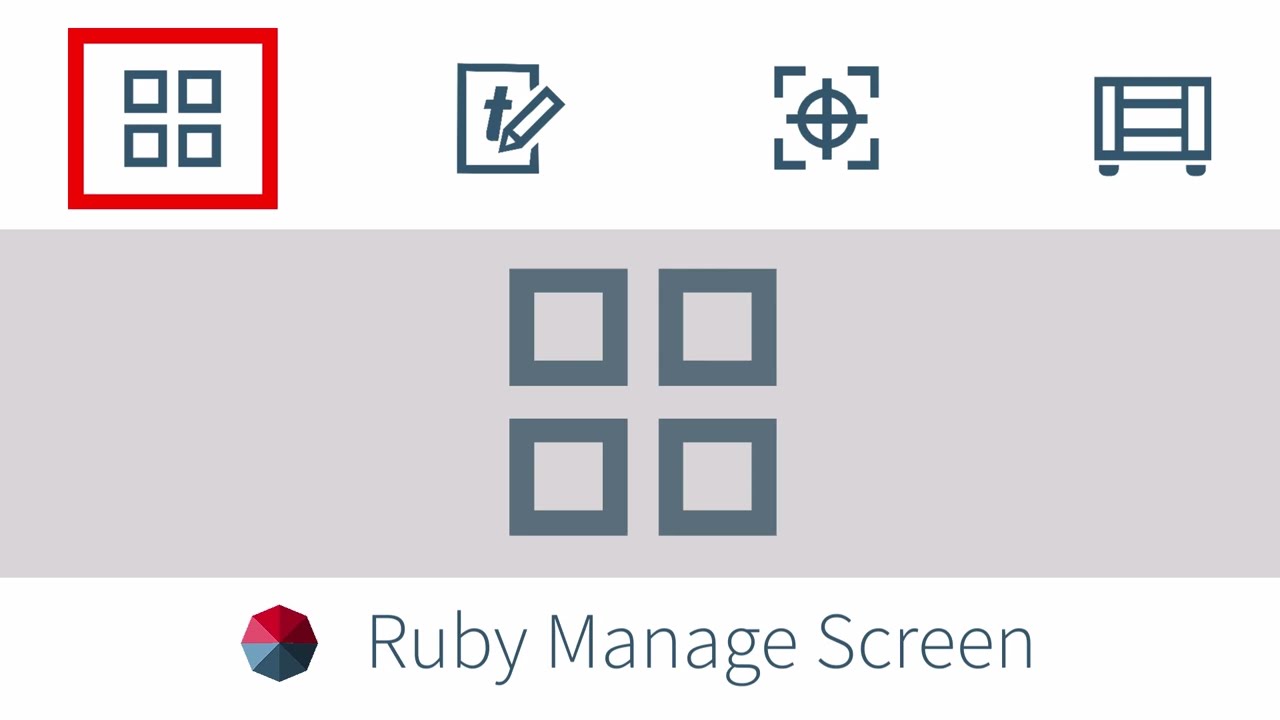
The Manage screen is easily accessible through the four squares icon located in the top center of the screen within the Ruby software. Before diving into the specifics, we'll walk you through the main menu, where you'll find shortcuts and notifications to enhance your user experience.
To get started, we'll show you how to import designs into the Manage screen. You can either use the import button to bring in compatible graphics and designs or drag and drop them directly from a folder or another computer screen. We'll demonstrate how to import multiple files at once and even extract designs from a zipped folder effortlessly.
Once your designs are loaded, you can organize and search for them using the search bar at the top of the page. We'll also explain how to delete or export files from Ruby for use on other laser machines running Ruby.
Moving on, we'll explore the Jobs tab in the Manage screen. Jobs are files that have already been processed through Ruby, and we'll show you how to quickly access and send these files directly to the laser machine for laser processing. This feature is particularly useful for recurring production jobs, saving you precious time and effort.
Next, we'll delve into Profiles, a powerful automation tool in Ruby. Profiles allow you to assign desired material and layout properties to automatically push files into your laser's queue. We'll guide you through setting up profiles for reoccurring jobs and demonstrate how files imported or dragged into a profile are automatically forwarded to the production queue. This feature drastically improves productivity, especially when dealing with customized designs from customers or other software.
Lastly, we'll explore the Fonts tab in the Manage screen. This tab enables you to install custom fonts into Ruby, expanding your options for text editing and designing within the software. We'll explain how to import custom fonts using the import button or drag-and-drop functionality.
By the end of this video, you'll have a comprehensive understanding of the Manage screen in Trotec Ruby and how to leverage its features to optimize your laser engraving workflow. Follow our expert tips and tricks, and take your productivity to new heights with Trotec Ruby.
Don't forget to like this video and subscribe to our channel for more tutorials and tips on laser engraving and design software. Let's get started on your journey to becoming a laser engraving pro!
------------------------------------------------------------------------
🧱To purchase MATERIALS go to:🧱
http://www.engraving-supplies.ca
To get a quote on our laser engraving and cutting machines, please contact us below:
📞 Phone: 1 (888) 998 2217
📧 Email: youtube@troteclaser.ca
Follow us on social media:
🔵 Facebook: https://goo.gl/UfHnEa
🐦 Twitter: https://goo.gl/GEgTwQ
📸 Instagram: https://goo.gl/gJN5b4
📱 LinkedIn: https://goo.gl/oBL6V4
🎶 TikTok: https://bit.ly/3i7PHbb
🌎Trotec Canada locations:
Vancouver | 20381 62 Ave #705, Langley, BC V3A 5E6
Calgary | 820 28 St NE #2, Calgary, AB T2A 6K1
Toronto | 1705 Argentia Rd #9, Mississauga, ON L5N 3A9
Montreal | 8096 Trans Canada Route, Saint-Laurent, QC H4S 1M5
#TrotecRuby #LaserDesigns #ProductivityTips #TimeManagement #LaserEngraving #WorkflowOptimization #DesignSoftware #Automation #CustomFonts #LaserProcessing #ManageScreen #TrotecLasers #EngravingPro #TrotecTutorial #DesignManagement #JobAutomation #GraphicDesign #RubySoftware #WorkflowEfficiency #DesignProductivity #LaserEngravingTips
Доступные форматы для скачивания:
Скачать видео mp4
-
Информация по загрузке: