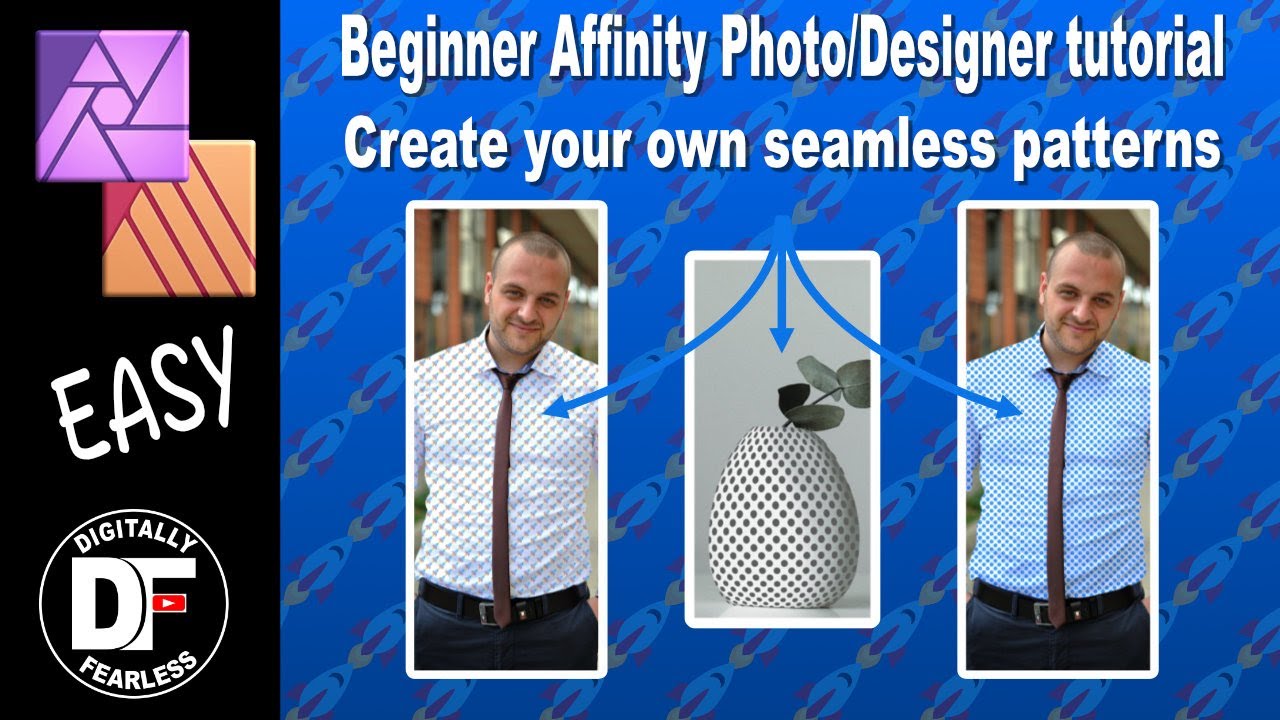
Affinity Photo beginner tutorial. Create a seamless pattern to place on anything. works in Designer
Автор: Digitally Fearless Affinity with Richard Spezzano
Загружено: 2020-07-20
Просмотров: 1728
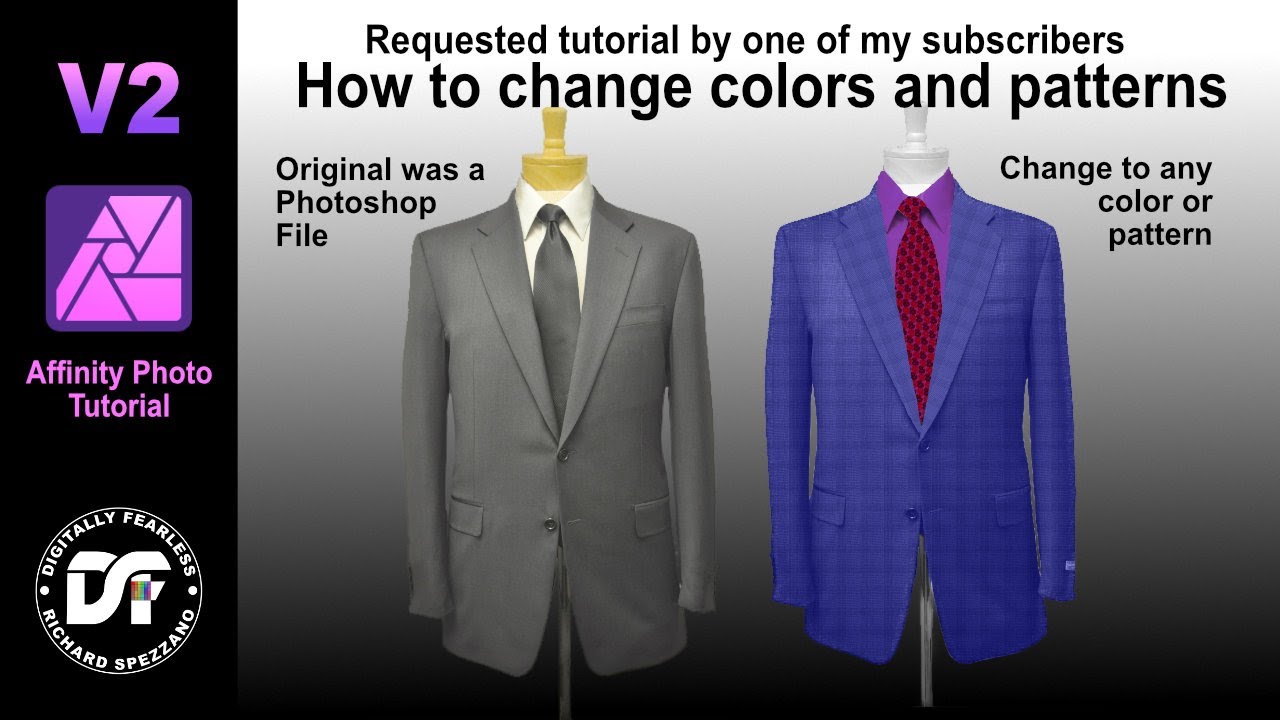
Affinity Photo beginners tutorial. Create a seamless pattern. Place it on anything. Enhance it by changing its color, size and angle. Use a mask or warp it.
Digitally Fearless YouTube Channel:
/ digitallyfearless
Facebook
/ df.richardspezzano
Some of my other tutorials are below:
Advanced shirt pattern
• Adding a pattern to clothing. Affinity Pho...
My Top 20 tips in Affinity Photo:
• Top 20 tips in Affinity Photo
Jigsaw Puzzle
• Create a puzzle from your photo, Affinity ...
Art from Dashes
• So easy! Use dashes and line tips to creat...
Color Match
• An easy way to color match in this Affinit...
Smart objects Part 3
• Part 3 smart objects Affinity Photo tutorial
Smart Objects Part 2
• Smart Objects Affinity Photo Tutorial part 2
Smart Objects Part 1
• Affinity Photo and Designer Smart Objects ...
Facebook
/ df.richardspezzano
Доступные форматы для скачивания:
Скачать видео mp4
-
Информация по загрузке: