Sharing Mac audio in Microsoft Teams using Loopback
Автор: Steve Burholt - Improving audio
Загружено: 2020-10-03
Просмотров: 25309
#MSTeams #Apple #Mac #Loopback
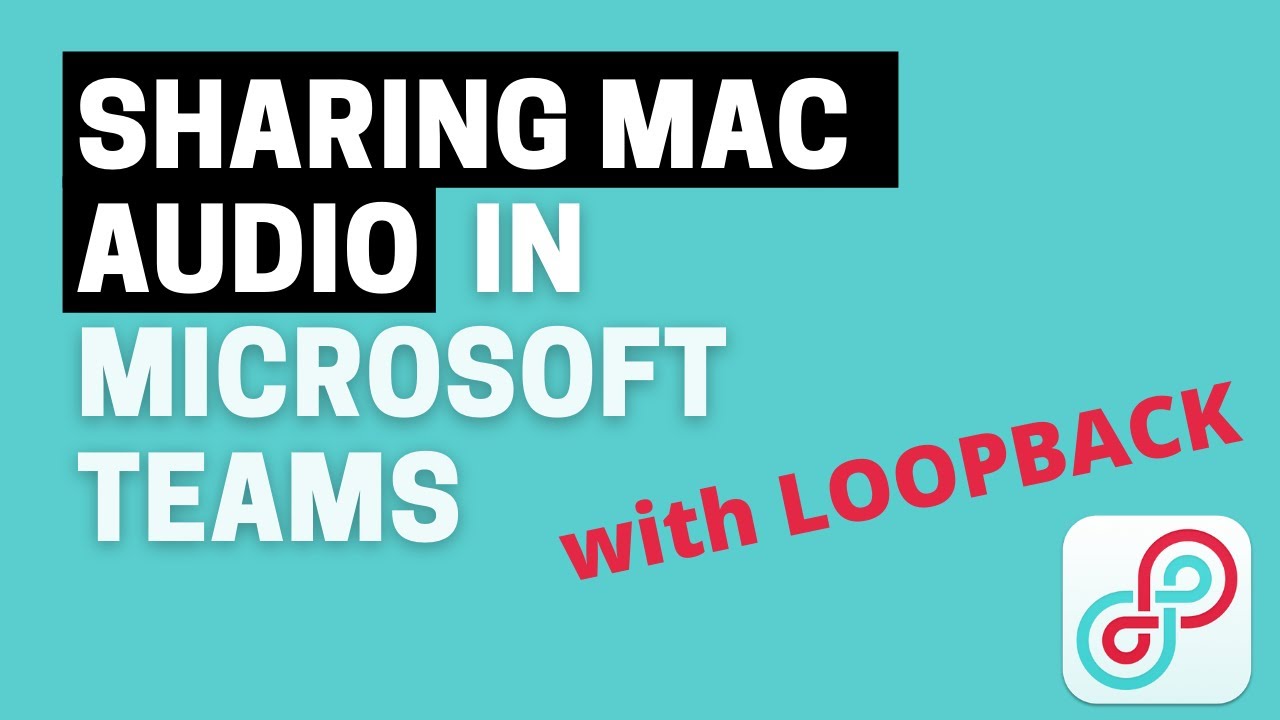
It's currently not easy to share computer audio when using Microsoft Teams on a Mac. For example, in its default setup, you could share a YouTube video but the Mac would not include the audio. Although it's possible to solve this by setting up 'virtual devices' in the Mac, Loopback software offers a graphical interface that makes this process easier, particularly for non-technical users.
00:00 Introduction
00:31 Loopback software
01:30 Add YouTube audio
02:27 Microsoft Teams
03:25 Summary
ALTERNATIVES TO LOOPBACK
These include Soundflower (Mac), Ladiocast (Mac) and Voicemeeter (PC)
GEAR
(As an Amazon Associate I earn from qualifying purchases)
Loopback software: https://rogueamoeba.com/loopback/
Lapel mic: https://www.thomann.de/gb/audio_techn...
Focusrite Scarlett 4i4 audio interface: https://amzn.to/42IfqxC
Editing software: https://www.adobe.com/uk/products/pre...
My gear: https://kit.co/steveburholt/youtube
👉🏽 https://www.buymeacoffee.com/stevebur... ☕️👈🏽
Доступные форматы для скачивания:
Скачать видео mp4
-
Информация по загрузке: