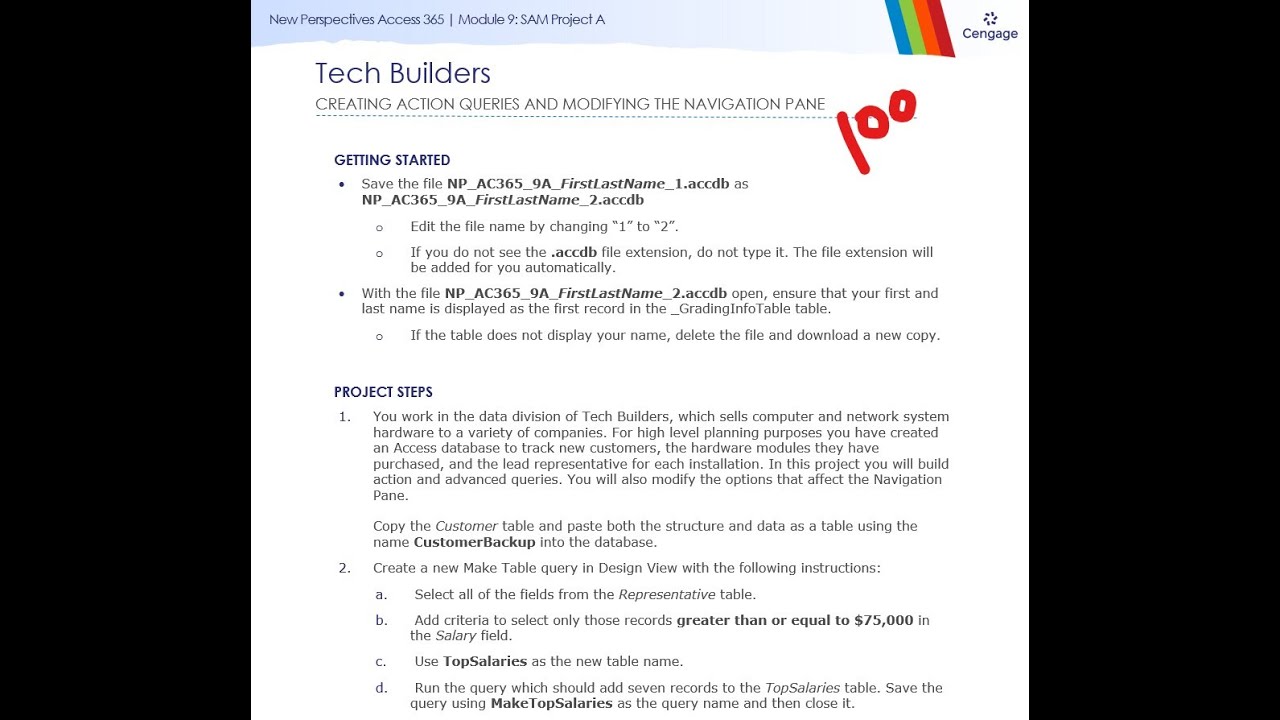
New Perspectives Access 365 | Module 9: SAM Project A
Автор: Excel Access Help
Загружено: 2026-01-11
Просмотров: 0
Please contact us if you need this project or any other project in any subject to be completed.
Whatsapp: +1-343-321-3276
Email: essayserviceusa@gmail.com
WhatsApp Link: https://wa.me/13433213276
#NewPerspectivesAccess365 #Module9SAMProjectA
#TechBuilders
New Perspectives Access 365 | Module 9: SAM Project A
Tech Builders
CREATING ACTION QUERIES AND MODIFYING THE NAVIGATION PANE
PROJECT STEPS
1. You work in the data division of Tech Builders, which sells computer and network system hardware to a variety of companies. For high level planning purposes you have created an Access database to track new customers, the hardware modules they have purchased, and the lead representative for each installation. In this project you will build action and advanced queries. You will also modify the options that affect the Navigation Pane.
Copy the Customer table and paste both the structure and data as a table using the name CustomerBackup into the database.
2. Create a new Make Table query in Design View with the following instructions:
a. Select all of the fields from the Representative table.
b. Add criteria to select only those records greater than or equal to $75,000 in the Salary field.
c. Use TopSalaries as the new table name.
d. Run the query which should add seven records to the TopSalaries table. Save the query using MakeTopSalaries as the query name and then close it.
3. Create a new Append query in Design View with the following instructions:
a. Select all of the fields from the Representative table.
b. Add criteria to select only those records greater than or equal to $70,000 and less than $75,000 in the Salary field.
c. Append the records to the TopSalaries table.
d. Run the query which should append 9 records into the TopSalaries table. Save the query with the name AppendTopSalaries and then close it.
e. Open the TopSalaries table to review all 16 records as shown in Figure 1. Close the TopSalaries table.
Figure 1: TopSalaries Table in Datasheet View
4. Create a new Delete query in Design View with the following instructions:
a. Select all of the fields from the Customer table.
b. Add criteria to select only those records with a ContractSigned date prior to 7/1/2025.
c. Run the query which should delete three records from the Customer table. Save the query with the name DeleteBeforeJulyContracts and then close it.
5. Create a new Update query in Design view with the following instructions:
a. Select the ComponentName, InstallationFee, and MonthlyFee fields from the HardwareComponent table.
b. Add criteria so only those records with an InstallationFee that are greater than or equal to 3000 are selected.
c. Update both the InstallationFee and MonthlyFee fields to increase them by 20% more than their current values.
d. Run the query to update six records, save it with the name UpdateFees20 and then close it.
6. Open the UnorderedComponents query in Design View and complete the following:
a. Delete the criteria row that contains criteria in the InstallationFee field.
b. Add the CustomerHardware table to the query and add the CustomerID field from the CustomerHardware table to the query grid in the fourth column.
c. Change the join properties between the two tables to select all records from the HardwareComponent table.
d. Enter Is Null criteria for the CustomerID field to select only those records from the HardwareComponent table with no matching records in the CustomerHardware table.
Save the UnorderedComponents query, display it in Datasheet View as shown in Figure 2, and then close it.
Figure 2: UnorderedComponents Query in Datasheet View
7. Change the Navigation Options to show hidden objects and unhide the Revenue query.
8. Hide the RepresentativeSalaries query in the Navigation Pane and then change the Navigation Options to hide hidden objects.
Save and close any open objects in your database. Compact and repair your database, close it, and then exit Access. Follow the directions on the website to submit your completed project.
Доступные форматы для скачивания:
Скачать видео mp4
-
Информация по загрузке:





