Using Collapse Transformations and Continuously Rasterize in After Effects
Автор: School of Motion
Загружено: 2018-01-17
Просмотров: 76599
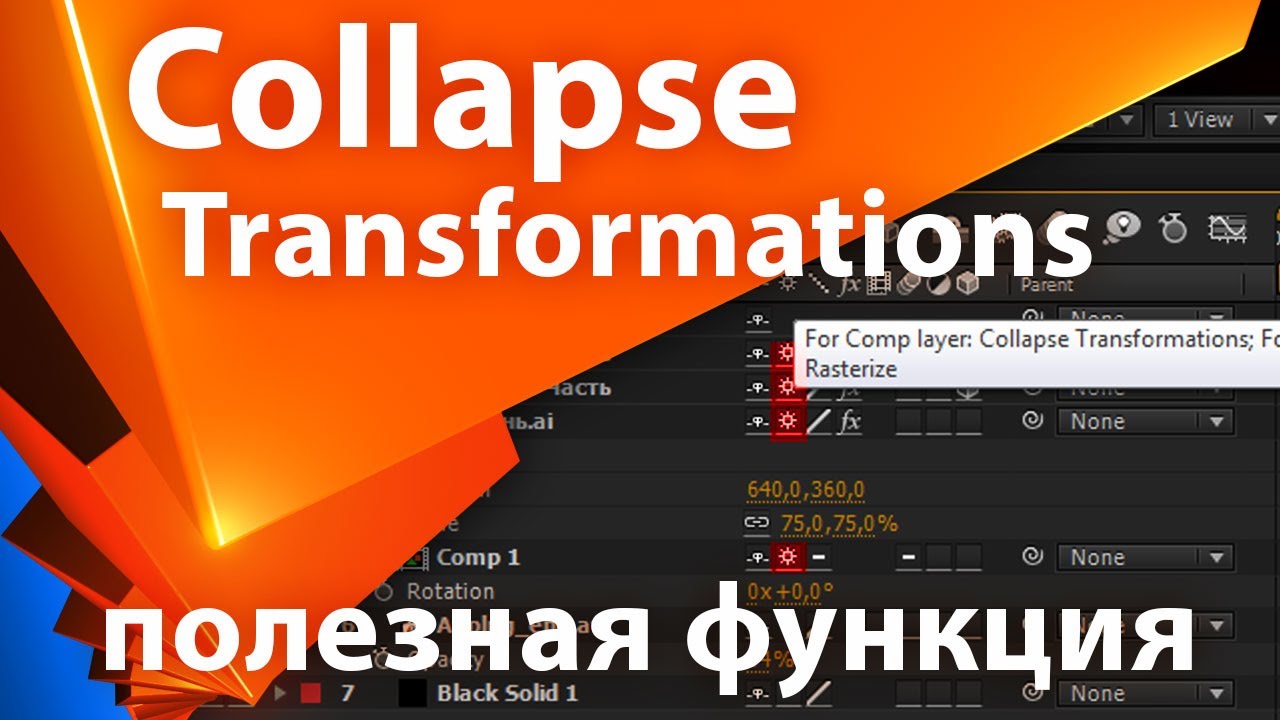
In this tutorial we're going to talk about the Collapse Transformations and Continuously Rasterize switch in After Effects.
Download the Project File: https://www.schoolofmotion.com/tutori...
---------------------------------------------------------------------
Auto-Generated Transcript Below 👇
Music (00:02): [intro music]
Caleb Ward (00:11): Hey, what's up. This is Caleb Ward with school of motion. And in this after effects tutorial, we're going to be talking about one of the most exciting features in all of after-effects. Now I'm not talking about 3d text and I'm not talking about how to create an explosion in after effects. No, I'm talking about the collapsed transformations tool. Now this tool may not fall on your radar very often, but it has the power to completely change your entire aftereffects workflow. So if you're ready to learn something very important and something slightly technical let's hop in. Now, I want you to know that you can download the free project file included in this tutorial, by clicking the link and heading over to school of motion.com. There'll be a link in the description of this video. So before we get going here, I want to talk to you about what the switch actually does.
Caleb Ward (01:01): Yes. You know that it may de pixelate your vector layers, and yes, it may do some weird stuff to your 3d layers whenever you pre compose them. But let's talk about the practical implications of what this which actually does to your layers in the timeline. And to do that, we're going to talk a little bit about the rendering order. So in a typical after-effects, uh, composition, the render order goes like this. After effects, renders out your mass and then moves on to effects. It moves onto transformation, data, blending modes, and then layer styles. Now, you don't have to think about this most of the time, because it pretty much comes second nature, because you know, you would expect that you'd be able to scale up your layer, a plier mask, add your effects at your blending modes and then your layer styles. That's just the typical order that you use whenever you're working in after effects.
Caleb Ward (01:55): But whenever you select this little star button right here, something new happens. And I think you may know what I'm talking about. So I'm going to go ahead and click play here and preview what happens here. So I'm gonna play this back. And as you can see, whenever you select this box, this continuously rasterize or collapse transformation box here after effects, we'll take the transformation data and it will actually compute it before it computes anything else. And sometimes, especially in the case of continuously Rasta rising, it will actually add in a new step in the process called Rasta rising. And let me stop and talk a little bit about what RAs arising means. So after effects is a Rasor base software, which means it uses pixel information to calculate data inside of after effects. It's not a vector software, which means it would use a mathematical formula to create the shape layers and different objects inside.
Caleb Ward (02:53): So because after effects is of Rasor bay software, any asset that gets imported into after effects must be rasterized or turned into a bitmap file, a pixel based file before aftereffects can actually use it. So, so that's not a problem. The majority of the time when you're importing video or JPEGs or PNGs, they're already pixelated and Rasta rising doesn't even need to occur in order for them to be usable to after effects. Now, the problem is whenever you're working with Adobe illustrator files or any other vector format that doesn't include pixel information after effects will actually rasterize it, as soon as you import it into the software, now that's a problem because whenever you drag and drop it into your composition, you'll notice that it typically gets pixelated. So this is where rasterizing comes into play. Rasta rising is the process of recomputing, that vector layers information so that it will get rid of the pixelation.
For the full transcript visit: https://www.schoolofmotion.com/tutori...

Доступные форматы для скачивания:
Скачать видео mp4
-
Информация по загрузке:

![Collapse Transformations/Continuously Rasterize [After Effects]](https://imager.clipsaver.ru/6pCaMjKhocQ/max.jpg)