Correcting Studiologic Velocity Curve nonsense (mac and ipad)
Автор: JJPtech
Загружено: 2026-01-23
Просмотров: 86
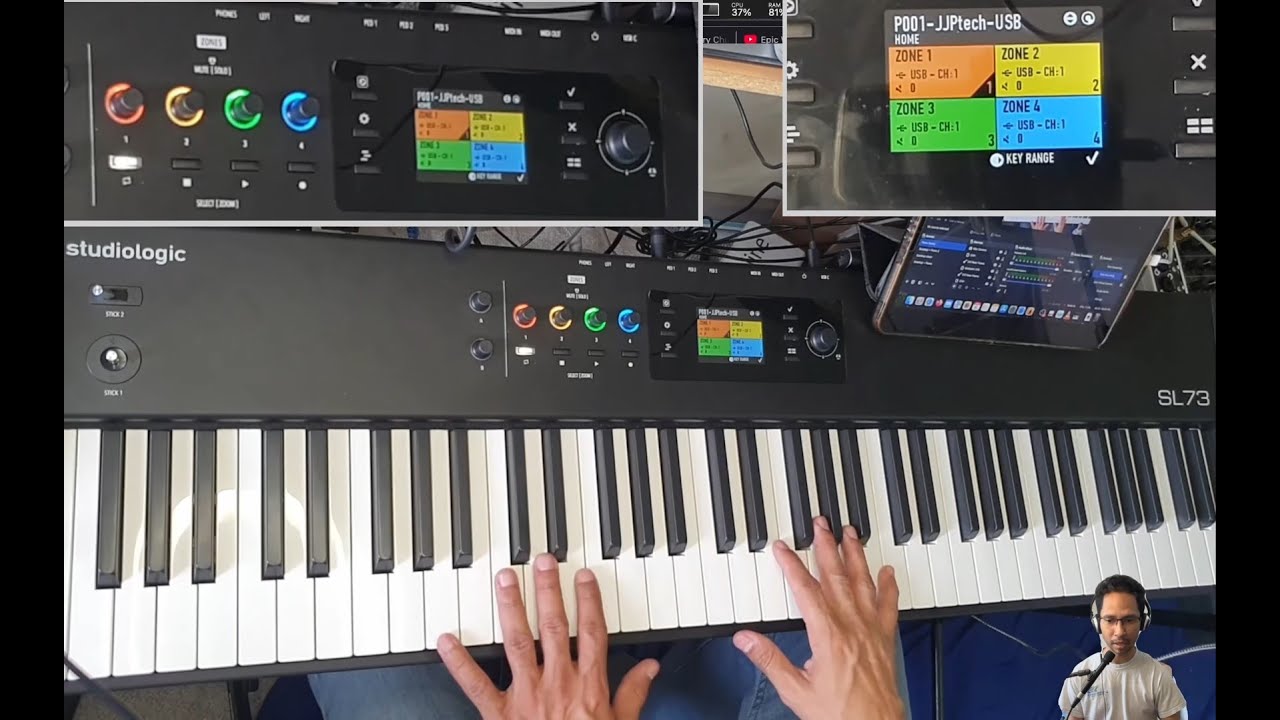
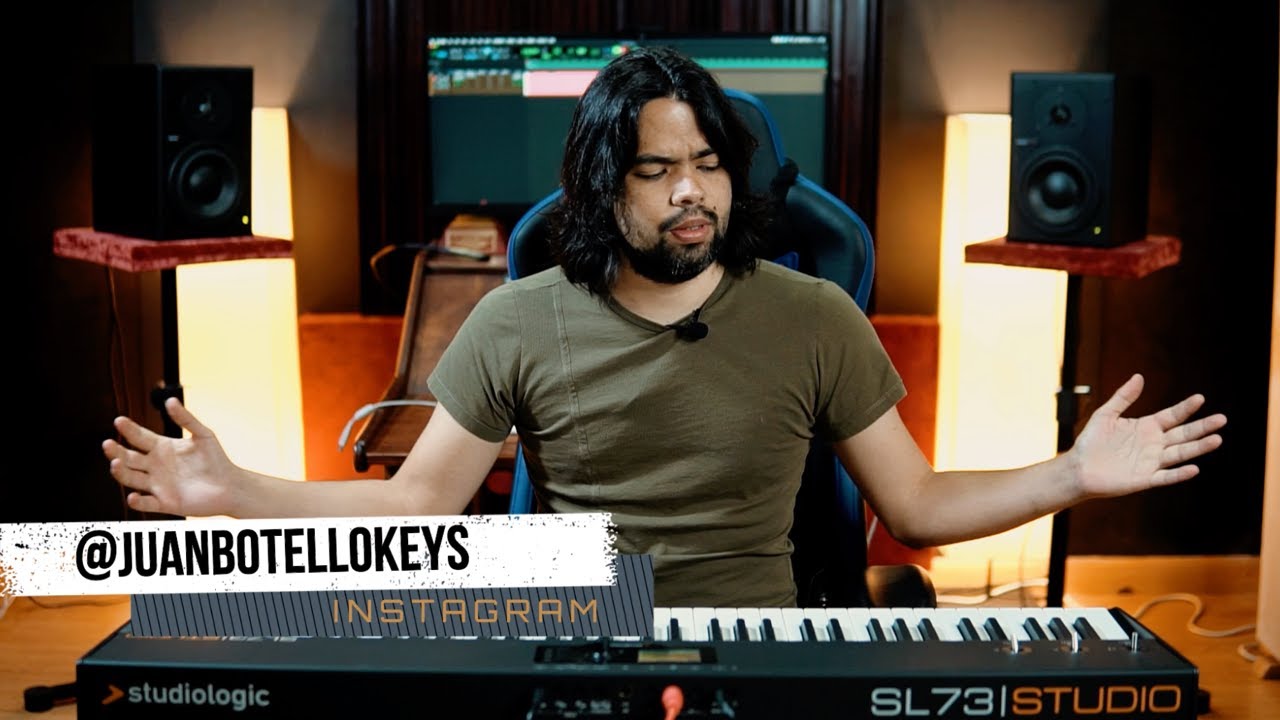
In this video I talk about my ongoing frustration with some design decisions made by Studio Logic regarding their newer keyboards, specifically the Numa X Piano and the SL Mk II series, and how I managed to "Solve it" with MidiFlow software as a workaround that not only fixes the velocity issue but that also gives me great flexibility.
Sadly this video is oriented towards MacOS and IpadOS as I haven't found a Windows alternative software.
I already recorded a Deep Dive into every single parameter of the SL MK2, but I found some things that I want to discuss first with studiologic before making the video public. So I will be updating it with whatever response I get back
00:00 Introduction and context
00:11 Studio Logic keyboards and the Numa X Piano and SL Mk2
00:41 Why the old SL Editor was great and user-respectful
01:54 Velocity curves, soft, normal and hard explained
02:14 Custom sensitivity slots and why they mattered
02:45 Personal curve preferences and FO’s influence
03:32 Problems with bottom and top velocity response
04:17 Studio Logic removing deep user configuration
04:40 Limitations of the new Studio Logic software
05:00 Discovering MIDI Flow as a workaround
05:38 Platform support, iPad, iPhone and macOS
06:26 First look at MIDI Flow and why it is powerful
06:49 Using virtual MIDI routing to unify keyboards
07:11 Switching between multiple keyboards seamlessly
09:03 Demonstrating the problematic default velocity response
10:02 Why the keyboard is too sensitive at low velocities
11:00 Trying to fix it with internal keyboard sensitivity
12:04 Why human hearing is logarithmic and why curves matter
13:04 Why fixing velocity per plugin is impractical
13:27 Using MIDI Flow for global velocity remapping
14:52 Building custom velocity remap curves
17:14 Improving low velocity control
17:34 Fixing poor high velocity response
18:25 Achieving better top-end dynamics
19:13 Final remapping results and playability
20:21 Filtering unwanted MIDI messages (pitch bend, CCs)
21:09 Creating rule sets for piano vs control use
22:20 Separate paths for notes vs control messages
23:33 Handling multiple keyboards and automatic detection
24:46 Keeping consistent behavior across controllers
25:36 Why this simplifies MainStage setup
26:21 Final tuning and real-world playing test
27:41 Remaining tweaks and limitations
28:14 macOS only limitation and closing thoughts

Доступные форматы для скачивания:
Скачать видео mp4
-
Информация по загрузке: