Exp22_Excel_Ch04_Cumulative - Insurance Claims 1.2 | excel Chapter 4 Cumulative - Insurance Claims
Автор: HomeWork Assignment
Загружено: 2024-10-20
Просмотров: 532
Exp22_Excel_Ch04_Cumulative - Insurance Claims 1.2 | Excel Chapter 4 Cumulative - Insurance Claims
Contact us:
WhatsApp : +92 3260782026
WhatsApp Link:
https://bit.ly/3pIuXPl
Gmail : homework6670@gmail.com
We can handle all online courses, Business and Management, Business and Finance, MylTLab all Courses
Project Description:
You have been hired as a business analyst at SKV Insurance claims department. As part of your responsibilities, you have been asked to enhance the Excel workbook used to analyze the department’s performance. The workbook contains records of all claims resolved over the past year
1 Start Excel. Download and open the file named EXP22_Excel_Ch04_Cumulative_Insurance.xlsx. Grader has automatically added your last name to the beginning of the filename.
2 Freeze the panes so the first row containing column headings (Row 6) and first two columns (Columns A:B) on the InsuranceClaims worksheet will remain static when scrolling.
3 Convert the data to a table, name the table InsuranceClaims, and then apply the Light Green, Table Style Light 21.
4 Remove duplicate records.
5 Add a new column to the table named Duration.
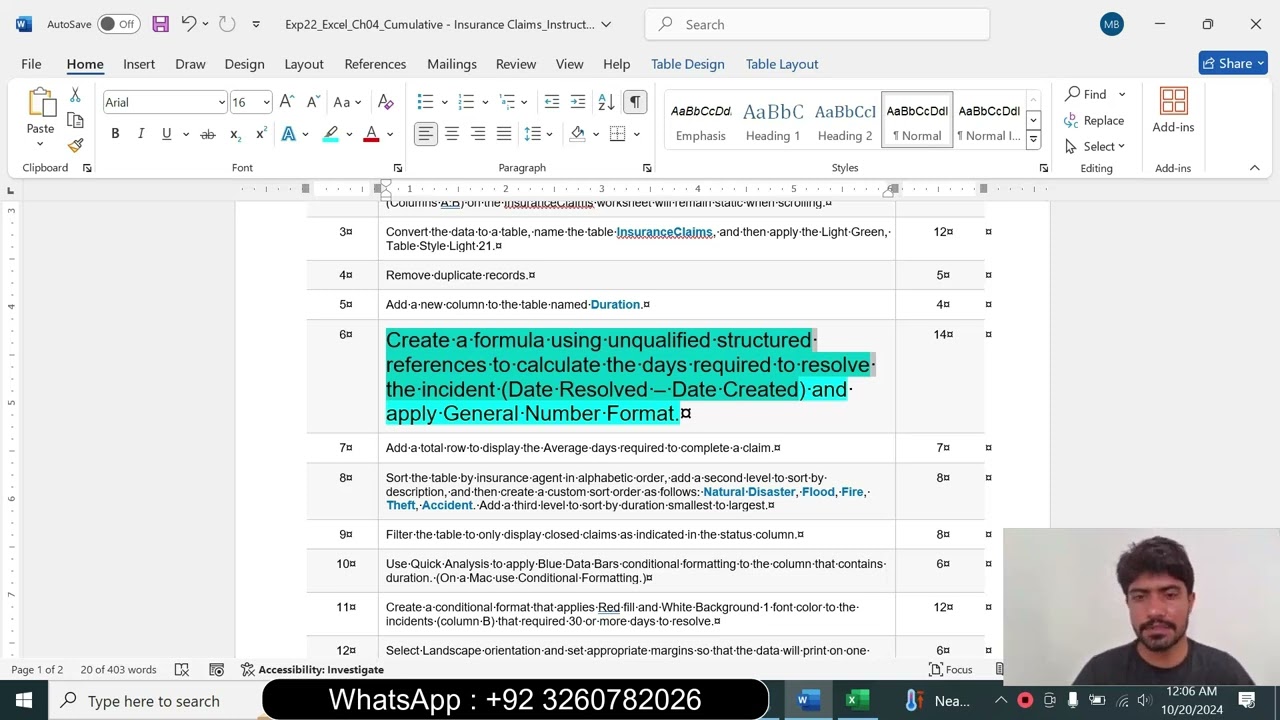
6 Create a formula using unqualified structured references to calculate the days required to resolve the incident (Date Resolved – Date Created) and apply General Number Format.
7 Add a total row to display the Average days required to complete a claim.
8 Sort the table by insurance agent in alphabetic order, add a second level to sort by description, and then create a custom sort order as follows: Natural Disaster, Flood, Fire, Theft, Accident. Add a third level to sort by duration smallest to largest.
9 Filter the table to only display closed claims as indicated in the status column.
10 Use Quick Analysis to apply Blue Data Bars conditional formatting to the column that contains duration. (On a Mac use Conditional Formatting.)
11 Create a conditional format that applies Red fill and White Background 1 font color to the incidents (column B) that required 30 or more days to resolve.
12 Select Landscape orientation and set appropriate margins so that the data will print on one page. Set the print scale to 70%.
13 Change page breaks so each agent’s information prints on its own page.
14 Set row 6 to repeat on each page that is printed.
15 Save and close EXP22_Excel_CH04_Cumulative_Insurance.xlsx. Exit Excel. Submit the file as directed.
#Exp22_Excel_Ch04_Cumulative - Insurance Claims 1.2 | excel Chapter 4 Cumulative - Insurance Claims
#Exp22_Excel_Ch04_Cumulative - Insurance Claims 1.2
#Exp22_Excel_Ch04_Cumulative - Insurance Claims
#Exp22_Excel_Ch04_Cumulative - Insurance
#Exp22_Excel_Ch04_Cumulative
#Exp22_Excel_Ch04
#Exp22_Excel
#excel Chapter 4 Cumulative - Insurance Claims
#excel Chapter 4 Cumulative - Insurance
#excel Chapter 4 Cumulative
#excel Chapter 4
#excel Chapter
Доступные форматы для скачивания:
Скачать видео mp4
-
Информация по загрузке:


