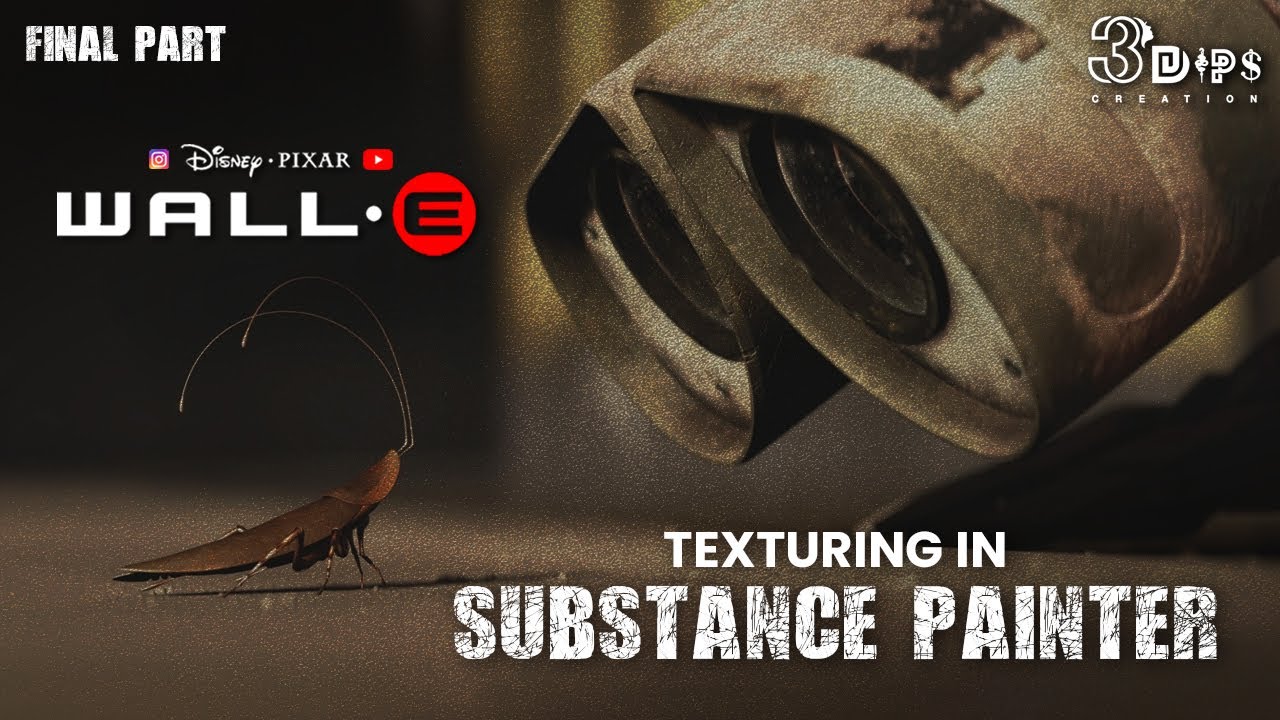
Wall-E Robot modeling in | Autodesk Maya 2020 | Part 8 | 3Dips Creation Presentation
Автор: 3Dips Creation
Загружено: 2024-04-19
Просмотров: 602
Wall-E Robot modeling in | Autodesk Maya 2020 | Part 1 | 3Dips Creation Presentation
Follow us on social media for more updates:
📷 Instagram: [ / 3_dips_creation ]
🐦 Pinterest: [ / 3dipscreation ]
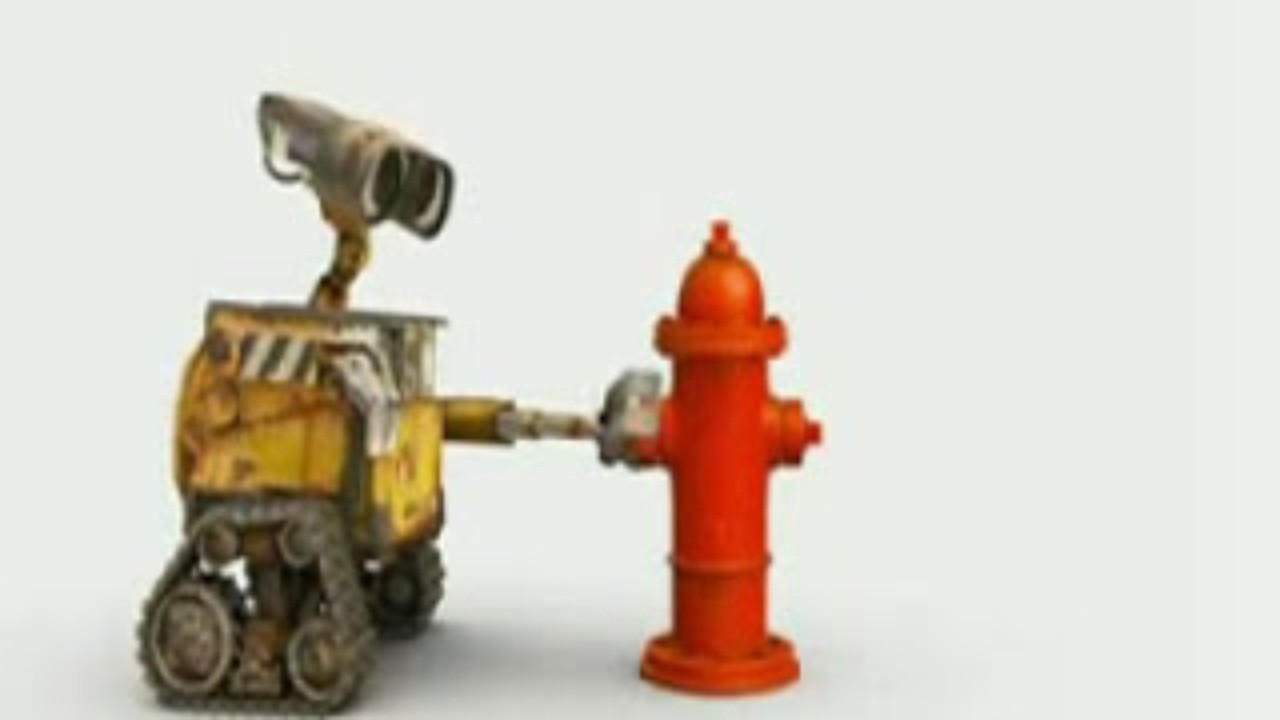
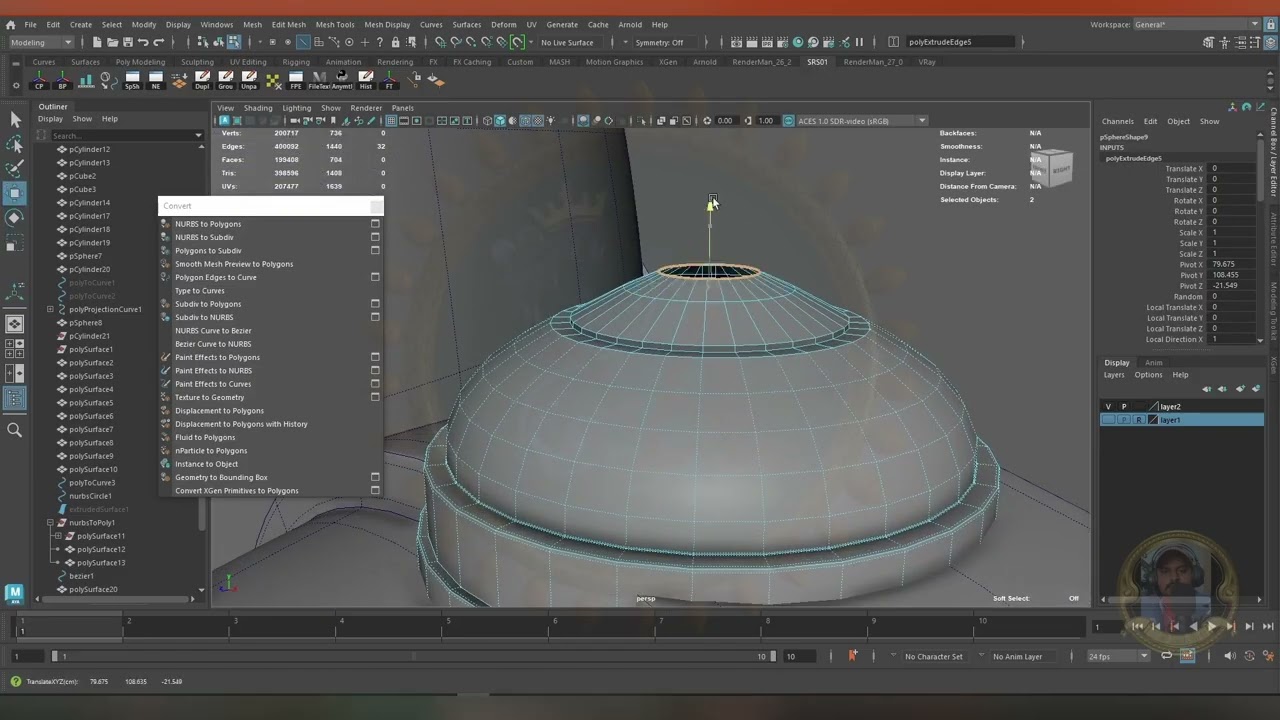
In this comprehensive tutorial, learn how to recreate the iconic Wall-E robot from scratch using Autodesk Maya 2020. Follow along as we guide you through the entire modeling process, from setting up reference images to sculpting intricate details. Whether you're a beginner or an experienced Maya user, this tutorial will provide valuable insights into character modeling techniques. Get ready to bring your favorite animated character to life in 3D!
Here's a list of useful shortcuts used in maya.
W- move
E- rotate
R- scale
G- repeat last command
q - exit tool
b- soft selection
shift + . - grow selection
alt + b - change background color
f - fit to selection
ctrl + a - open attribute editor/channel box
ctrl + delete - deletes an edge loop( 2014 version and up only)
1 - standard mode
2- subdivision mode with cage
3- subdivision mode
4- wireframe
5 - shaded mode
6- texture mode
Don't forget to like, share, and subscribe for more exciting Maya tutorials!
#AutodeskMaya #WallE #RobotModeling #MayaTutorial #3DModeling #CharacterModeling #Animation #Pixar #CGI #Tutorial #DigitalArt #StepByStepTutorial #ModelingTechniques #WallERobot #Maya2020Tutorial #WallERobotModelingTutorial

Доступные форматы для скачивания:
Скачать видео mp4
-
Информация по загрузке: