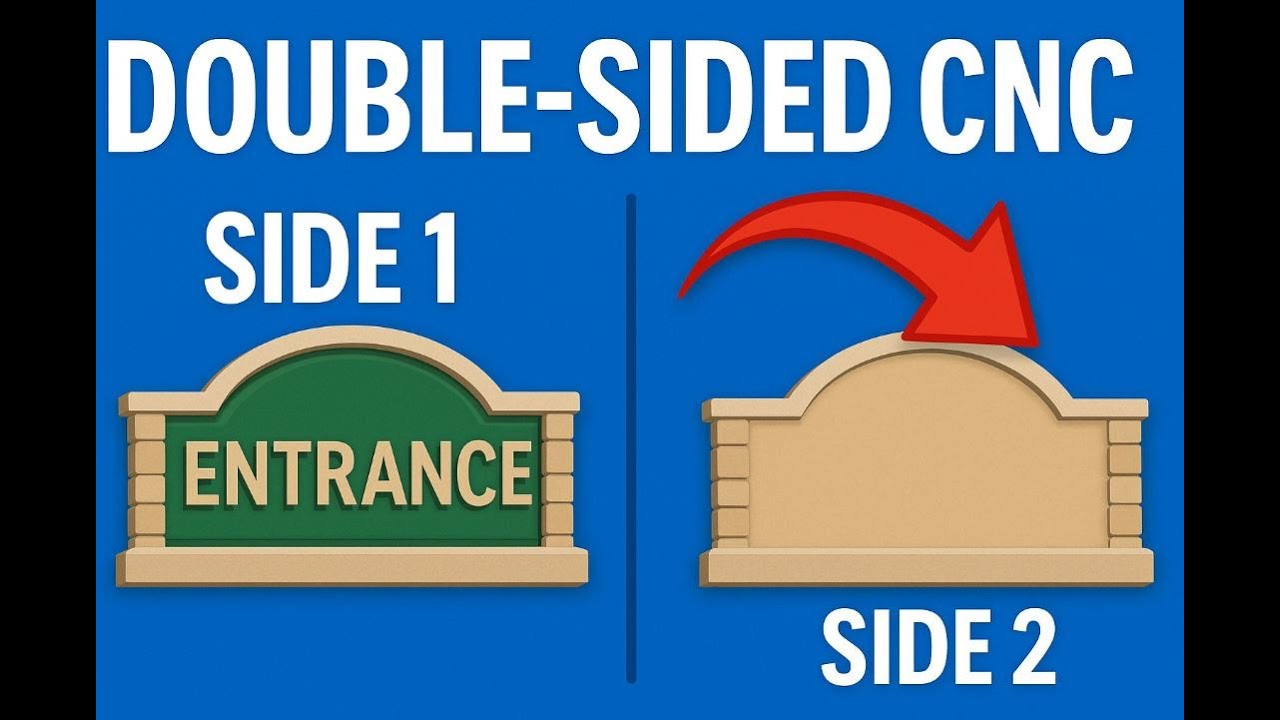
Perfect Double-Sided CNC Signs EVERY TIME — VCarve / Aspire FULL GUIDE
Автор: EsoCam Learn CNC & Design
Загружено: 2025-12-11
Просмотров: 71
Struggling with double-sided CNC signs in VCarve or Aspire? Misaligned cuts, bad flips, and ruined material are SUPER common… but today I’m showing you the right way to design, toolpath, and run a perfect 2-sided project on ANY CNC router.
In this video, you’ll learn:
✔ How to properly set up a double-sided job in VCarve/Aspire
✔ Flip direction (left/right vs top/bottom) and why it matters
✔ How to use alignment dowels for perfect registration
✔ Zeroing strategies for wood, plastics, PVC, and laminates
✔ Toolpath order that prevents tear-out and failure
✔ The exact CNC workflow I use for clients every day
Whether you run a Thermwood, Laguna, ShopSabre, AXYZ, Biesse, or anything else — this method WORKS and gives you perfect alignment every time.
🔧 Need CNC Programming or File Help?
I offer remote CNC programming, consulting, file setup, and full project design.
Contact me anytime:
🌐 www.cncproservices.com
🌐 www.esocam.com
📧 sales@cncproservices.com
📞 618-444-8025
I work with plastics, wood, PVC, MDF, production parts, signs, art projects, and full manufacturing workflows.
👍 If this helped you, don’t forget to like & subscribe!
I’m dropping more videos on CNC programming, toolpaths, VCarve, Aspire, Fusion 360, and real-world shop projects.
Доступные форматы для скачивания:
Скачать видео mp4
-
Информация по загрузке:






![☀ Киношная картинка с экшн-камеры? Тест МАКРО, боке и 8K. [Action 6 Macro Lens]](https://imager.clipsaver.ru/fOQstVJpT7s/max.jpg)


