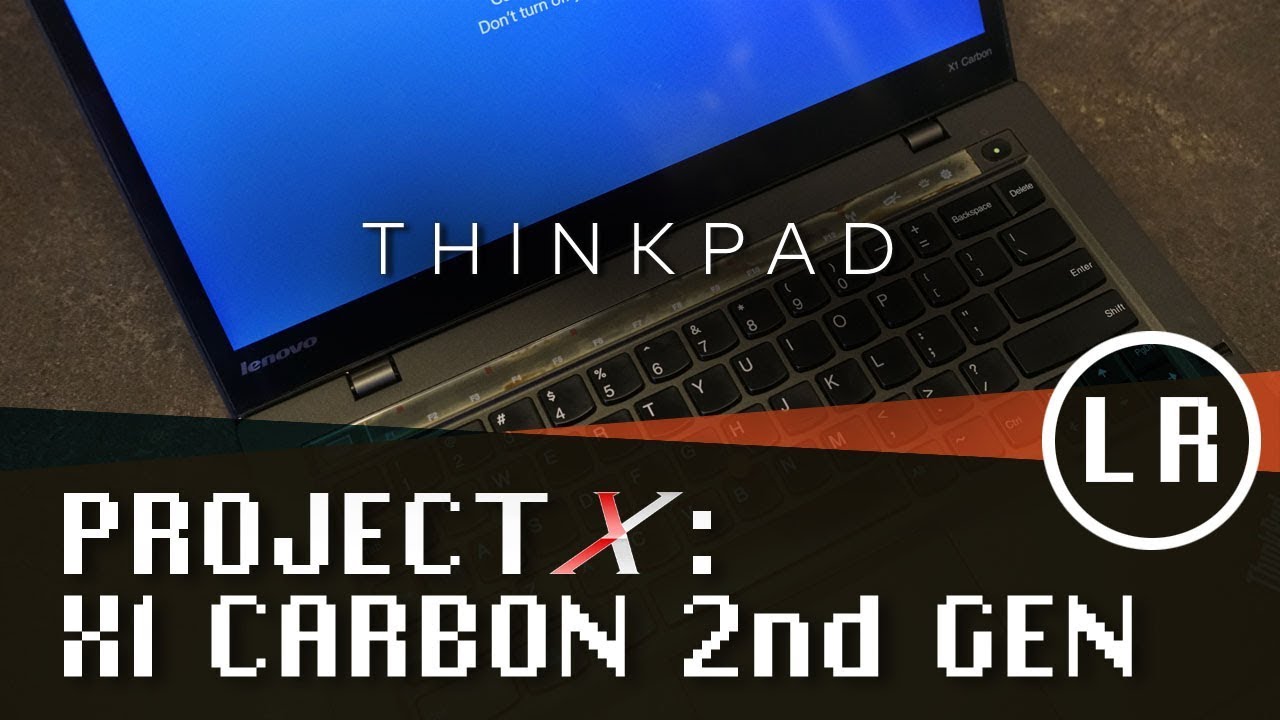
ThinkPad X1 Carbon (2nd and 3rd Gen) - Wireless LAN Card Replacement
Автор: Lenovo Support
Загружено: 2015-09-03
Просмотров: 23621
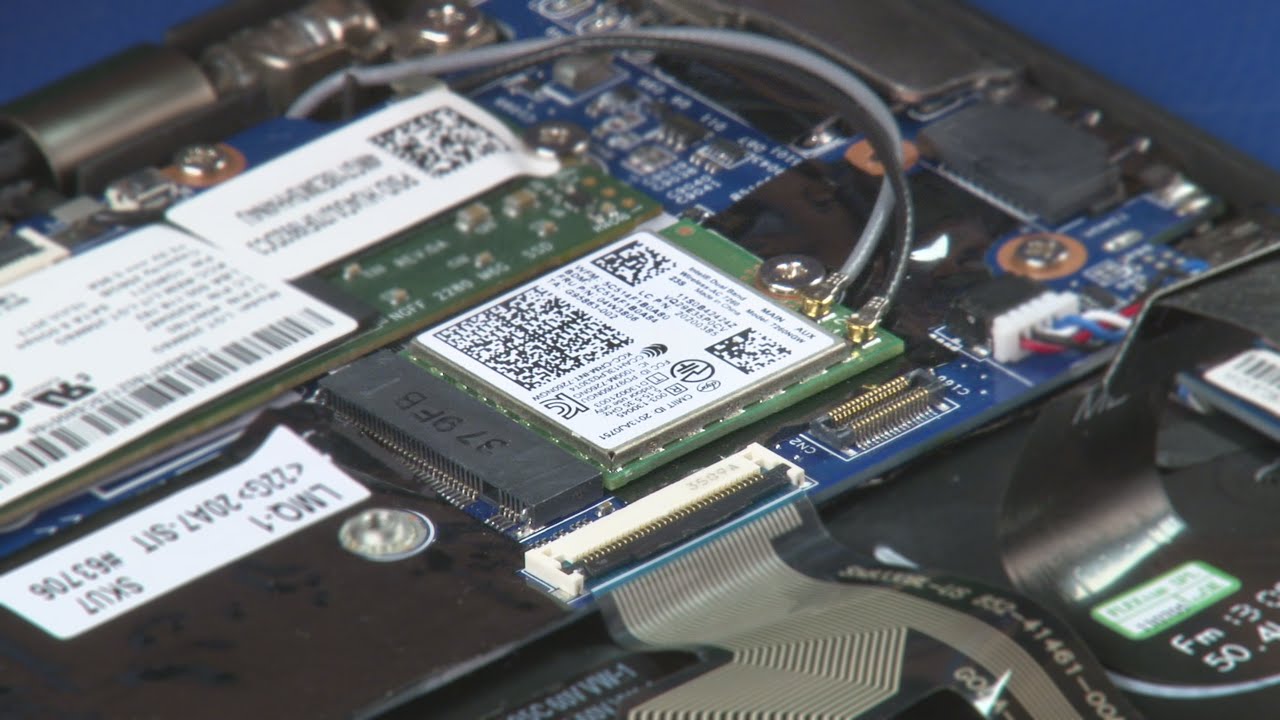
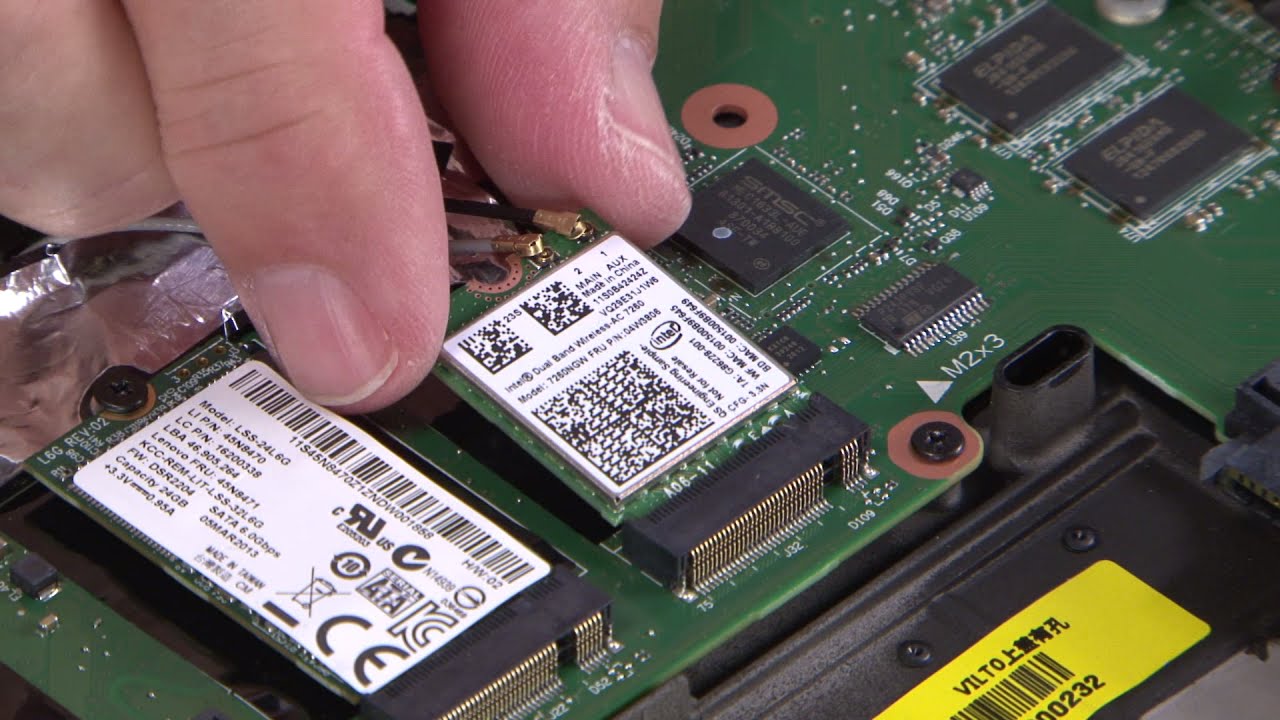
This video will illustrate how to install or replace the Wireless LAN Card in your ThinkPad X1 Carbon (2nd and 3rd Generation).
** IMPORTANT: To protect against electrostatic discharge, place your machine on a clean, non-conductive workspace, such as a kitchen table or countertop, and use plastic or coated tools when replacing internal components.
For more detailed information on electrostatic discharge and how to prevent it, please watch our "Understanding Electrostatic Discharge (ESD)" video: • Understanding Electrostatic Discharge (ESD)
Purchase a non-metallic pry tool: https://www.ifixit.com/Store/Tools/Sp...
Machine Types Applicable: 20A7, 20A8, 20BS, 20BT
Доступные форматы для скачивания:
Скачать видео mp4
-
Информация по загрузке:











![Lenovo X1 Carbon - touchscreen disassemble [4K]](https://imager.clipsaver.ru/oWI3r-dQDkk/max.jpg)