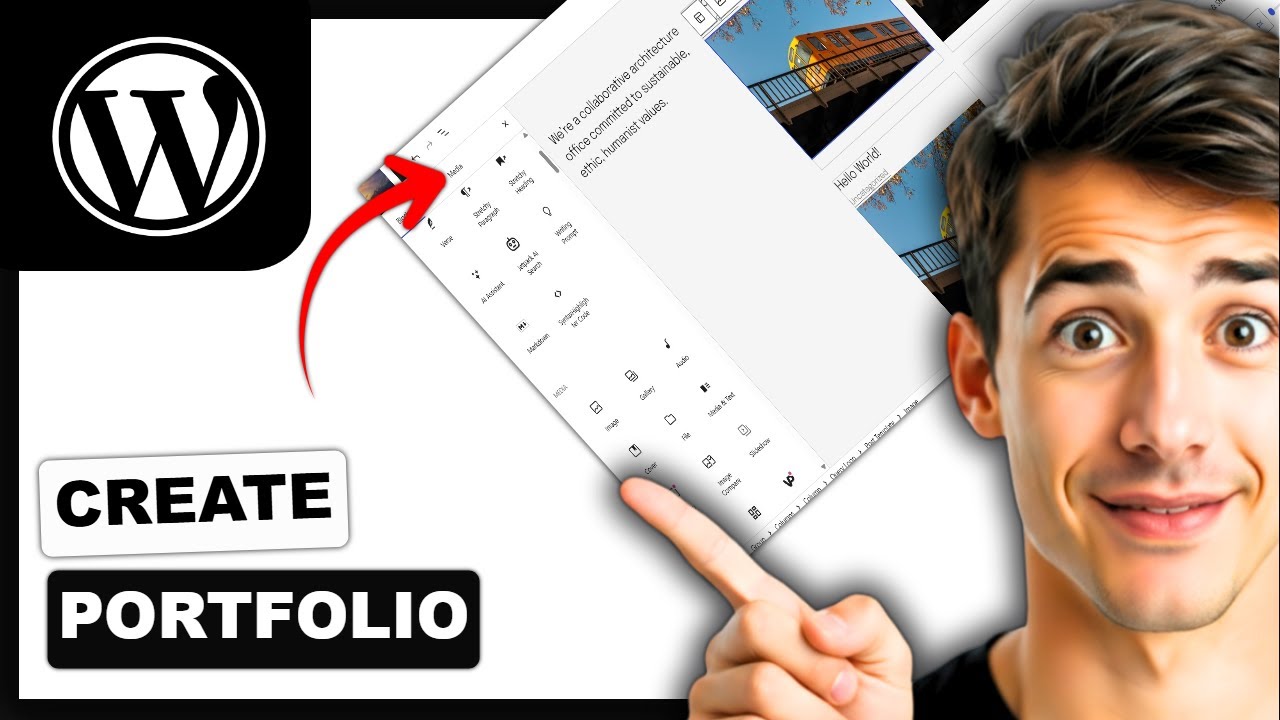
How to make a portfolio website using WordPress (Easiest Way)(2026 Guide)
Автор: How To with Alex
Загружено: 2026-01-19
Просмотров: 0
🔧 Hosting we use for WordPress projects:
👉 Cloudways (best value, top-tier infrastructure): https://rb.gy/70qc34
Learn how to create a stunning portfolio website with WordPress in this easy-to-follow 2025 tutorial! Whether you're a beginner or just looking to update your online presence, this step-by-step guide walks you through the entire process on both WordPress.com and self-hosted WordPress platforms.
Timestamps:
00:00 Introduction
01:15 Choosing a Domain & Hosting
03:40 Installing WordPress (2025 version)
07:10 Selecting & Installing a Portfolio Theme
10:55 Customizing the Layout & Colors
14:30 Adding Projects & Portfolio Pages
18:20 Enhancing Your Site with Plugins
20:50 Mobile Optimization Tips
23:10 Publishing Your Portfolio
25:00 Final Review & Launch
Supported Platforms: WordPress.com, WordPress.org (all major desktop & web browsers)
By the end, you'll have a professional portfolio website ready to showcase your work! If you found this tutorial helpful, please give it a thumbs up and subscribe for more web design tutorials.
Got questions? Drop them in the comments below!
Disclosure: Some links may be affiliate links. This helps support the channel at no extra cost to you.
##WordPress #PortfolioWebsite #WebDesign #WordPressTutorial #Portfolio #WebsiteDevelopment #WordPress2025 #BeginnerFriendly #HowTo #PersonalWebsite
Доступные форматы для скачивания:
Скачать видео mp4
-
Информация по загрузке:











![Учебник по WordPress для начинающих 2025 [УПРОЩЕНО]](https://imager.clipsaver.ru/GNh5dvy4toI/max.jpg)