How to Build a Google Ads Zero Spend Alert System (n8n + Replit Tutorial)
Автор: Dave Ten
Загружено: 2025-10-14
Просмотров: 466
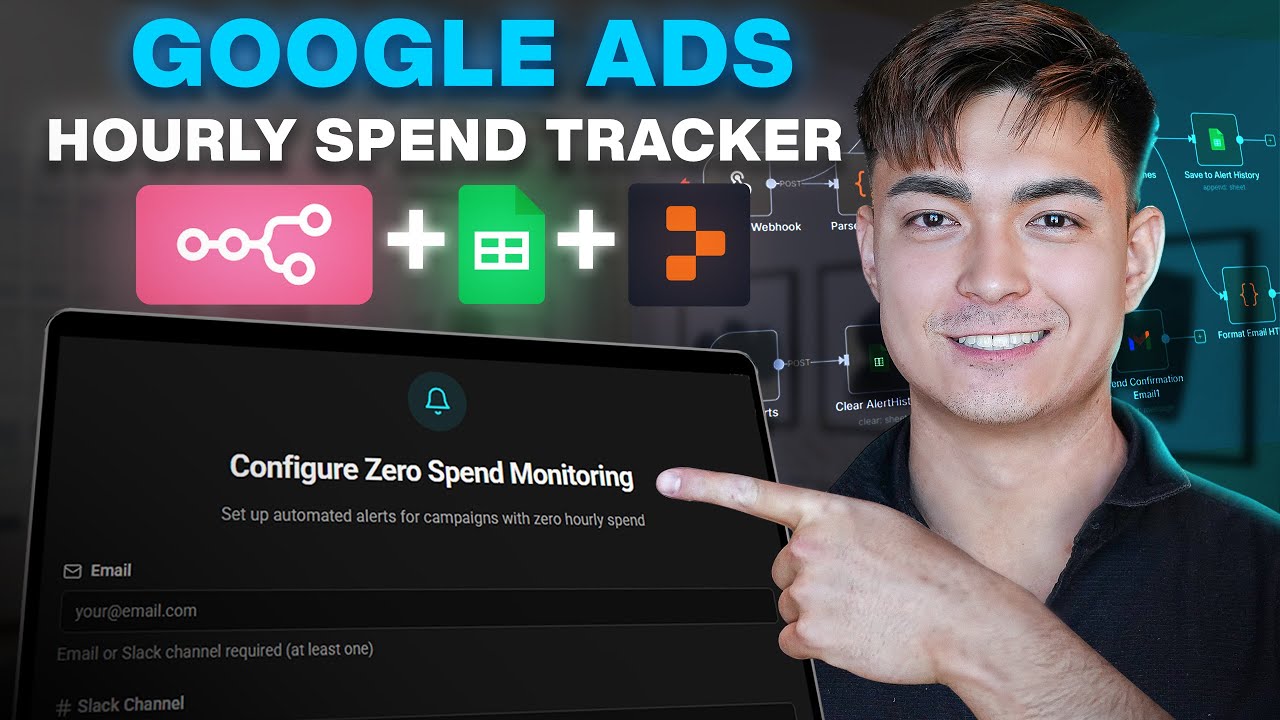
Learn how to build a custom Google Ads monitoring app that alerts you when campaigns stop spending. This complete tutorial shows how my client almost lost an account due to undetected zero spend, and how I built a solution using n8n automation, Replit front-end, and Google Sheets for data management.
📂 PROJECT FILES:
Get the complete N8n workflows, templates, and setup guides mentioned in this video:
👉 https://www.daveten.ai
🚀 SCALE YOUR AGENCY:
Stop doing manual work. Get the AI systems to automate your ad operations: https://www.daveten.ai
⏰ TIMESTAMPS:
00:00 - The Problem: Client Almost Lost an Account
00:51 - App Overview: Custom Account & Campaign Selection
01:53 - Part 1: Form State Workflow (Daily Updates)
02:57 - Parsing Account & Campaign Data
03:29 - Filtering Out Paused Campaigns
04:15 - Part 2: Alert Creation Webhook
05:04 - Form Submission to n8n Integration
05:56 - Duplicate Alert Prevention
06:47 - Confirmation Email Setup
07:02 - Real-Time Dashboard Updates
07:32 - Part 3: Hourly Alert Trigger Logic
08:34 - Alert Frequency Switch Node (Hourly/Daily/Weekly)
09:17 - Pulling Hourly Spend Data from Google Ads API
10:05 - Zero Spend Detection & Parsing
11:08 - Live Troubleshooting: Edge Case Discovery
13:03 - Campaign Status vs Eligibility Issue
14:11 - Alert Routing: Email & Slack Integration
15:22 - Real Alert Examples
16:23 - Replit Front-End Build Process
17:00 - Google Sheets Data Integration
18:00 - Webhook Mapping Issues & Solutions
19:15 - Design Iteration Process
20:40 - Google Sheets Connector Setup
21:15 - Vibe Coding with Replit Agent
22:17 - Final Working Product
🔧 WHAT YOU'LL LEARN:
✅ Build custom Google Ads monitoring dashboards
✅ Set up hourly spend tracking for critical campaigns
✅ Configure selective campaign alerts (not all campaigns)
✅ Integrate n8n workflows with Replit front-ends
✅ Use Google Sheets as a lightweight database
✅ Implement webhook communication between platforms
✅ Route alerts to Slack or Email automatically
✅ Handle edge cases and campaign status logic
💡 THE BUSINESS PROBLEM:
🚨 What Almost Happened:
Friday night: Client discovers campaign with high daily spend
Campaign had $0 spend for 6+ hours
Would have continued through weekend unnoticed
Could have lost the client account
✅ The Solution:
Selective monitoring of critical campaigns only
Hourly automated spend checks
Immediate alerts via Email or Slack
Custom dashboard showing all active alerts
Direct links to problem campaigns in Google Ads
#n8n #GoogleAds #Replit
Доступные форматы для скачивания:
Скачать видео mp4
-
Информация по загрузке:


![ПОЛНЫЙ ГАЙД на n8n. ИИ агенты и автоматизации (5+ часовой курс) [Без кода]](https://image.4k-video.ru/id-video/tUufFo-JTZQ)