Riverside Scene TEMPLATES Explained: Reusable Layouts and Branding
Автор: Cristi Cotovan
Загружено: 2026-01-15
Просмотров: 47
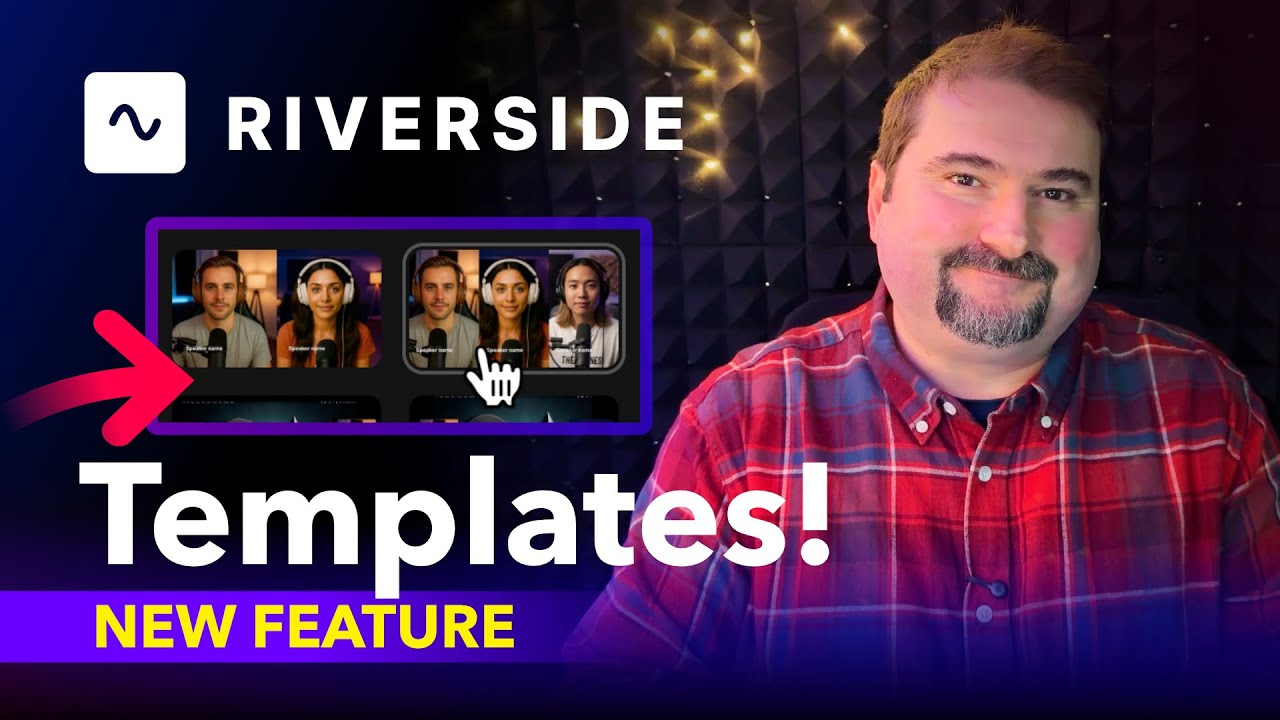
I walk you through Riverside’s new scene templates feature and how to apply templates to individual scenes while editing a podcast or interview.
You’ll see how to:
Split an episode into scenes using keyboard shortcuts
Apply Riverside’s built-in scene templates
Control speaker order (host vs guest positioning)
Switch layouts mid-episode without rebuilding scenes
Customize text, names, titles, cropping, and framing
Save your own scenes and reuse them across an episode
Combine templates with Riverside branding elements like logos and styles
I also show a practical workflow for long interviews with many scene changes, where manually rebuilding layouts quickly becomes slow and repetitive. Using templates and saved scenes can significantly reduce editing time while keeping layouts consistent.
This video is useful if you edit podcasts, interviews, or video content in Riverside and want faster, more repeatable scene layouts without constantly adjusting elements by hand.
Try Riverside: https://riverside.com
------------------------------------------------------------------------------------------
Book a Riverside one-on-one coaching session with me:
https://cotovan.com/coaching
------------------------------------------------------------------------------------------
More Riverside.fm tutorials:
• Riverside.fm
------------------------------------------------------------------------------------------
Subscribe for free Riverside tips, tricks and training:
https://cotovan.com/riverside-newsletter
Chapters:
00:00 Riverside scene templates
00:28 Create scenes in the timeline
00:46 Find and apply scene templates
01:22 Edit template text and titles
01:45 Control host and guest position
02:45 Switch layouts within an episode
03:23 Crop and zoom speakers
04:05 Save and reuse custom scenes
05:02 Apply templates with Riverside branding
05:55 Speed up editing with scene templates
06:28 Wrap up
Доступные форматы для скачивания:
Скачать видео mp4
-
Информация по загрузке: