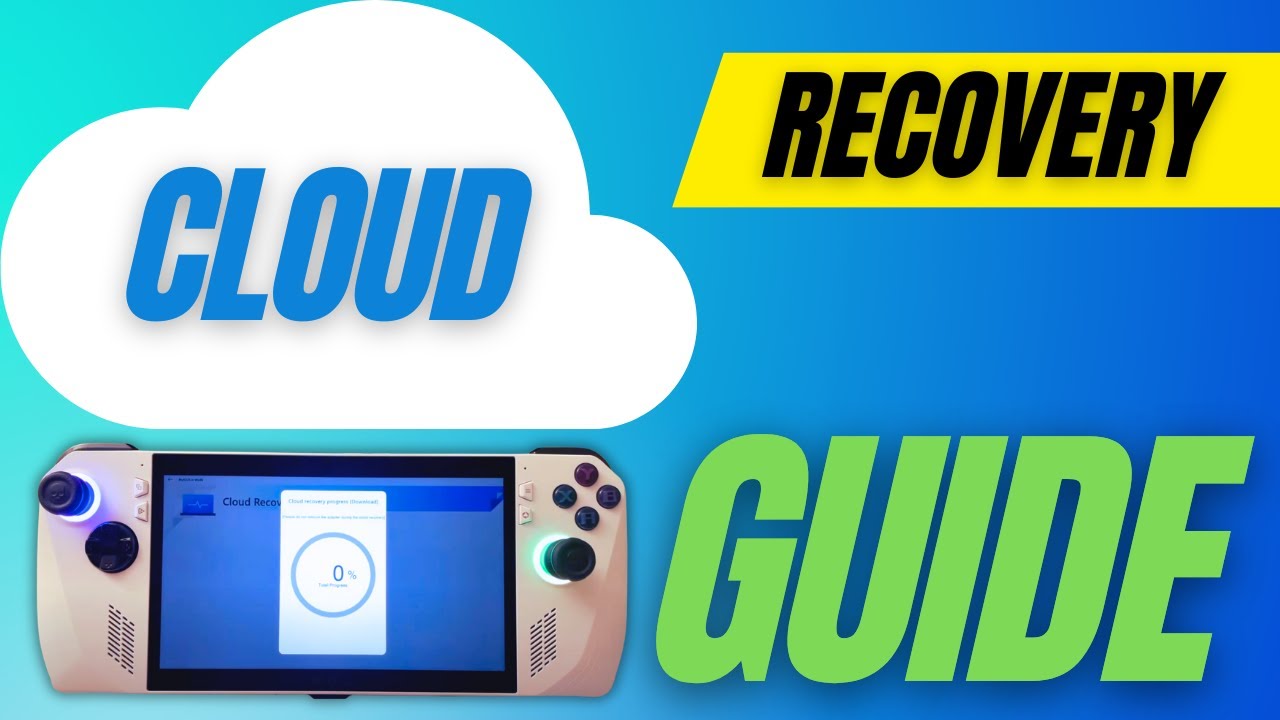
How to Back Up Your Cloud Recovery Image | Offline Recovery | ASUS ROG ALLY
Автор: Bald Sealion Productions
Загружено: 2023-10-04
Просмотров: 7886
Instructions on how to back up your Cloud Recovery Image using RescueZilla
—————— LINKS ——————
RescueZilla: https://rescuezilla.com/
Rufus: https://rufus.ie/en/
Out of Box Experience Command: shutdown -s -t 1 -f
—————— CHAPTERS ——————
00:00 - Intro
00:18 - Problems with Cloud Recovery
01:31 - Requirements
02:44 - RescueZilla and Rufus Setup
04:30 - Reset This PC - Option without Cloud Recovery
04:43 - How to use Cloud Recovery
05:55 - Shutdown Windows Out of Box Experience
07:00 - Connect USB Drives - Keyboard - Ethernet - etc
07:15 - Booting into RescueZilla
07:40 - Back up with RescueZilla
08:43 - Shut down RescueZilla
09:10 - Restore with RescueZilla
—————— CONTACT & INFO ——————
Email: Productions@baldsealion.com
Reddit: / pcgaminghandhelds
Discord: / discord
Steam Deck Ultimate Windows Guide: https://baldsealion.com
As an Amazon Affiliate, I may earn a percentage of the products purchased through the Amazon URLs provided in this description.
—————— ATTRIBUTIONS ——————
Thumbnail Image by Freepik

Доступные форматы для скачивания:
Скачать видео mp4
-
Информация по загрузке: