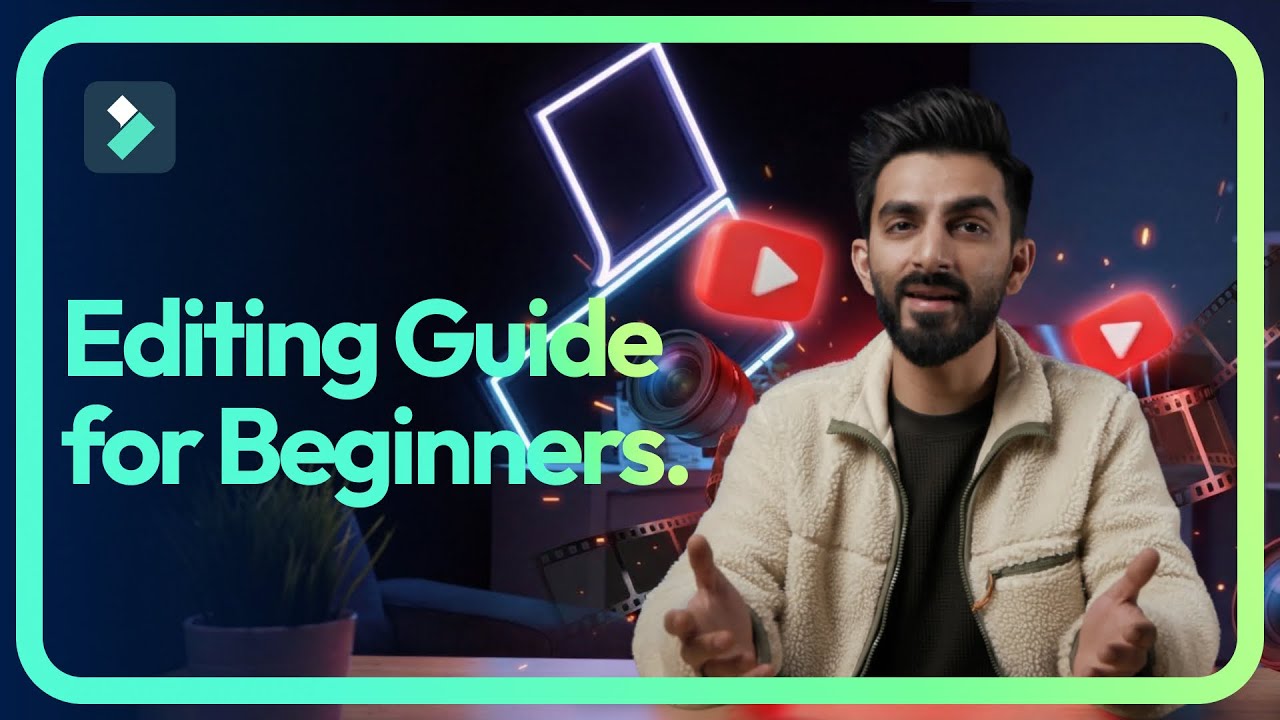
Video Editing Basics for Beginners 🎬 Step-by-Step Editing Workflow (Start to Finish)
Автор: Wondershare Filmora Video Editor
Загружено: 2026-01-16
Просмотров: 195
Try Filmora 15 now for FREE at https://bit.ly/4oWXZDs
Video editing doesn’t have to be complicated. In this beginner video editing tutorial, you’ll learn a simple, step-by-step editing workflow that helps new editors cut faster, stay organized, and create clean, professional-looking videos from start to finish. This evergreen guide is perfect for beginner editors, YouTubers, and content creators who want to build strong editing habits and understand the fundamentals without feeling overwhelmed.
✅ Cut the Fluff – Learn how to remove mistakes, long pauses, and unnecessary clips to keep your video tight, clear, and engaging for viewers.
✅ Clap Method – A simple filming and editing technique that helps beginners easily find cut points and sync footage faster.
✅ Text-Based Editing – Shape your video by editing dialogue and content first, making it easier to structure your story and save time.
✅ Structure – How to organize your video into a clear beginning, middle, and end so viewers stay engaged throughout.
✅ Dynamic Captions – Add captions that improve accessibility, viewer retention, and clarity, especially for beginner creators.
✅ Organizing Media – Learn how to organize clips, audio, and assets so your editing timeline stays clean and stress-free.
✅ Assets and B-Roll – Use B-roll, overlays, and extra visuals to enhance your video without over-editing.
✅ Color Correction – Basic color correction tips to make your footage look natural, balanced, and more professional.
✅ Audio Cleanup – Improve sound quality by cleaning up background noise, adjusting volume, and making dialogue clear.
✅ Review – How to properly review your edit and catch mistakes before exporting.
✅ Export Settings – Beginner-friendly export settings to get the best quality for YouTube and social platforms.
✅ Summary – A quick recap of the full editing workflow so you can repeat it confidently on your next project.
Timestamps
00:00 – Intro
00:36 – Cut the Fluff
01:13 – Clap Method
01:47 – Text-Based Editing
02:14 – Structure
03:00 – Dynamic Captions
03:18 – Organizing Media
04:30 – Assets and B-Roll
05:04 – Color Correction
05:40 – Audio Cleanup
06:12 – Review
06:33 – Export Settings
07:06 – Summary
Ready to start editing videos? Wondershare Filmora has everything you need! Click to get started: https://bit.ly/4oWXZDs
If you’re new here, don’t forget to hit that subscribe button and the bell to stay updated on our next video release!
We want to see what you create so share your videos in the comment section with the tag #Filmora15 #MadeWithFilmora #Wondershare
Join the Filmora Online Community!
FOLLOW us on Instagram: / filmora_video_editor
FOLLOW us on Twitter: / filmora_editor
FOLLOW us on Facebook: / filmoravideoeditor
FOLLOW us on TikTok: / filmora.official
Доступные форматы для скачивания:
Скачать видео mp4
-
Информация по загрузке: