DaVinci Resolve's New AI Audio Assistant is a Game Changer
Автор: That Media Prof
Загружено: 2025-11-21
Просмотров: 480
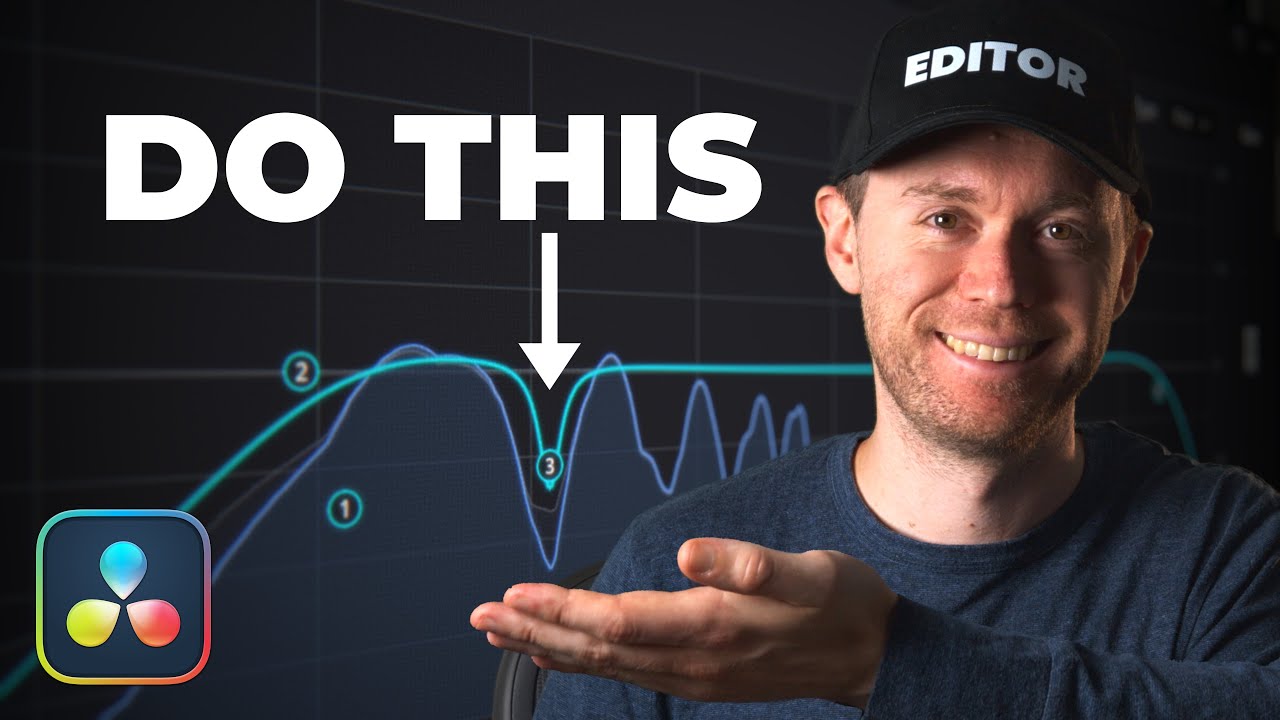
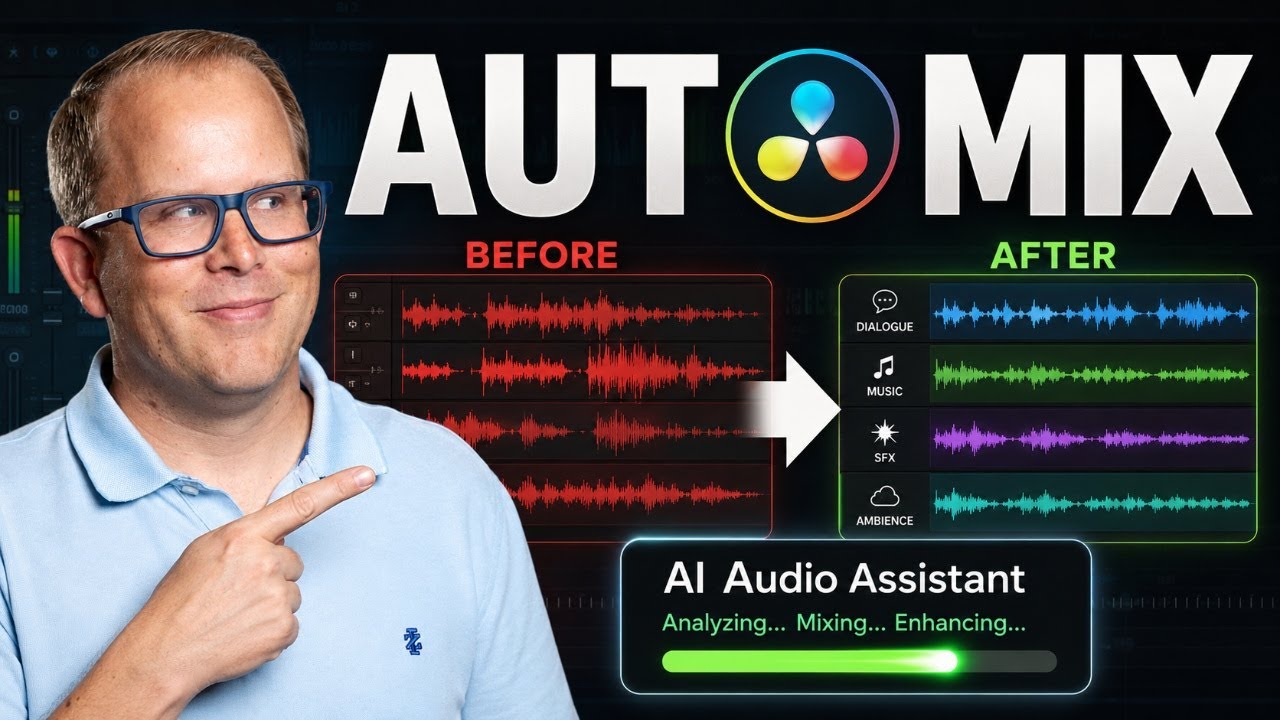
DaVinci Resolve’s NEW AI Audio Assistant is a game-changer for editors who want fast, professional audio without spending hours mixing. In this tutorial, I’ll show you exactly how the tool works inside the Fairlight page and how it automatically handles voice isolation, leveling, compression, EQ, ducking, mastering, and more — all in seconds.
Whether you're making YouTube videos, short films, podcasts, or client content, this tool can dramatically speed up your audio post production workflow while giving you a clean, broadcast-ready mix.
🎧 What You’ll Learn:
• How to prepare your tracks for the best AI results
• How to choose the right delivery standard (YouTube, broadcast, etc.)
• How AI handles dialogue, sound effects, ambience & music
• Understanding the automatic compression, EQ, de-essing & voice isolation
• How to use the AI results as a “starting point” for a pro mix
The AI Audio Assistant isn’t a magic bullet — but it will get you to a solid foundation much faster. If this video saves you time in your audio workflow, hit like and tell me how you plan to use the AI Audio Assistant in your projects!
🚀 Subscribe for more media production tips!
👉 @ThatMediaProf
📖 CHAPTERS
00:00 — Why Audio Post Takes So Long
00:21 — What the AI Audio Assistant Can Do
00:42 — Opening the Fairlight Page
01:02 — Track Setup: Dialogue, SFX, Ambience, Music
01:39 — Why You MUST Separate Your Tracks First
02:02 — Categorizing Tracks Manually (Best Practice)
02:46 — How to Open the AI Audio Assistant
03:17 — Choosing the Right Delivery Standard (YouTube, 1774, etc.)
04:00 — Auto Mix Overview (Dialogue, Music, SFX, Ambience, Mastering)
04:35 — Voice Isolation, Leveling, Compression & EQ
05:07 — First Playback Test
05:28 — Strengths & Limitations of the AI Mix
05:48 — AI for Quick Turnaround vs. Pro Projects
06:15 — Final Thoughts + Next Video
The below links are affiliate links. As an Amazon Associate, I earn from qualifying purchases.
🛠️ RECOMMENDED GEAR AND RESOURCES
Great beginner video camera - https://amzn.to/3MXvvMb
More professional video camera - https://amzn.to/4oPCmok
Great beginner microphone - https://amzn.to/4q45XLH
Shotgun Microphone - https://amzn.to/4pAfUkd
Wireless Microphone - https://amzn.to/497UCEO
Beginners Podcasting Microphone - https://amzn.to/48Vsh3m
Professional Podcasting Microphone - https://amzn.to/44pWAxG
Compact LED Video Light - https://amzn.to/4q6HeGL
LED Light for Interviews - https://amzn.to/4pBj0EM
My favorite book on Screenwriting - https://amzn.to/4awFhir
My favorite book on Cinematography - https://amzn.to/4j49eZd
My favorite book on Lighting - https://amzn.to/44kAhJO
My favorite book on Colour Grading - https://amzn.to/4iQvEwW
My favorite book on Sound - https://amzn.to/44rImwh
🎓 ABOUT THAT MEDIA PROF
That Media Prof is dedicated to helping students, creators, and media professionals master the art of media production, filmmaking, and post-production. Whether you’re learning the basics or refining advanced techniques, this channel provides tutorials, tips, and industry insights.
🎥 Topics covered:
✅ Video Production Techniques
✅ Filmmaking Tips
✅ Audio & Post-Production
✅ Media Education & Industry Insights
🔗 HASHTAGS
#DaVinciResolve #Fairlight #AudioEditing #AIAudio #VideoEditingTips #PostProduction #Filmmaking
Доступные форматы для скачивания:
Скачать видео mp4
-
Информация по загрузке: