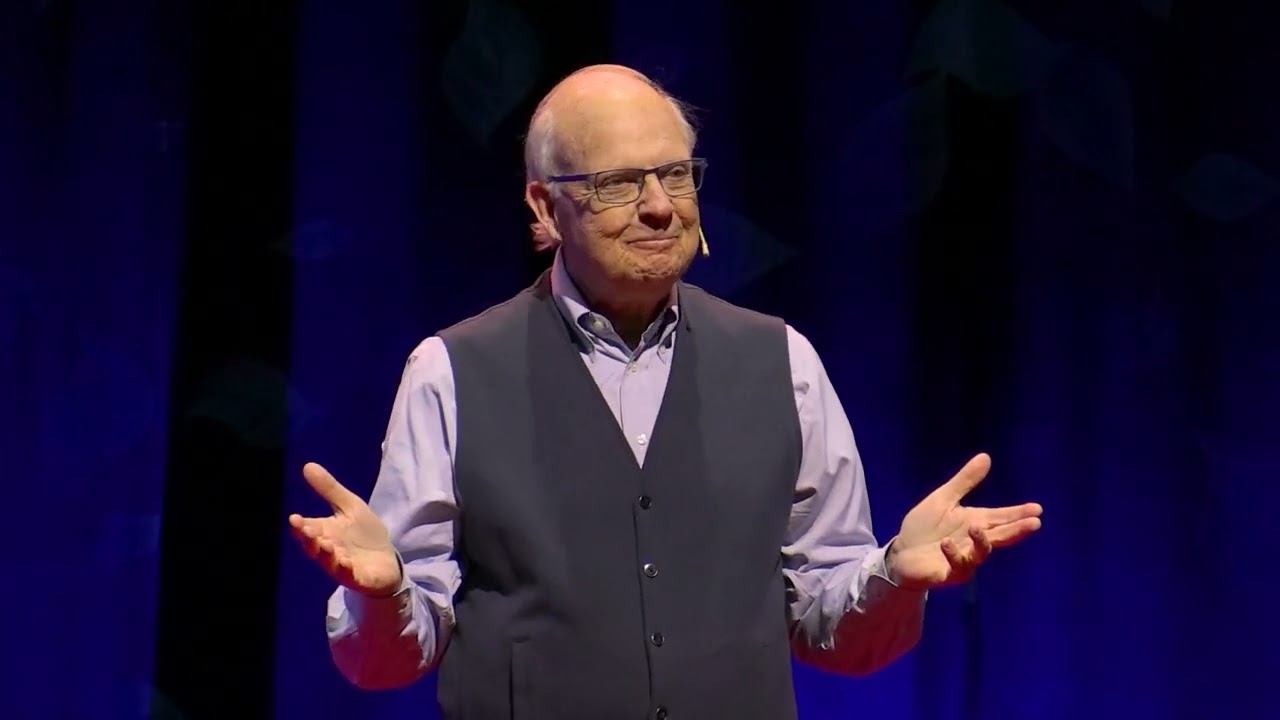
Retirement Tribute Video Example | VidDay
Автор: VIDDAY | Group Video Maker (Birthdays & More)
Загружено: 2023-03-06
Просмотров: 19525
Making a retirement video with VidDay is an easy and memorable gift idea that is sure to impress: https://www.vidday.com/video-maker/re...
VidDay allows you to easily collect and compile video messages from family, friends, and colleagues to create a touching tribute to the retiree. Not only is this a thoughtful and personalized gift, but it also doubles as a memento that can be cherished for years to come.
Here are more retirement video examples:
• Retirement Video Maker | VidDay Video Gift...
• Retirement Video Gift Example – Heartfelt ...
Here are funny retirement messages ideas that you can say in a retirement video presentation: • Funny Retirement Messages & Sayings
Here's how to make the best retirement video montage: https://www.vidday.com/post/how-to-ma...
There are endless possibilities of content that you can add to a retirement video with VidDay, but here are some great ideas to get started:
1.) Collect tribute messages from family and friends
2.) Add photos and videos from the retiree's career and personal life
3.) Bring up funny moments or inside jokes shared with colleagues
4.) Send well-wishes and future plans from coworkers
5.) Highlights and accomplishments from the retiree's career
6.) Get personal messages from the retiree's mentors or mentees
7.) Find inspirational quotes and messages about the next chapter of life
You can use our retirement wishes generator to get more ideas on what to say in a retirement tribute video: https://www.vidday.com/retirement-wis...
Making a retirement video with VidDay is a simple and straightforward process.
Here's how it works:
1.) Set up a VidDay account: Sign up for an account on the VidDay website and select "retirement" as the occasion
2.) Invite participants: Invite family members, friends, colleagues, and anyone else who you think would like to contribute to the retirement video. You can do this by sharing a link to the event or by sending invitations through email or social media.
3.) Collect and compile videos: Participants can upload videos directly to the event. You can also collect photos and other digital content to include in the video.
4.) Customize the video: Once you have collected all the videos and content, you can use VidDay's easy-to-use online editing tools to personalize the video montage. You can add music, text, GIFs and rearrange the video clips to create a beautiful tribute video.
5.) Download and share the video: When you are happy with the final product, you can download the retirement tribute video and share it with the retiree. You can also share it online or easily cast it on the big screen at the retirement party.
Making a retirement video with VidDay is a fun and easy way to create a personalized and heartfelt gift for a retiree. Our platform's user-friendly tools and features make it accessible for anyone, regardless of their video editing experience.
VidDay's Group Video Maker for Retirements is now also available in the Google Play Store: https://play.google.com/store/apps/de...
#retirementgift #happyretirement #retirement
#retirementvideo #vidday
Доступные форматы для скачивания:
Скачать видео mp4
-
Информация по загрузке:

![[ НОВЫЙ 2026 ] Уральские Пельмени | Лучшие Выпуски Сборник | Комедийная группа №1 в России](https://imager.clipsaver.ru/QhFlqCqOB3c/max.jpg)