FS2024 / FS2020 / The VR BIBLE - for Quest 3 and Quest 2
Автор: FSPRIMO
Загружено: 2025-02-23
Просмотров: 36268
GPU-Z
https://www.techpowerup.com/download/...
BATCH FILE FOR AUTOMATICALLY SET DEBUG TOOL
https://drive.google.com/file/d/19ur_...
OPENXR TOOLKIT WEBSITE
https://mbucchia.github.io/OpenXR-Too...
OPENXR MOD BY Ohne Speed (youtube channel) V1.3.8
• Huge potential FPS gains - New modded vers...
01:32 - how to understand the concept.
02:50 - Why to set your worst scenario.
03:10 - How to prove the concepts.
03:45 - Why use GPU-z.
04:25 - Enabling FPS in your sim.
04:51 - Meta quest app setup.
05:12 - FPS and Human vision.
06:01 - Variable FPS - Gsync and Freesync Technology.
07:15 - Fixed FPS - VR headsets.
07:45 - Half Refresh rate trick
09:05 - Oculus Debug tool overview.
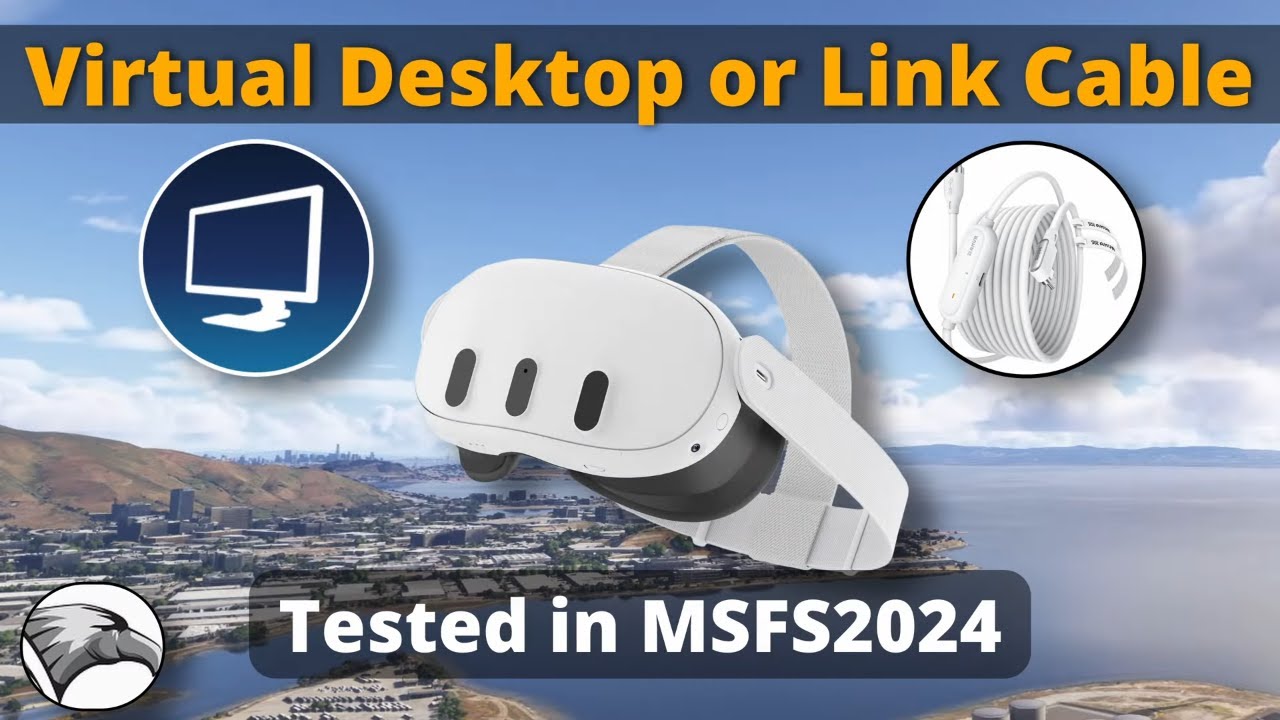
09:25 - Why I use Link Cable not Wi-fi.
11:10 - How I can make comparisons with image quality (Oculus Mirror).
12:10 - Asynchronous Space warp ASW explained (locking FPS).
13:47 - Why 36 fps is smoother that 50 fps in VR.
14:19 - Enabling Heads up Display to analyze the frame synchronization.
14:40 - ASW disable, full GPU usage, stutters and miss synchronization.
15:15 - ASW with 1/2 refresh - 36fps silk smooth.
15:45 - Ghosting and ASW Artifacts explained.
17:03 - Pixel override (supper sampling) explanation.
18:00 - Super sampling effects on GPU usage.
19:30 - Field of View vs sharpness.
20:55 - Comparison super sampling with FOV reduction vs 100% FOV.
22:00 - Reduce FOV for better clarity.
22:27 - GPU Load vs Headroom.
23:55 - 90hz vs 72hz in image clarity.
26:00 - Smart way to control TLOD, OLOD and Clouds in VR
27:49 - OpenXR Toolkit overview
28:31 - FOV Rendering - 3~5% more less GPU usage.
30:11 - Fixing the brightness / contrast and colors (pilot’s perspective)
31:21 - OpenXR toolkit MOD (by Ohne Speed) FOV for VD
32:01 - In game Settings FS2024
32:30 - Why TAA not DLSS or DLAA
34:30 - In game Settings FS2020
34:50 - Nvidia control panel and Nvidia APP settings
35:05 - Trick to set Debug Tool with one click and VoiceAttack
37:36 - Conclusion
38:36 - VR from a Pilot’s Perspective
39:25 - VR certified Professional simulators (Loft Dynamics)
All settings and info on description below
.
/ fsprimo
/ tadeuprimo
/ tadeuprimo
.
Microsoft Windows 11 (24H2)
Desktop Intel i9-14900k
RTX 4080
Fonte Cooler Master SFX V850 850w
Motherboard - ROG STRIX Z690-I GAMING WIFI - ASUS
Air Cooler Low Profile ID-Cooling Is-50x V3
Memory (32GB 6000mhz DDR5)
M.2 4TB Pci-e 4.0 X4 Gammix S70 Blade XPG (7400 mb/s)
Monitor 1 LG UltraWide™ LG 29'' IPS Full HD 2560x1080 (FreeSync)
Monitor 2 Portable ARZOPA A1C 15,6" IPS
My DIY Mini ITX Mobile Build ( https://drive.google.com/drive/folder... )
VR Headset Meta Quest 3 (128GB)
My VR Controllers setup FS20/FS24 - • My VR Controllers Setup #quest3 #fs2024 #f...
My Joysticks (mobile) - • MY SETUP IN VR
My VR Setup and settings in X-Plane - • X-Plane 12 - The VR BIBLE - for Quest 3 an...
My VR Setup and settings in MSFS - • Quest 2 settings NIGHTMARE? You are doing ...
Older videos using a DIY HeadTracker + OpenTrack (free) with Logitech C525 Webcam
-How camera works1 - • GOSTA DE GAMBIARRA?
-How camera works2 - • HEADTRACK
-How I build mine - • FreeTrack (FSX/P3D) FaceTrackNoIR (XPlane)
-How I set it up - • Calibrando seu TrackIR / FacetrackNoIR / O...
ARUCO - An even cheaper and easier alternative - • TRACK IR com QRCODE ARUCO - ZERO CUSTO ! X...
-My ridiculous adapted joystick with pedals: • GOSTA DE GAMBIARRA?
-------------------------------------------------------
EFB for PDF charts - Openkneeboard.com
ATC done by Pilot2ATC
LiveATC for Real ATC chat on background
VoiceAttack for voice commands and checklists

Доступные форматы для скачивания:
Скачать видео mp4
-
Информация по загрузке:










![15 лучших приложений для Meta Quest 3, которые вам НЕОБХОДИМЫ! [Не игры]](https://imager.clipsaver.ru/cBCuQN_VYpw/max.jpg)