How to Crop a Photo into a Circle (OR ANY SHAPE) in Affinity Photo iPad
Автор: Andrew Goodman
Загружено: 2022-08-05
Просмотров: 4636
🌟🚨 BIG News! 🚨🌟 MASSIVE 70% OFF My New Course for a limited time! 🎓💥 Act fast, get it here:
https://www.andrewgoodmancreative.com/
My iPad Gear:
iPad Pro I'd Recommend - https://geni.us/iPadProRecommendation (I own the 2020 iPadPro version of this)
iPad I'd Recommend on a Budget - https://geni.us/iPadRecommendation
Apple Pencil - https://geni.us/iPadApplePencil
iPad Pro Screen Protector - https://geni.us/iPadProProtector
iPad Pro Case - https://geni.us/AndrewsiPadProCase
iPad Glove - https://geni.us/iPadGlove
📽️ My YouTube Gear:
Camera - https://geni.us/AndrewsCamera (This camera is AMAZING for YouTube)
Mic - https://geni.us/AndrewsMic
Mic Arm - https://geni.us/AndrewsMicArm
Audio/Sound Desk - https://geni.us/AndrewsAudioDesk
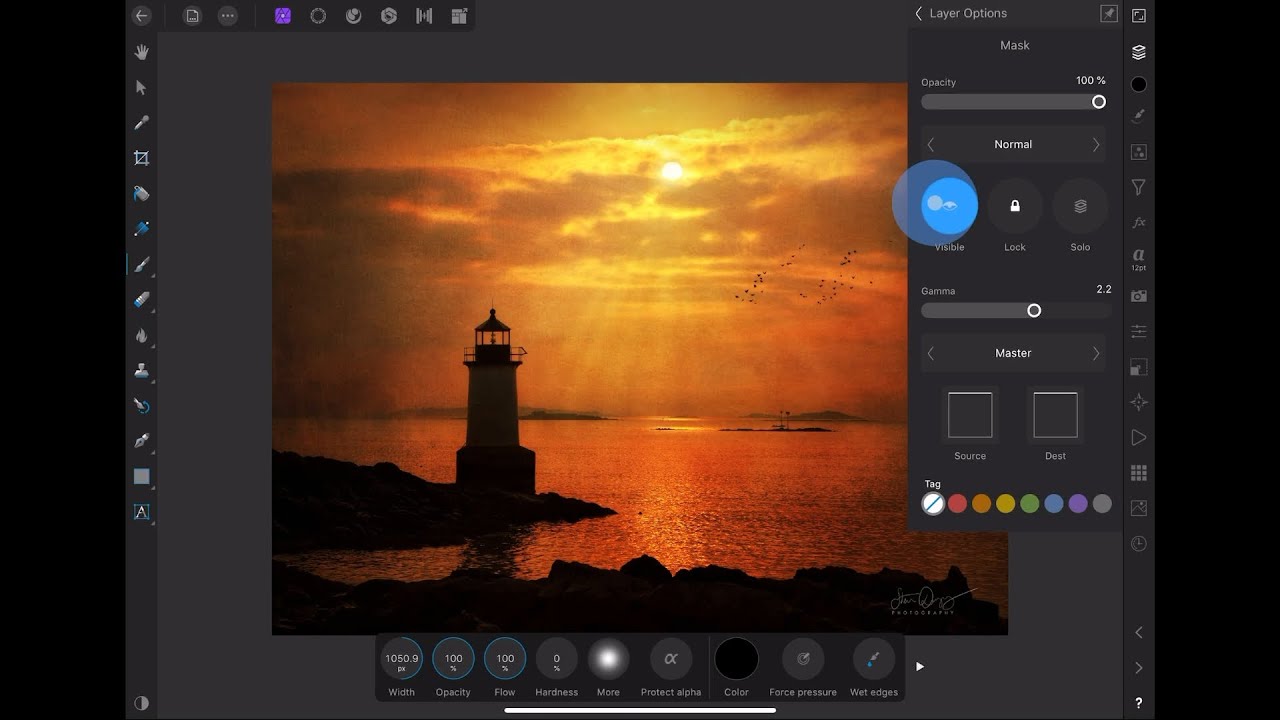
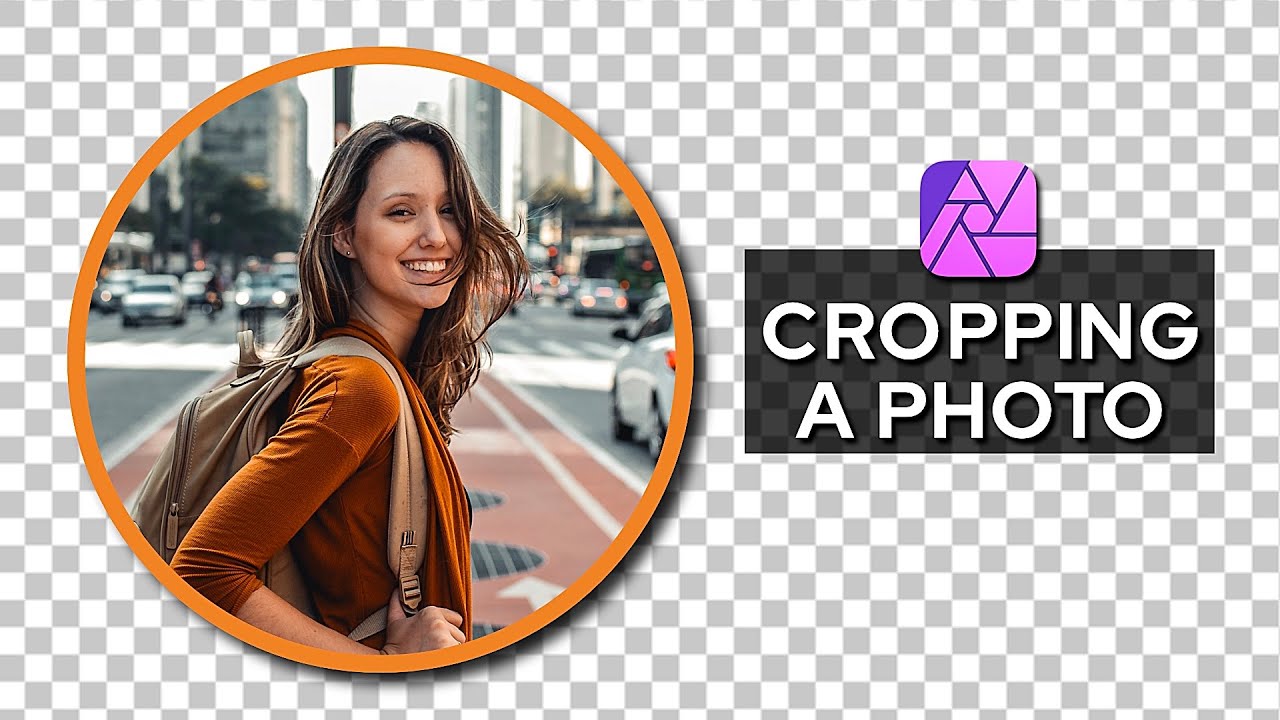
In this video, I'll explain and show you how to crop a photo into a circle (or any shape) in Affinity Photo on the iPad.
📺 Please feel free to Subscribe to my channel:
/ @creativegoodman
🎬 Chapters:
0:00 Intro
0:22 Tutorial Starts
0:48 Making a Circle
1:20 Putting the Photo Inside the Circle
2:00 Resize the Photo
2:57 Adding a Border
3:47 Cropping the Photo
4:47 File Formats Explained
7:07 Triangle Example
9:51 Outro
📷 Photos Used in Example:
https://unsplash.com/photos/_dH-oQF9w-Y
🎥 Other videos you may like:
Affinity Photo iPad Tutorials Playlist - • Affinity Photo iPad Tutorials
🙏🏻 Thanks for watching.
How to Crop a Photo into a Circle (OR ANY SHAPE) in Affinity Photo iPad
#AffinityPhoto #AffinityPhotoiPad #ipadpro
Some links in this description are affiliate links. I earn a small fee if you purchase an item via these links. It does not cost you anything extra to use them. They help me to be able to create more videos. Thank you for the support :)
Доступные форматы для скачивания:
Скачать видео mp4
-
Информация по загрузке: