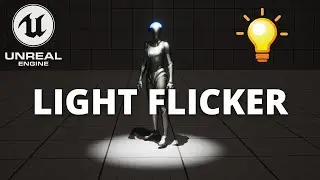
Flickering Lights That React to the Player — Unreal Engine 5 Blueprint Tutorial
Автор: Shaun Codes
Загружено: 2025-10-26
Просмотров: 300
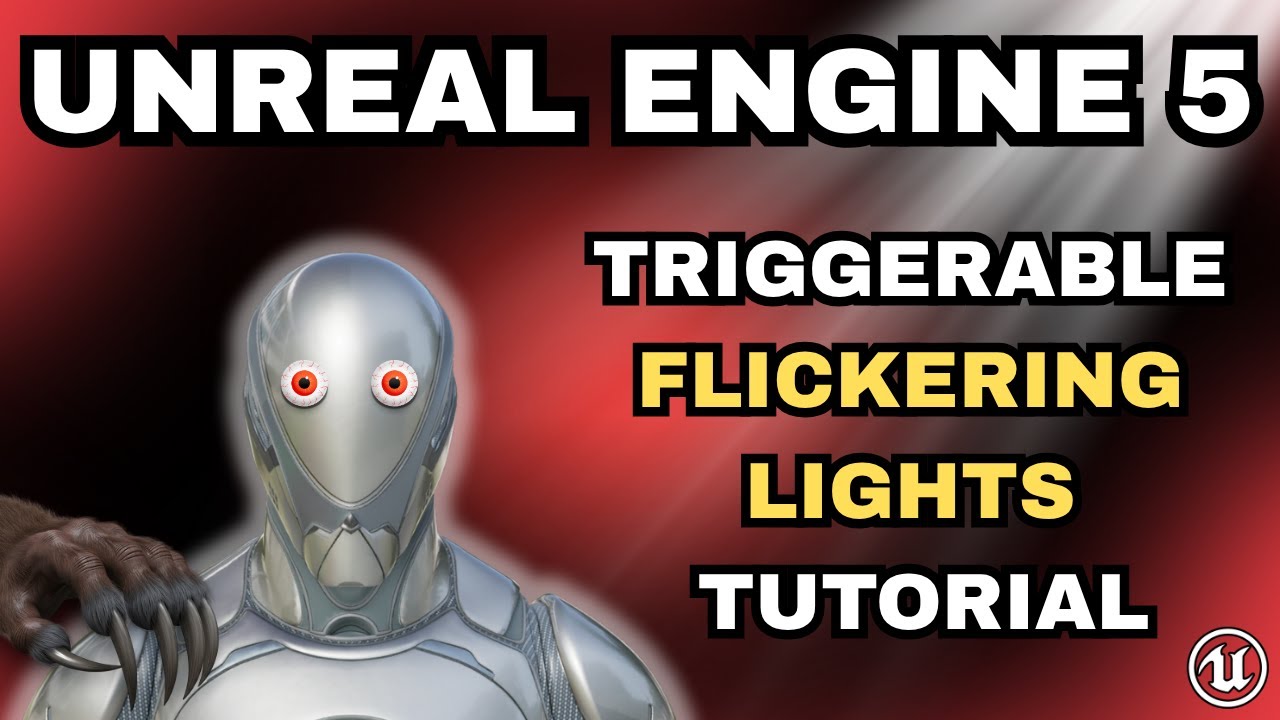
In this video, I’ll show you how to make lights automatically flicker and fade out when your player enters a trigger zone in Unreal Engine 5.
It’s a simple Blueprint system that instantly adds tension and atmosphere — perfect for horror levels, power failures, or cinematic moments.
What you’ll learn in this video:
How to create a flickering light Blueprint from scratch
How to make lights fade out smoothly with a Timeline
How to trigger multiple lights at once using a controller Blueprint
How to set up a trigger zone that reacts to player movement
This beginner-friendly setup gives you full control over environmental lighting and is easy to drop into any project.
0:00 Intro
0:42 Step 1: Starting Your Project
1:04 Step 2: Preparing the Scene
2:04 Step 3: Creating the Flickering Light Blueprint
4:14 Step 4: Creating the Fade-Out Timeline
6:38 Step 5: Creating the Trigger Blueprint
8:36 Step 6: Placing Everything in the Scene
10:08 Test!
10:27 Outro
📌 Need the full step-by-step guide with screenshots?
Check out the complete article version linked in the pinned comment.
💬 Thanks for watching — and I’ll see you in the next one!
#unrealengine5 #ue5 #unrealengine #unrealengine5tutorial #gamedev #indiedev #uetutorial #ue5tutorial #lighting #blueprints #horror #ue5lighting
Доступные форматы для скачивания:
Скачать видео mp4
-
Информация по загрузке: