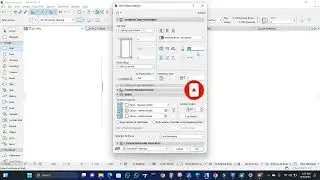
ArchiCAD Mesh Tool Tutorial | Terrain & Site Modeling Explained (Advanced Modeling – Module 4)
Автор: ARC GPT
Загружено: 2026-01-14
Просмотров: 0
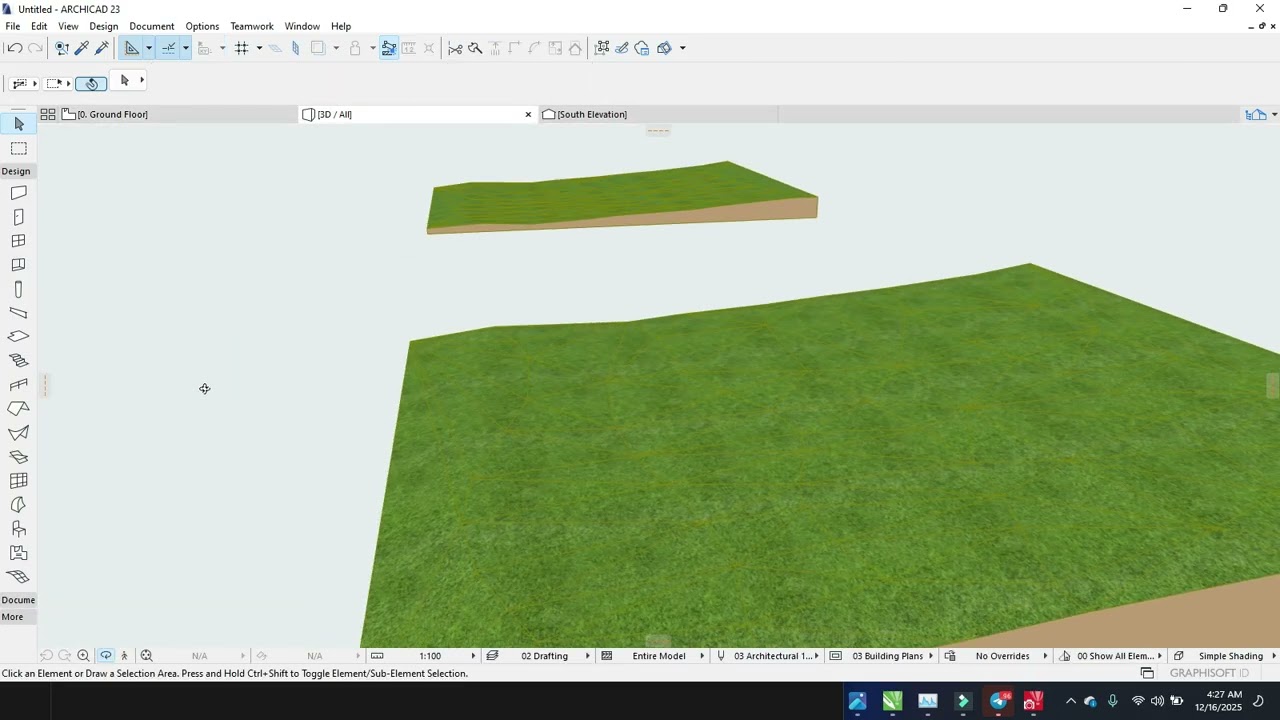
In this ArchiCAD Mesh Tool tutorial, you’ll learn how to model terrain and site topography in ArchiCAD using the Mesh Tool, one of the most powerful advanced modeling tools for architectural site design. This lesson is part of Module 4: Advanced Modeling Tools and is ideal for architecture students, beginners, and professional architects.
In this video, you will learn:
How to create terrain and site models using the Mesh Tool
Editing mesh points, elevations, and contours
Modeling sloped sites and uneven terrain
Integrating buildings with site topography
Best practices for site modeling in BIM workflows
By the end of this tutorial, you’ll be able to create accurate, professional terrain and site models that work seamlessly in plans, sections, 3D views, and presentations.
📐 Subscribe for more ArchiCAD tutorials, advanced BIM modeling techniques, and real-world architectural workflows.
#ArchiCAD #ArchiCADTutorial #MeshTool
#TerrainModeling #SiteModeling #BIM
#AdvancedArchiCAD #ArchitecturalDesign
#ArchitectureStudents #3DModeling
#Graphisoft #BIMWorkflow
Доступные форматы для скачивания:
Скачать видео mp4
-
Информация по загрузке:





![Мы получили 2,5 млн рублей чтобы сделать экзоскелет, и это наконец закончилось [2/2]](https://image.4k-video.ru/id-video/X3uZq2joiW8)