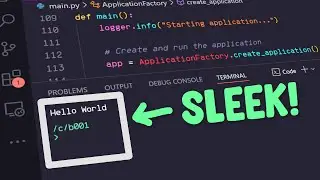
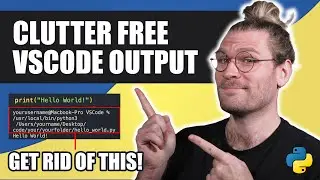
How to Get CLEAN OUTPUT in VS Code When Running Python
Автор: Code To Design
Загружено: 2025-07-27
Просмотров: 2455
🧹 How to Get Clean Output in VS Code When Running Python | No Extra Text, Just Results!
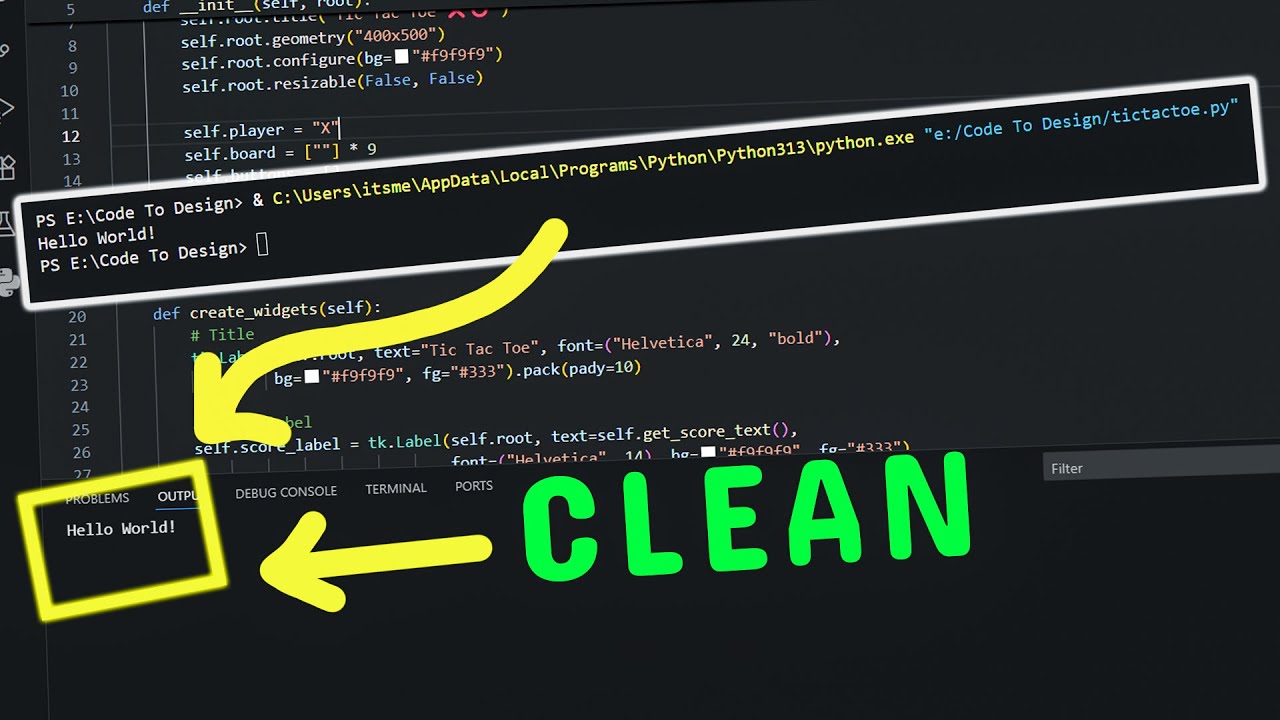
Tired of messy terminal output when running Python in Visual Studio Code? In this quick tutorial, I’ll show you exactly how to set up VS Code for clean, clutter-free output using the Code Runner extension. No confusing paths, no execution messages — just the results of your Python code.
✅ What you'll learn in this video:
How to eliminate extra text like “PS E:...” from the terminal
How to install and configure the Code Runner extension in VS Code
Which settings to enable or disable for a clean output experience
The difference between Output window and Terminal in VS Code
Why input() doesn't work in Output window and how to handle it
📌 Whether you're a beginner or an experienced Python developer, this tip will make your coding environment cleaner and more focused.
👉 Don’t forget to like, subscribe, and hit the bell icon for more Python and VS Code tips!
#Python #VSCode #CodeRunner #PythonTips #VSCodetutorial #CleanOutput #VisualStudioCode #PythonBeginner #PythonProgramming #PythonInVScode
Доступные форматы для скачивания:
Скачать видео mp4
-
Информация по загрузке:
![Python - Полный Курс по Python [15 ЧАСОВ]](https://image.4k-video.ru/id-video/cfJrtx-k96U)