How To Fix Epson Printer Not Printing Black / Color | ET-2400, L3210, L3110, Etc.
Автор: PrintFix ID
Загружено: 2025-08-04
Просмотров: 12732
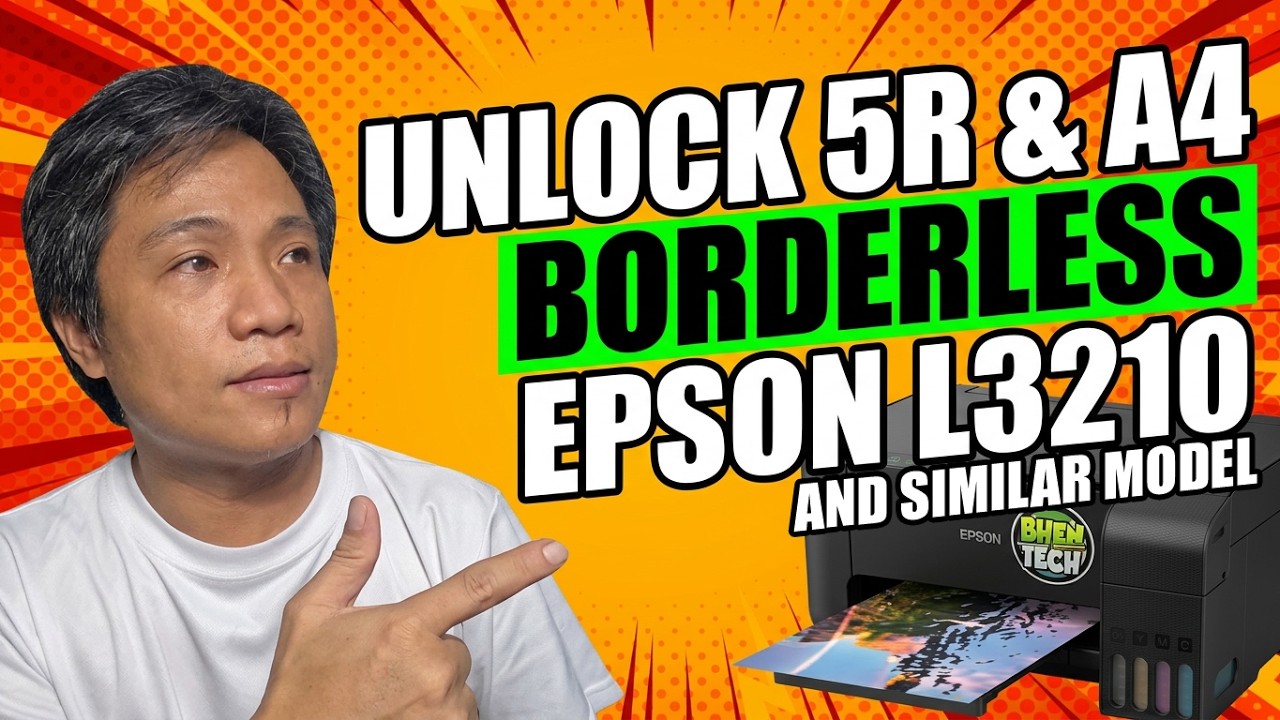
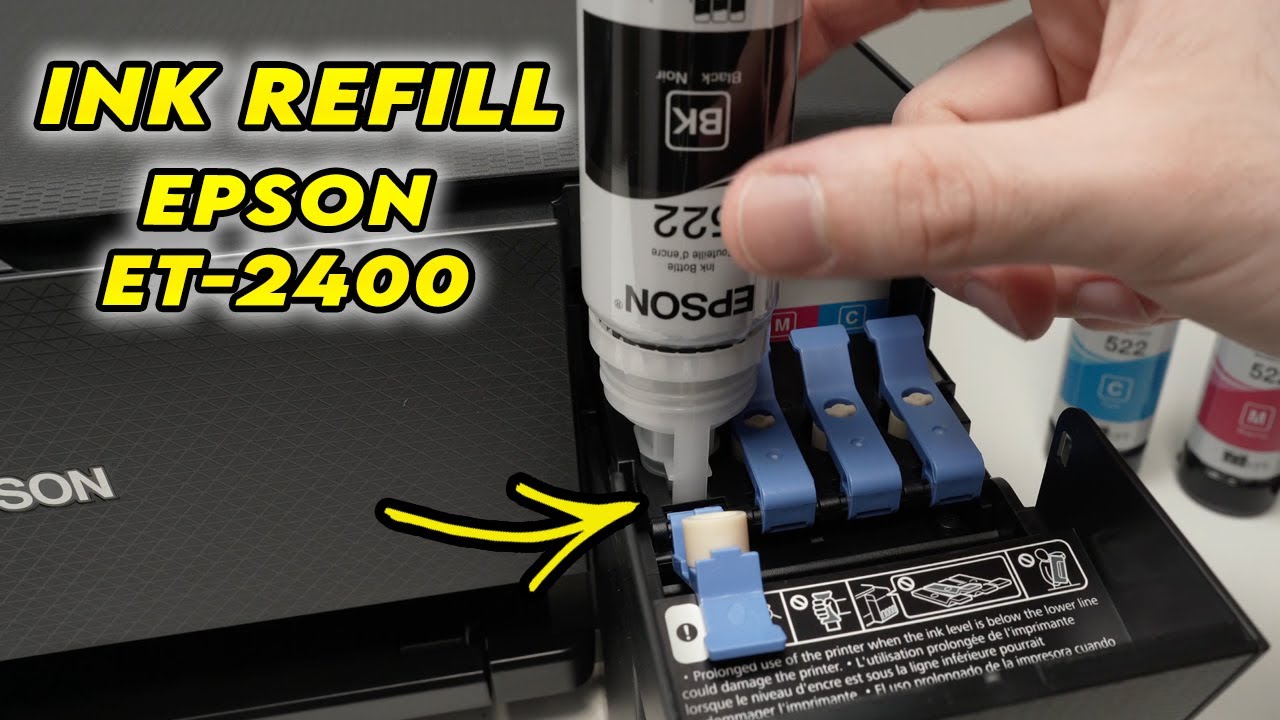
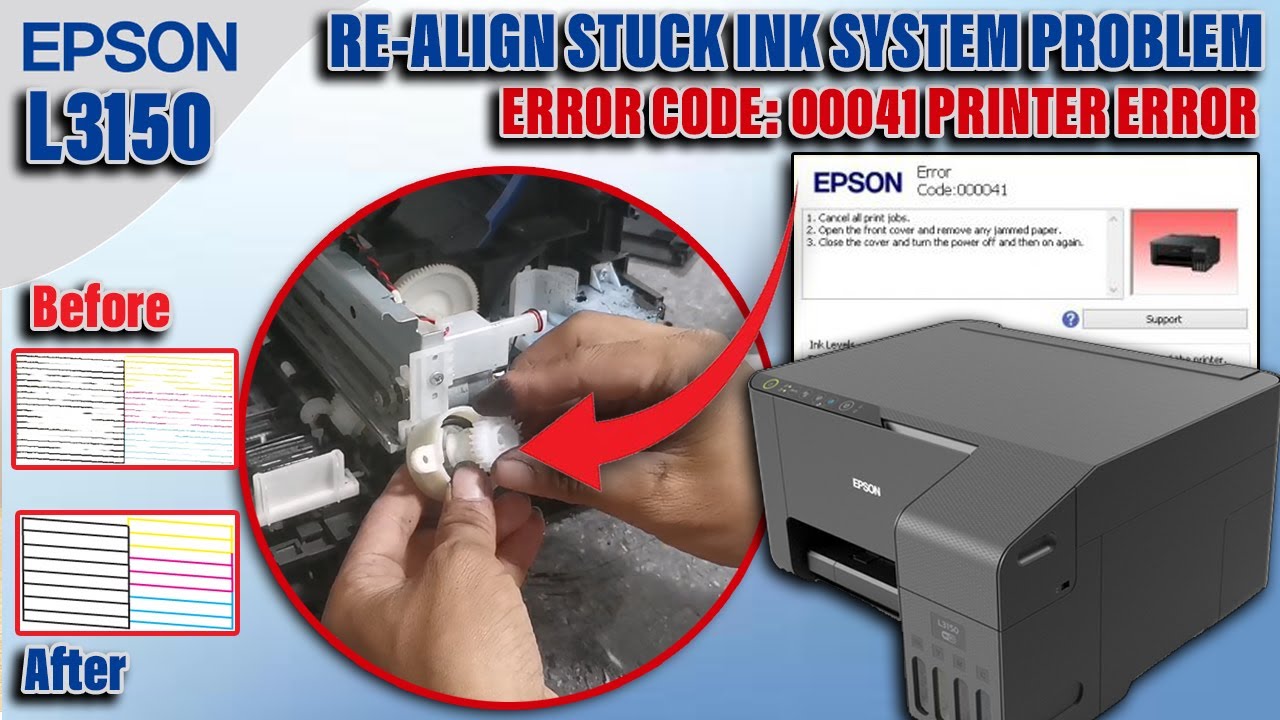
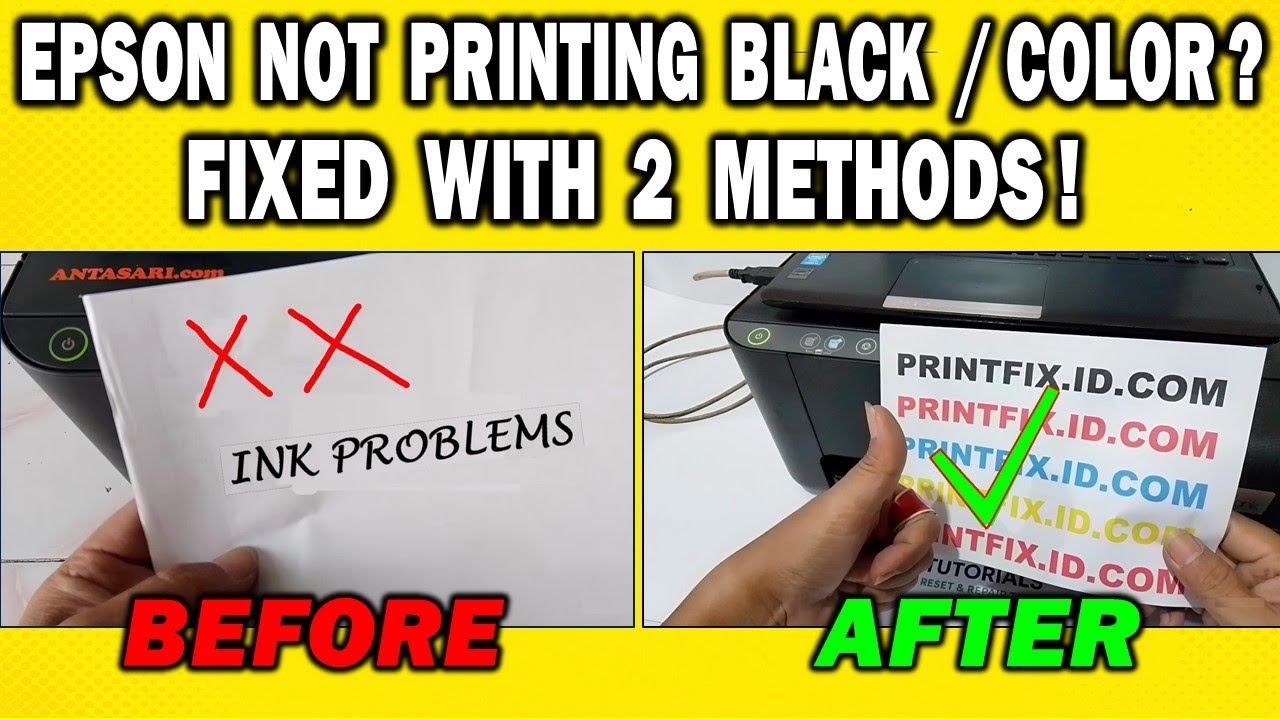
Is your Epson ET-2400, ET-2860, L3110, or L3210 not printing properly? Is the black ink not printing, colors missing, or are you getting blank pages when trying to print? Don’t worry — in this video, I’ll show you 2 easy ways to fix ink problems on Epson EcoTank printers.
These methods work even if:
• You're experiencing missing colors in your prints
• Your printer is printing blank pages
• The black ink won't come out
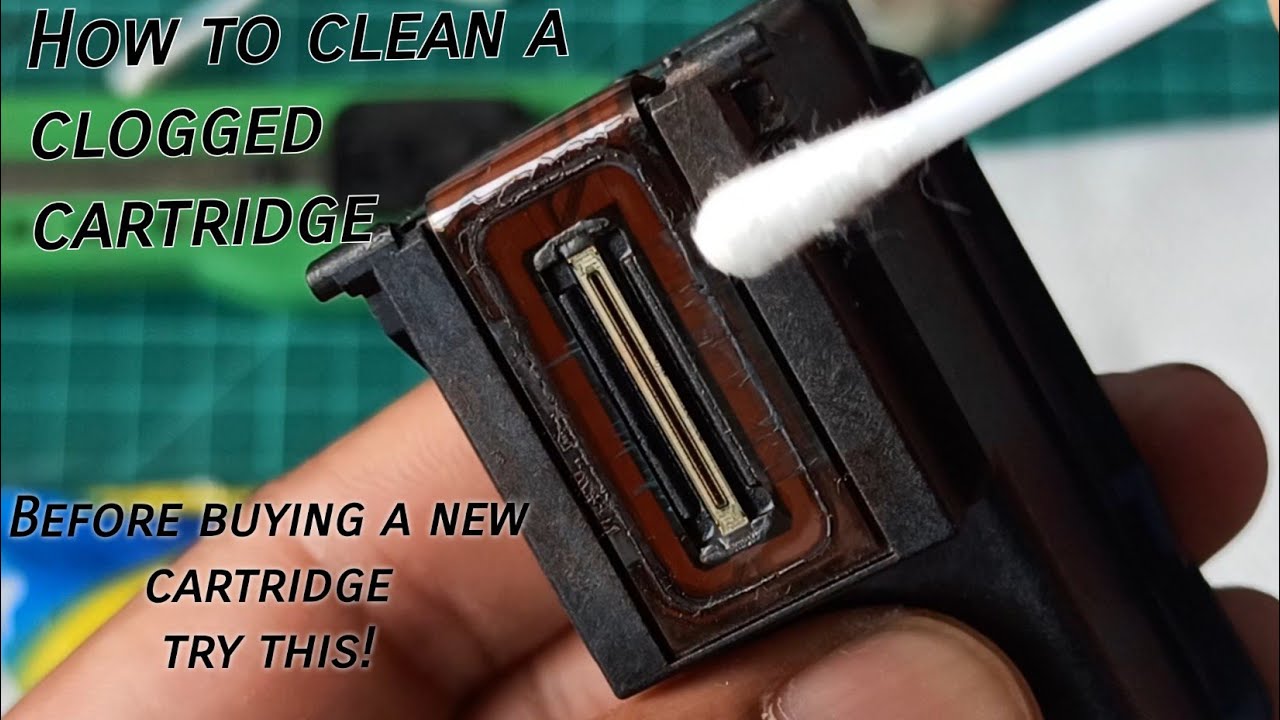
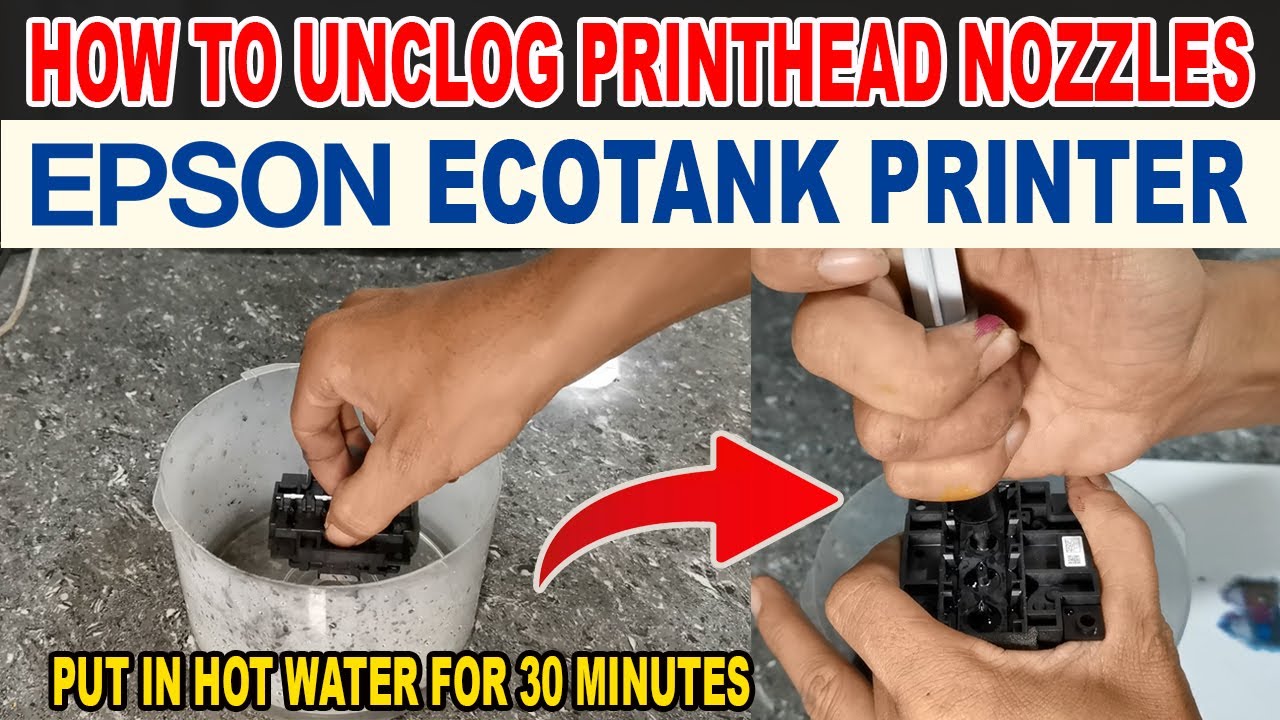
• You're dealing with clogged nozzles or dried ink
• You’ve tried cleaning, but nothing works
We’ll cover simple steps like:
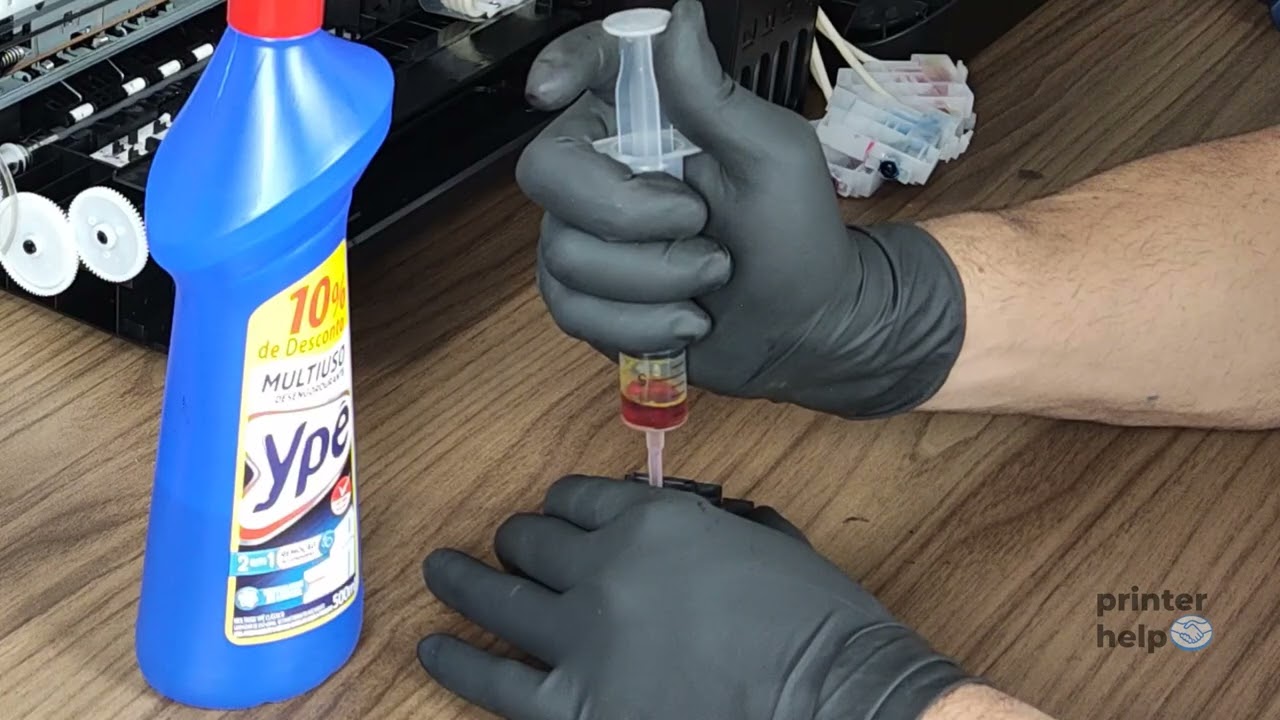
✅ Manual head cleaning without any special tools
✅ Basic maintenance that restores your ink flow fast
🖨️ Works for most Epson EcoTank printers, including:
ET-2400, ET-2860, ET-2800, L3110, L3210, L3250, L3150, and similar models.
⚠️ Don’t throw away your printer yet — this fix might save it!
#epsonprinter
#epsonnotprinting
#inkproblem
#headcleaning
#epsonl3210
#epsonet2400
#fixprinter
#printerinkissue
#colornotprinting
#blackinknotprinting
#epsonecotank
Доступные форматы для скачивания:
Скачать видео mp4
-
Информация по загрузке: