Ready to become a developer? 💻🚀
Автор: Mr.Q.EnglishChannel
Загружено: 2026-01-15
Просмотров: 30
Welcome to Mr Q English Channel!
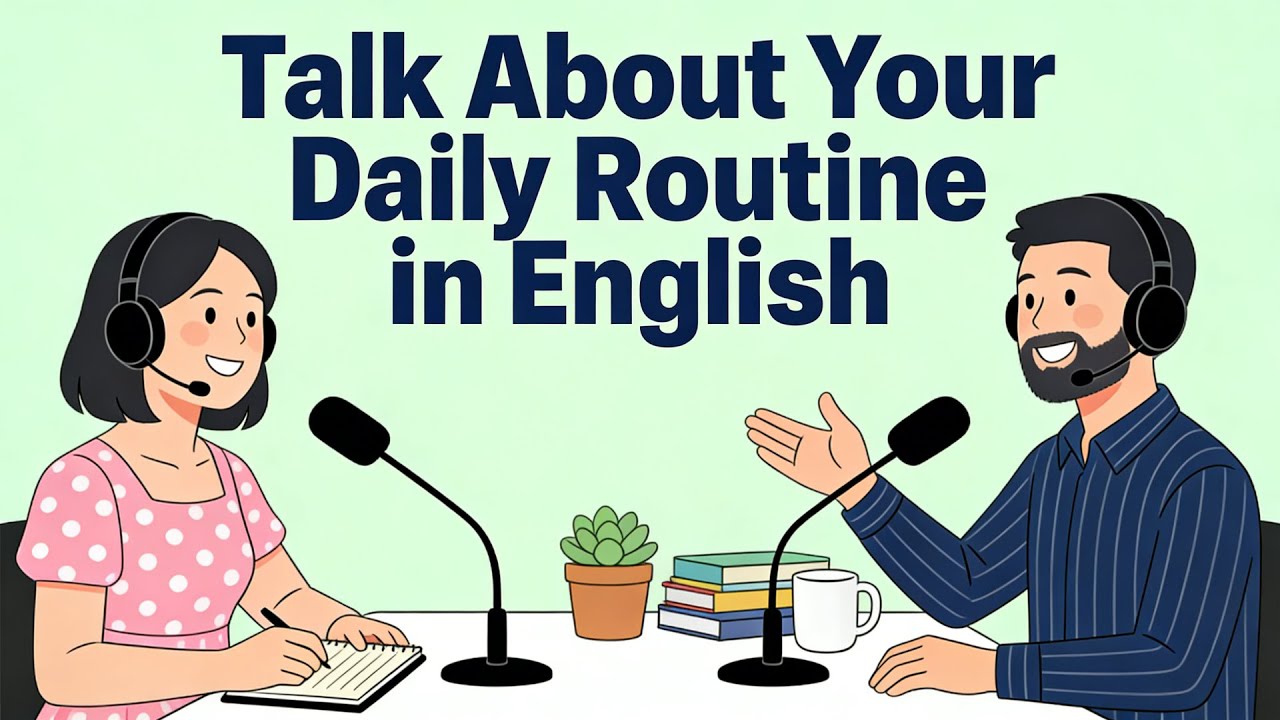
In this episode, Ryan and Jenny guide you through the essential steps of setting up a professional Windows Development Environment.
If you want to learn programming and improve your technical English at the same time,
this video is exactly what you need!
What you will learn in this lesson:
Must-have Tools: Why VS Code is the best text editor and which extensions to use.
Mastering the Terminal: Introduction to Windows Terminal and command-line basics.
WSL (Windows Subsystem for Linux): How to run a Linux environment directly on Windows for better coding.
Package Managers: Using Winget and Chocolatey to install software like a pro.
Version Control: Why Git and GitHub are essential for saving and sharing your work.
Dev Hygiene: Tips on organizing folders, choosing fonts, and why "Dark Mode" is a developer favorite.
Troubleshooting: How to handle error messages and why searching on Google is a key skill.
This episode is perfect for Beginner English Learners who are also aspiring developers. We use simple, clear language to explain complex technical concepts.
💬 Question of the Day: What programming language are you planning to learn first? Python, JavaScript, or something else? Let us know in the comments!
Support us by: ✅ Liking this video to help other learners find it. ✅ Subscribing to Mr Q English Channel for more tech-themed English lessons. ✅ Sharing this with your friends who are starting their coding journey!
#WindowsDevEnvironment #LearnProgramming #MrQEnglish #TechnicalEnglish #VSCode #WSL #CodingForBeginners #ProgrammingEnglish

Доступные форматы для скачивания:
Скачать видео mp4
-
Информация по загрузке: