Скачать
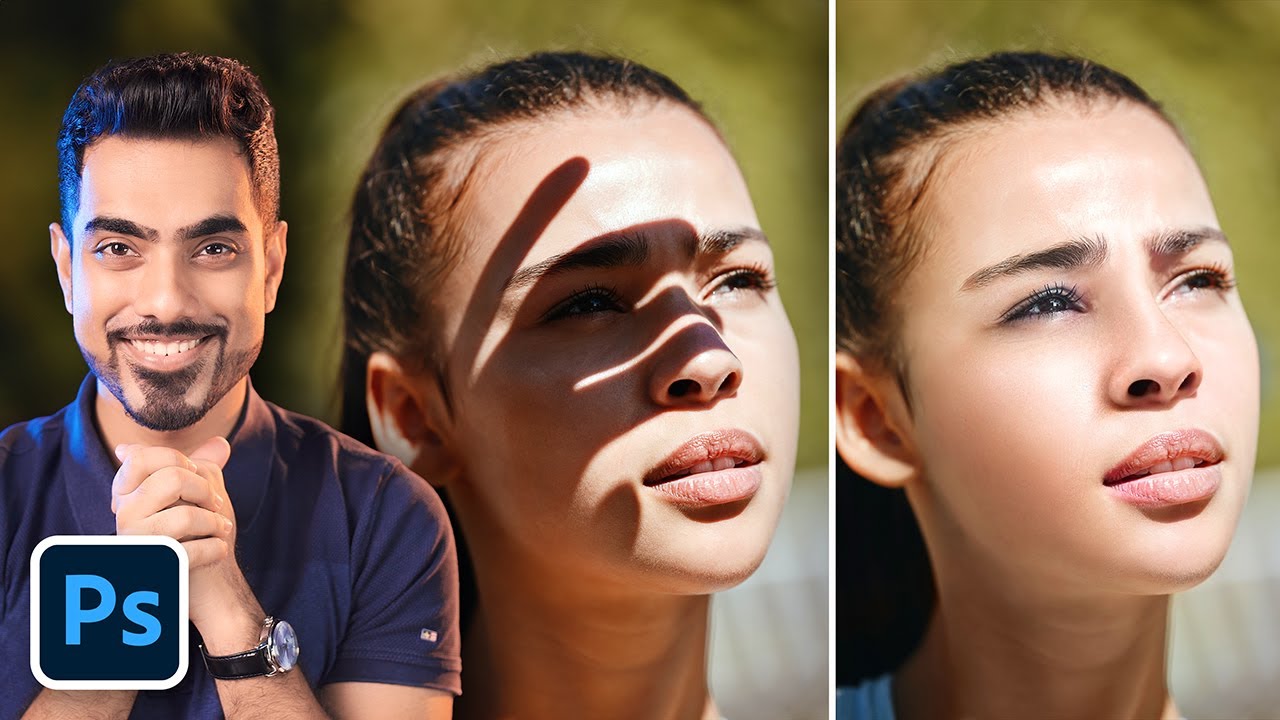
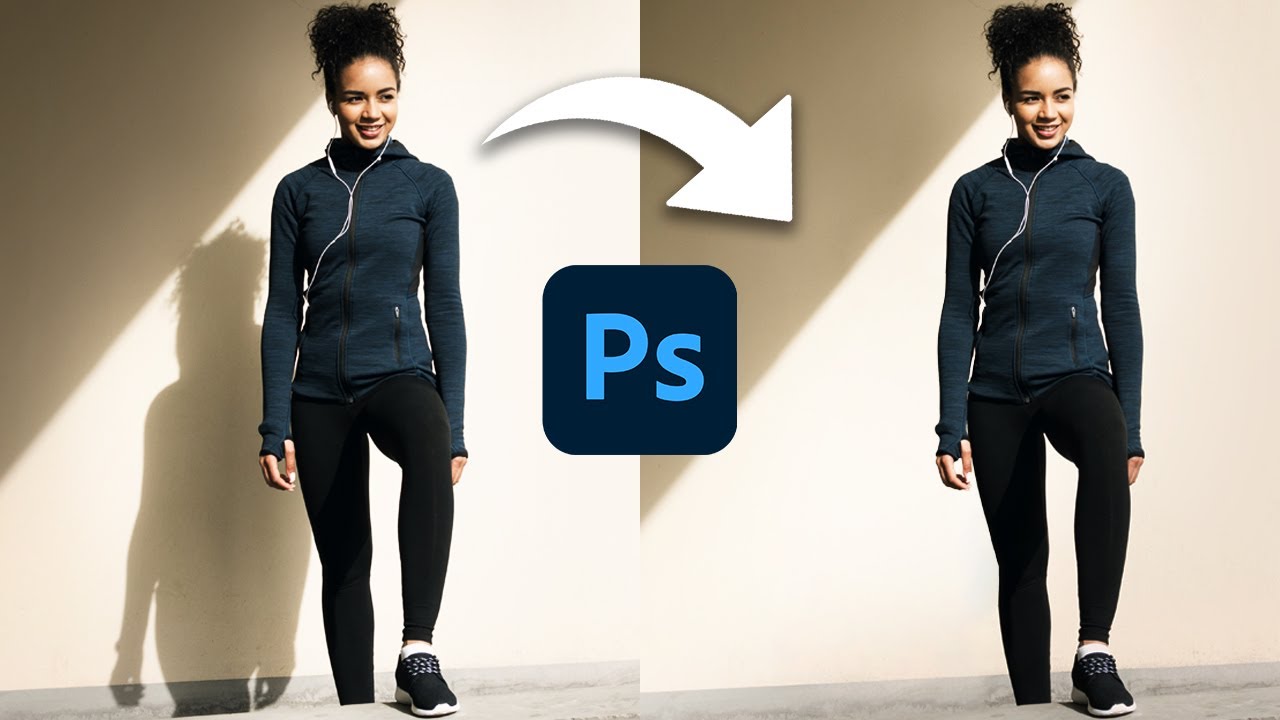
How to Remove Background Shadows in Photoshop Fast
Автор: Photoshop Tutorials by Layer Life
Загружено: 2021-07-14
Просмотров: 279616
Описание:
Learn how to remove background shadows in Photoshop fast. You can easily remove shadows by first selecting the subject. You can make the selection faster by clicking "Select Subject".Then you can use the Content Aware feature which will fill in the shadows. Then you can fix background even more by using the clone stamp.
If you have any questions or need help then comment below.
Like & Subscribe!
Photo:
https://www.pexels.com/photo/charming...

Доступные форматы для скачивания:
Скачать видео mp4
-
Информация по загрузке: