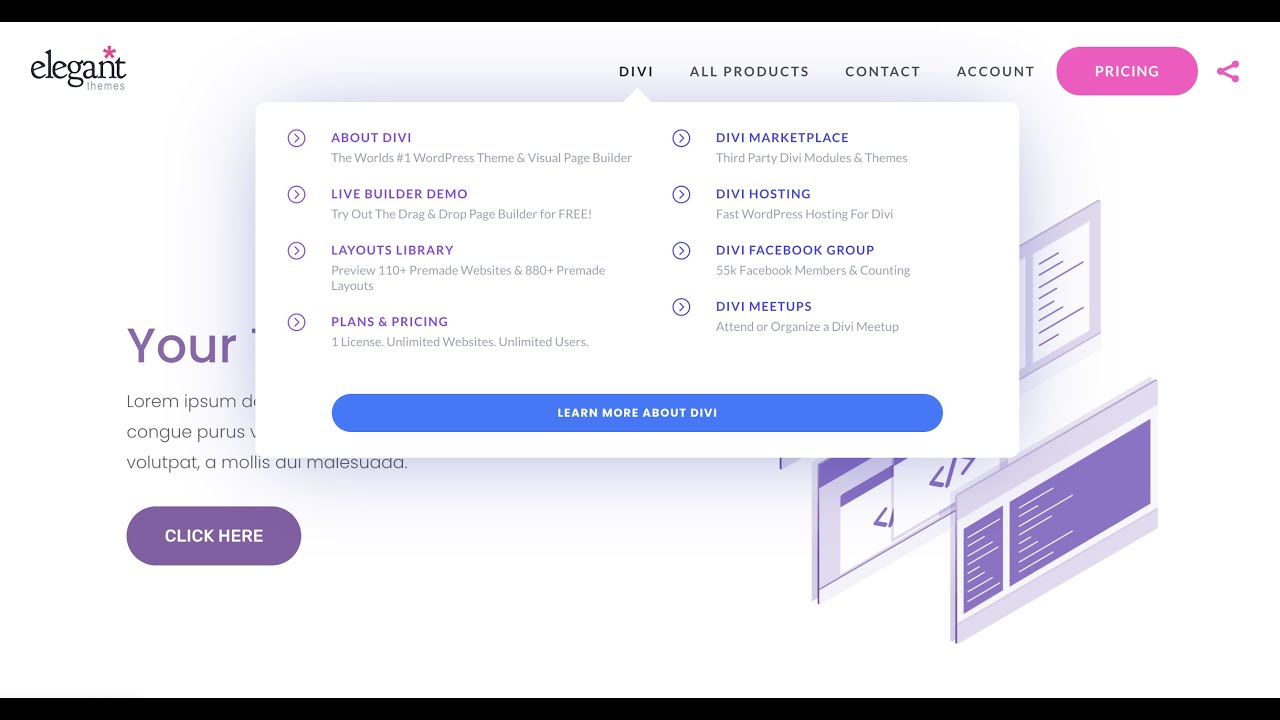
Recreating Elegant Themes Menu - DiviMenus
Автор: DonDivi Plugins
Загружено: 2021-08-04
Просмотров: 7908
See in action here:
https://dondivi.com/layouts/elegant-t...
Let's go to recreate the "Elegant Themes" Menu by using "DiviMenus Flex", the new module included with the "DiviMenus" extension as of version 2.0. that also includes the "Sub" link type and many new features that will surely allow you to create all kinds of designs!
https://www.elegantthemes.com/marketp...
In this video we also take advantage of the "DiviMenus Sharing" add-on (sold separately on the Divi Marketplace) in order to add the "Share" link type to the last Menu Item and convert it into a social sharing button!
https://www.elegantthemes.com/marketp...
Learn more: https://dondivi.com/divimenus/
Happy building! 🥳
***
⚠️ WARNING 1: In this video there is an error at 6:50" since we use the "Max Width" property instead of "Width". You always must define a "Width" (pixels units) for your "Sub" layouts, either from the layout itself (Divi Library) or using later the "Sub Width" field from the "DiviMenus Flex" module.
⚠️ WARNING 2: This video was recorded with DiviMenus 2.2 version so DiviMenus still didn't include the new LOGO field which has been included since DiviMenus 2.7 version. as well as other improvements in the module. (Learn more about the LOGO: • 🧡 NEW! DiviMenus Flex - Introducing the LOGO )
Due to this reason the current downloadable zip file available from DonDivi includes a new Header made with the latest version of DiviMenus 2.7. Enjoy it!
View DiviMenus Changelog: https://dondivi.com/changelog/
Доступные форматы для скачивания:
Скачать видео mp4
-
Информация по загрузке: