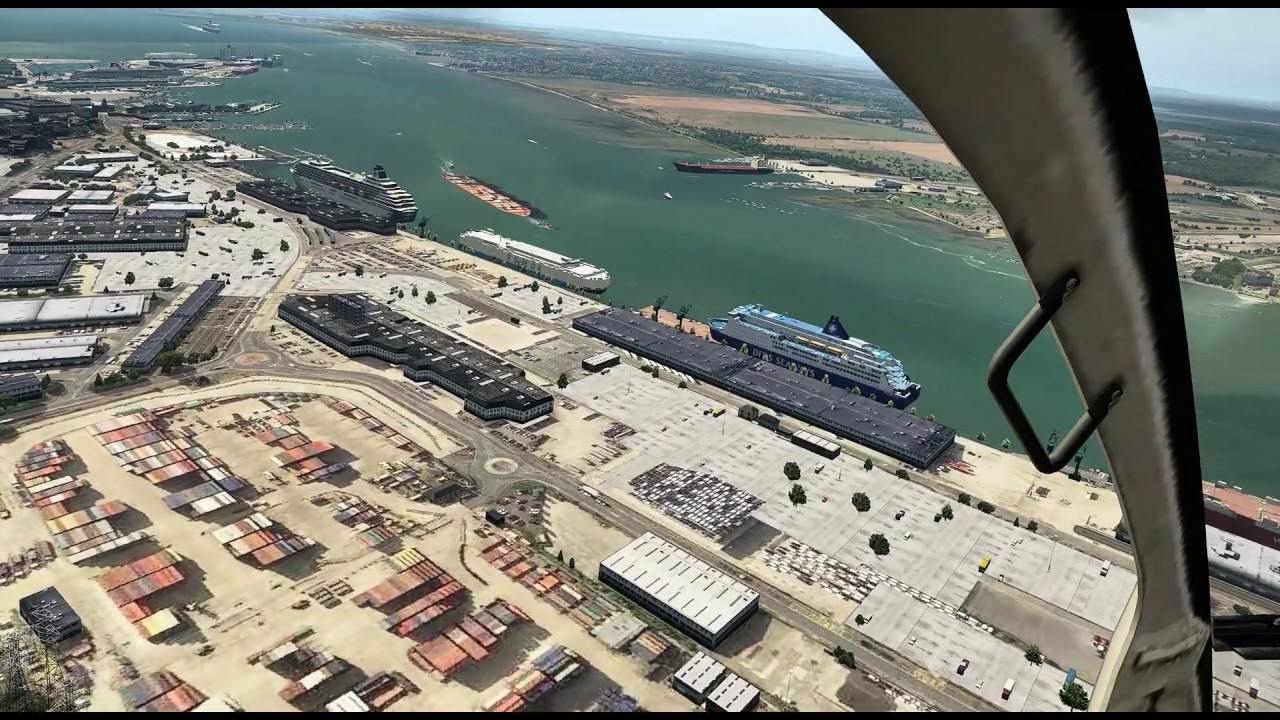
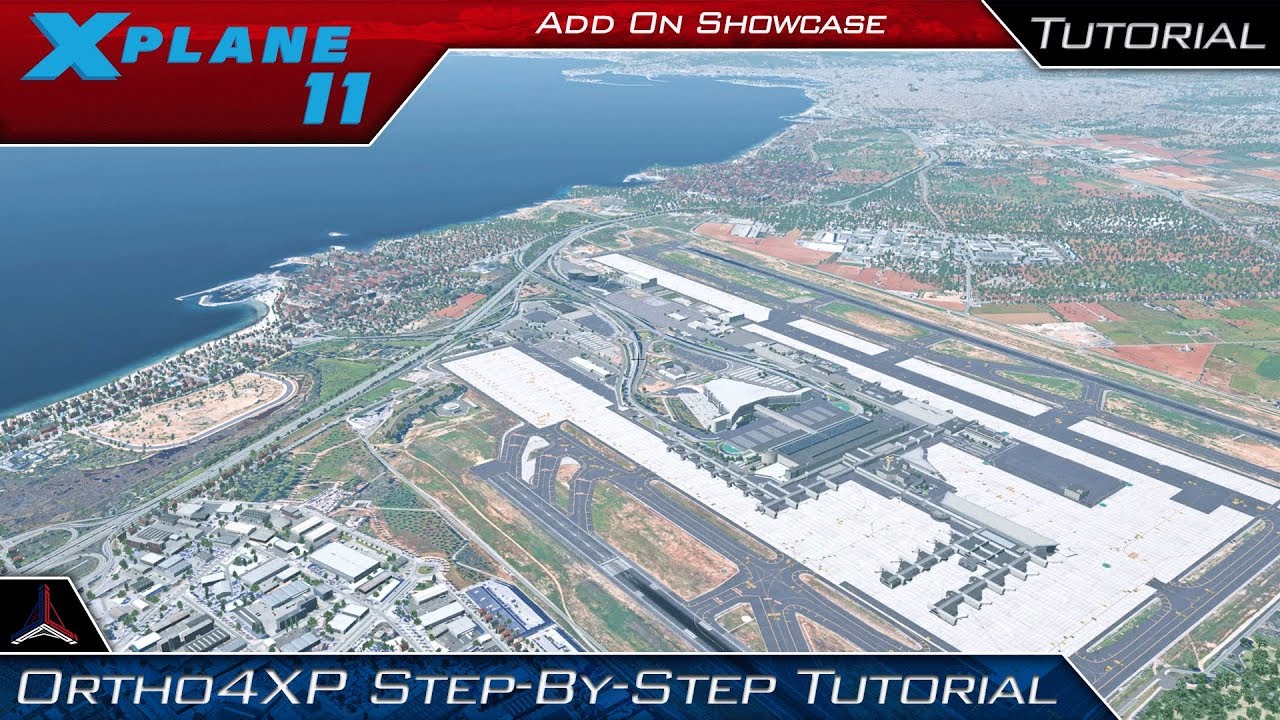
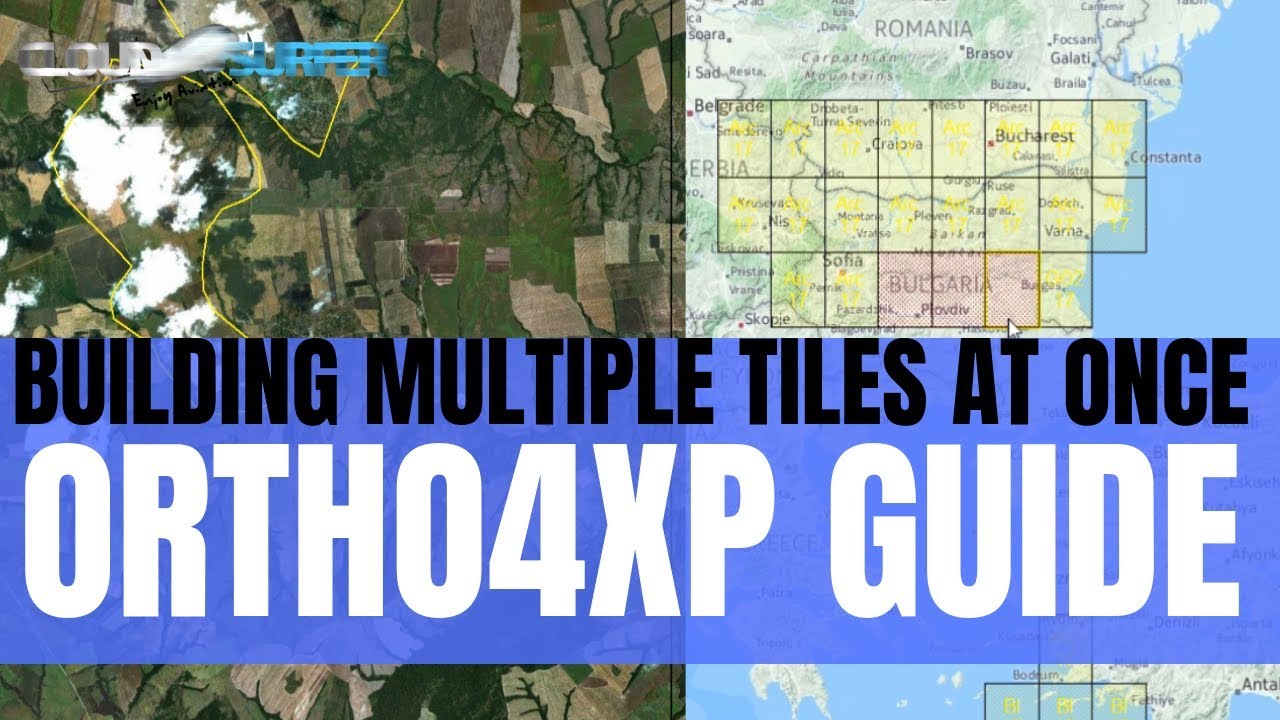
ORTHO4XP Tutorial on Multiple Tiles | How to build more at once | Photoreal Scenery for X-Plane 11
Автор: CloudSurfer
Загружено: 2019-08-28
Просмотров: 1537
In this short Guide on Ortho4XP I will show you do steps I go through when building multiple Ortho4XP tiles for X-Plane 11 using AlpilotX HD Mesh and custom zoomlevels. I hope you find it simple and logical and wish you happy flying in your new Photoreal scenery.
I Fly with failures ENABLED and Remove flying surfaces when over speed or G limits, So full realism enabled so to speak.
I always depart from the airport I last arrived at, don’t ask me why, it is just a qwerk that makes me get even more immersed with the experience and makes the world feel a little bigger.
I hope you enjoy the flight and hope you will like & subscribe to support the further growth of this channel.
I use www.simbrief.com for all my flightplanning, it is a grea tool and very true to real world flightplans.
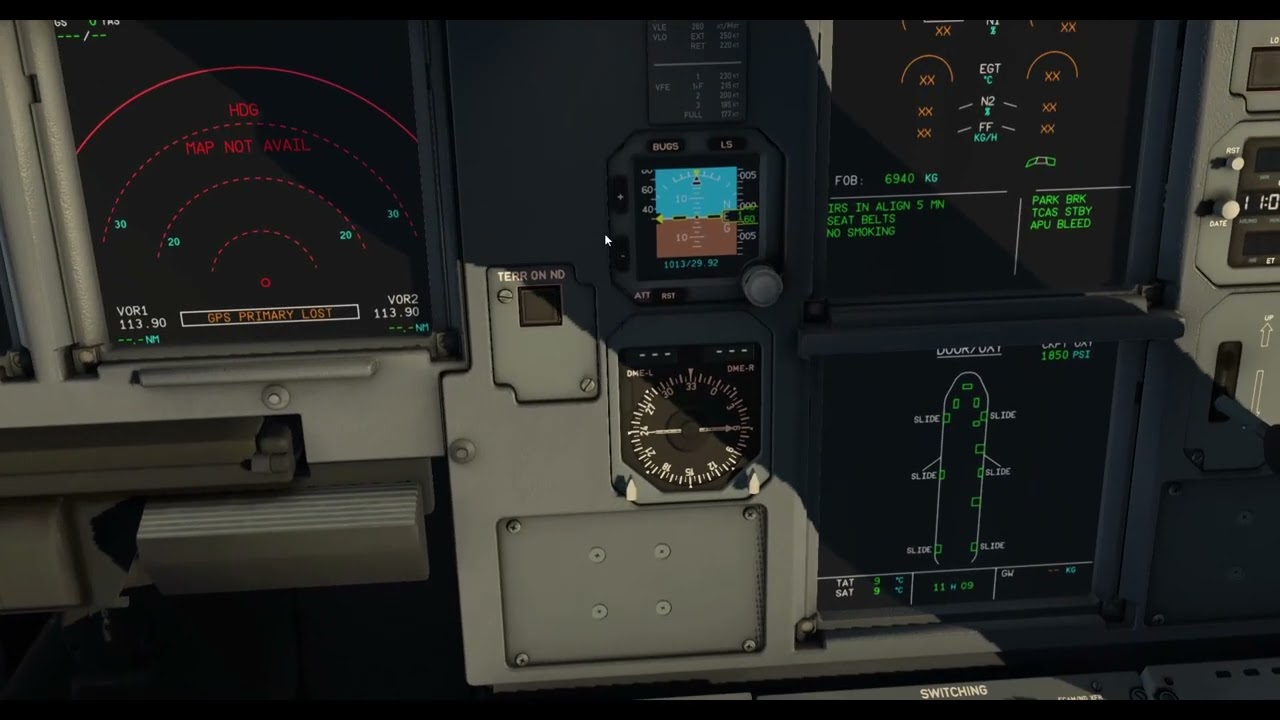
I am using the Zibo Mod which is a freeware aircraft! The guys behind Zibo are doing an amazing job and I highly recommend using the aircraft AND supporting their work through donations.
THIS IS NOT TO BE USED FOR REAL WORLD FLIGHT TRAINING OR PROCEDURES. THIS CHANNEL IS NOT REPRESENTING NORWEGIAN AIRSHUTTLE.
---------------------------------------------------------------------------------------------------
I am currently using X-plane 11 as my preferred simulator and fly 99% of the time in VR using the Oculus Rift which I highly recommend for extreme immersion.
My settings vary and I recommend that you do your own tweaking and optimization as all systems a slightly different.
For better performance in VR I use 3jfps combined with lasso tool and oculus traytool.
I recommend you take a look at the videos from youtuber “Sweviver” who have made some great tutorials for X-plane 11 VR.
System.
Intel i9 – 9900K turbo @5 Ghz
Corsair Hydro H115i Pro Water cooler
ASRock z390 Phantom gaming MB
32 GB Corsair Vengeance DDR4 3000 mhz
Samsung SSD 970 EVO 250 GB
Seagate External HD 6 GB for Ortho4Xp
Oculus Rift CV1
Saitek Yoke
Saitek Pedals
-----------
Simulator : X-Plane 11.35 https://www.x-plane.com
Plugins.
737-800 NG Zibo Mod: https://forums.x-plane.org/index.php?...
Terrain Radar: https://forums.x-plane.org/index.php?...
XRaas: https://forums.x-plane.org/index.php?...
Active Sky XP: https://hifisimtech.com/asxp
Ultra Weather XP: https://store.x-plane.org/Ultra-Weath...
LiveTraffic: https://forums.x-plane.org/index.php?...
Swiftclient: https://dev.swift-project.org/
MoveVR: https://forums.x-plane.org/index.p HYPERLINK "https://forums.x-plane.org/index.php" HYPERLINK "https://forums.x-plane.org/index.php" HYPERLINK "https://forums.x-plane.org/index.php"hp?...
Flywithlua NG: https://forums.x-plane.org/index. HYPERLINK "https://forums.x-plane.org/index.php"php?...
Navigraph Simlink : https://www.navigrap HYPERLINK "https://www.navigraph.com/" HYPERLINK "https://www.navigraph.com/" HYPERLINK "https://www.navigraph.com/"h.com
3jfps: https://forums.x-plane.org/index.php?...
XP Realistic PR: http://www.xprealistic.com
Xvision PRO:
List of useful libraries: https://forums.x-plane.org/ HYPERLINK "https://forums.x-plane.org/index.php"index.php?...
Listen to Live ATC at: https://www.liveatc.net
Running a mixture of Ortho4Xp, meshes and Zonephotos as I am still building on my tile collection.
http://zonephoto.x-plane.fr
https://forums.x-plane.o HYPERLINK "https://forums.x-plane.org/index.php"rg/index.php?...
http://www.alpilotx.net/downloads/x-p...
Last but least I use a great deal of freeware and payware scenery.
Доступные форматы для скачивания:
Скачать видео mp4
-
Информация по загрузке: