Lecture 5 | Mastering Grid & Constraint Layouts in Android Studio | Kotlin XML Guide | HiSkyTech
Автор: HiSkyTech
Загружено: 2025-01-20
Просмотров: 90
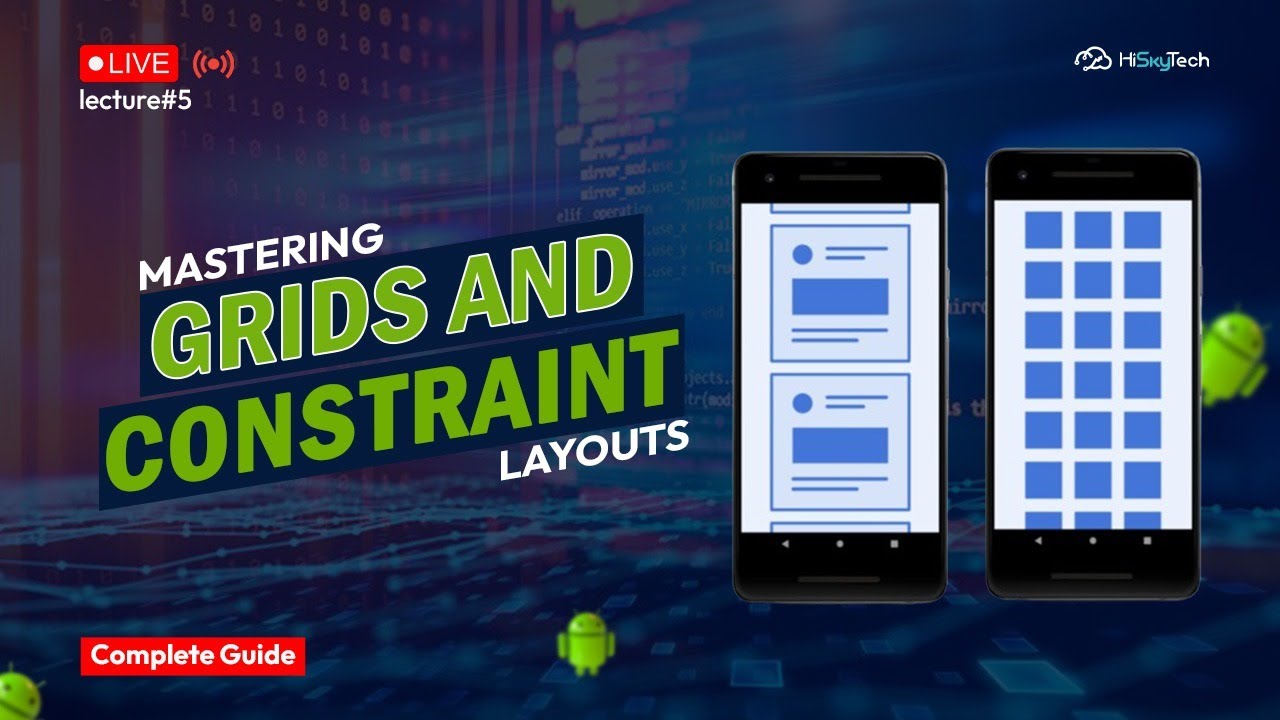
Are you looking to master GridLayout and ConstraintLayout in Android Studio using Kotlin XML? This in-depth tutorial will guide you through everything you need to know about these two powerful UI components.
What You’ll Learn in This Guide:
✅ Introduction to GridLayout & ConstraintLayout – Understand the core concepts of these layouts and how they differ from other Android UI components like LinearLayout and RelativeLayout.
✅ Setting Up GridLayout – Learn how to use GridLayout to create structured, grid-based designs in Android apps.
✅ Implementing ConstraintLayout – Discover how to position UI elements efficiently using constraints for flexible, responsive designs.
✅ Designing a Responsive UI – Learn how to use Chains, Groups, Barriers, and Guidelines to make your layout adaptable to different screen sizes.
✅ Best Practices & Optimization – Improve your UI performance with efficient layout design, reducing nested views and enhancing rendering speed.
✅ Hands-On Example Projects – Follow step-by-step implementation with sample code to build engaging Android UI designs using Kotlin XML.
✅ Comparing GridLayout vs. ConstraintLayout – Find out when to use GridLayout and when ConstraintLayout is the better option for your Android app development.
✅ Troubleshooting & Debugging Layout Issues – Solve common UI layout issues and learn debugging techniques to ensure a smooth development process.
Why Learn GridLayout & ConstraintLayout?
GridLayout and ConstraintLayout are among the most essential tools in Android UI development. With ConstraintLayout, you can create flexible and scalable layouts without deeply nesting views, leading to better performance. Meanwhile, GridLayout is an efficient way to organize content in a structured grid format.
This guide is designed for beginners and experienced developers who want to improve their UI design skills in Android Studio. Whether you're working on a simple app or a complex interface, mastering these layouts will help you create professional, well-optimized designs.
If you're serious about Android development, learning how to use these layouts efficiently is crucial for creating modern, user-friendly applications. This guide, brought to you by HiSkyTech, will help you build visually appealing and high-performance Android apps using the latest UI design techniques.
💡 Get started today and take your Android UI skills to the next level!
#AndroidStudio #KotlinXML #GridLayout #ConstraintLayout #AndroidUIDesign #AndroidDevelopment #AndroidUIComponents #AndroidLayouts #UIDesignBestPractices #AndroidAppDevelopment #ResponsiveUI #AndroidUIOptimization #LayoutPerformance #AndroidConstraintLayoutGuide #GridLayoutAndroidStudio #KotlinAndroidDevelopment #MaterialDesign #UIUXAndroid #AndroidTutorial #XMLLayouts #ConstraintLayoutChains #GuidelinesInConstraintLayout #AndroidLayoutDebugging #AdvancedUIDesign #HiSkyTech
Доступные форматы для скачивания:
Скачать видео mp4
-
Информация по загрузке:




![HTML - Полный Курс HTML Для Начинающих [3 ЧАСА]](https://imager.clipsaver.ru/W4MIiV4nZDY/max.jpg)