How to Fix Bluetooth Not Working on Android Phone: 6 Methods to Get Bluetooth Work Again
Автор: Droigy
Загружено: 2026-01-04
Просмотров: 73
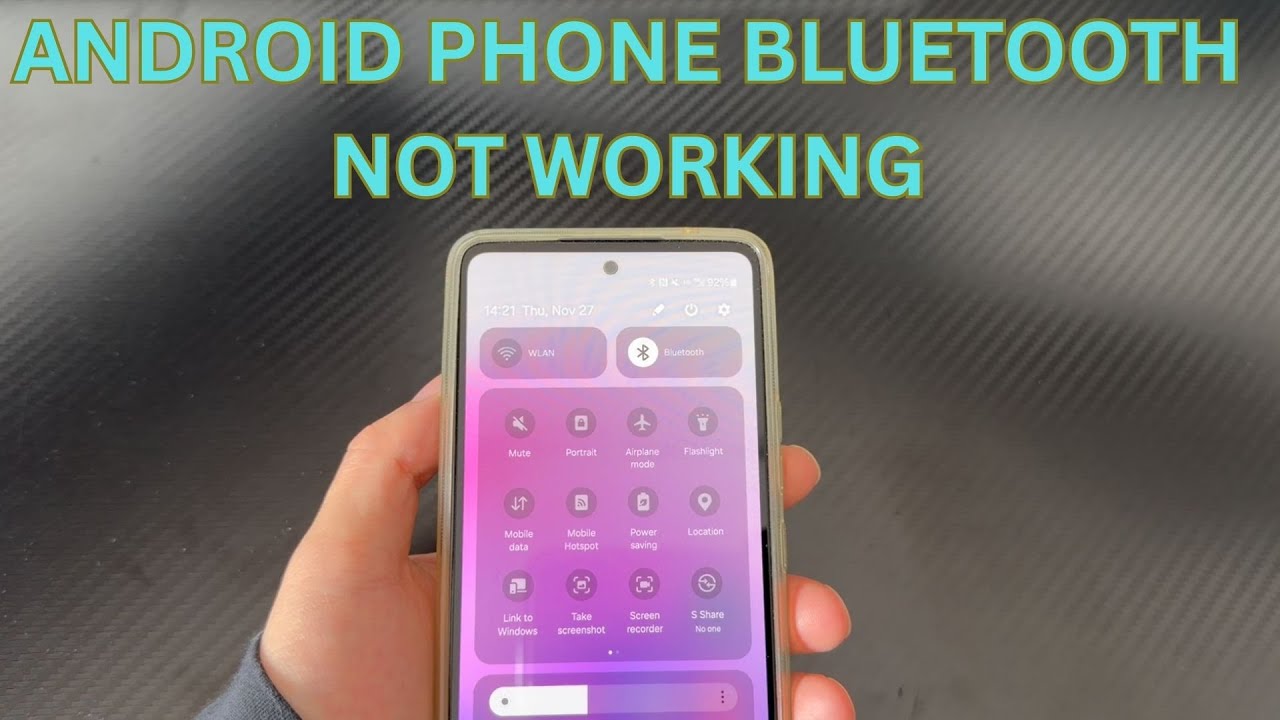
Today's video will explain why your Android phone's Bluetooth isn't working. Bluetooth is one of the most used functions on smartphones. However, sometimes Bluetooth can have problems, such as your Android phone's Bluetooth not working. If your Android phone is experiencing this issue, don't worry, please watch this video patiently.
What causes Bluetooth to stop working? Have you seriously considered this question? Usually, the main reasons why Android phone Bluetooth stops working include software malfunctions, outdated operating systems, network settings problems, and corrupted cache files. These can all cause problems.
To understand why your Android phone's Bluetooth isn't working, please watch this video patiently. We've compiled several solutions on how to fix Bluetooth issues on Android phones. Please try these methods one by one. If it doesn't work the first time, you can try it several times; we've seen it work after multiple attempts. If you found this video helpful, please subscribe, like, or leave a comment to let us know which method helped you solve the problem.
Timestamps:
01:17 Hard reset
01:58 Clear the Bluetooth cache
02:49 Software update
03:21 Enter Safe Mode
04:14 Delete all content
04:56 Hardware failure
Related videos of Android fixes:
Calls not ringing on android phone • How to Fix Incoming Calls Not Ringing on A...
Turn off keyboard sound on android phone • How to Turn off Keyboard Sound on Android ...
Android phone won't receive calls • Can't Receive Incoming Calls on Android Ph...
Android phone vibrates randomly • My Android Phone Vibrates for No Reason (N...
Android phone stuck in headphone mode • How to Fix Android Phone Stuck in Headphon...
Android phone stuck on firmware update screen • How to Fix Android Phone Stuck in Firmware...
Доступные форматы для скачивания:
Скачать видео mp4
-
Информация по загрузке: