Популярное

Музыка Кино и Анимация Автомобили Животные Спорт Путешествия Игры Юмор

Интересные видео

2025 Сериалы Трейлеры Новости Как сделать Видеоуроки Diy своими руками

Топ запросов

смотреть а4 schoolboy runaway турецкий сериал смотреть мультфильмы эдисон
dTub
Скачать

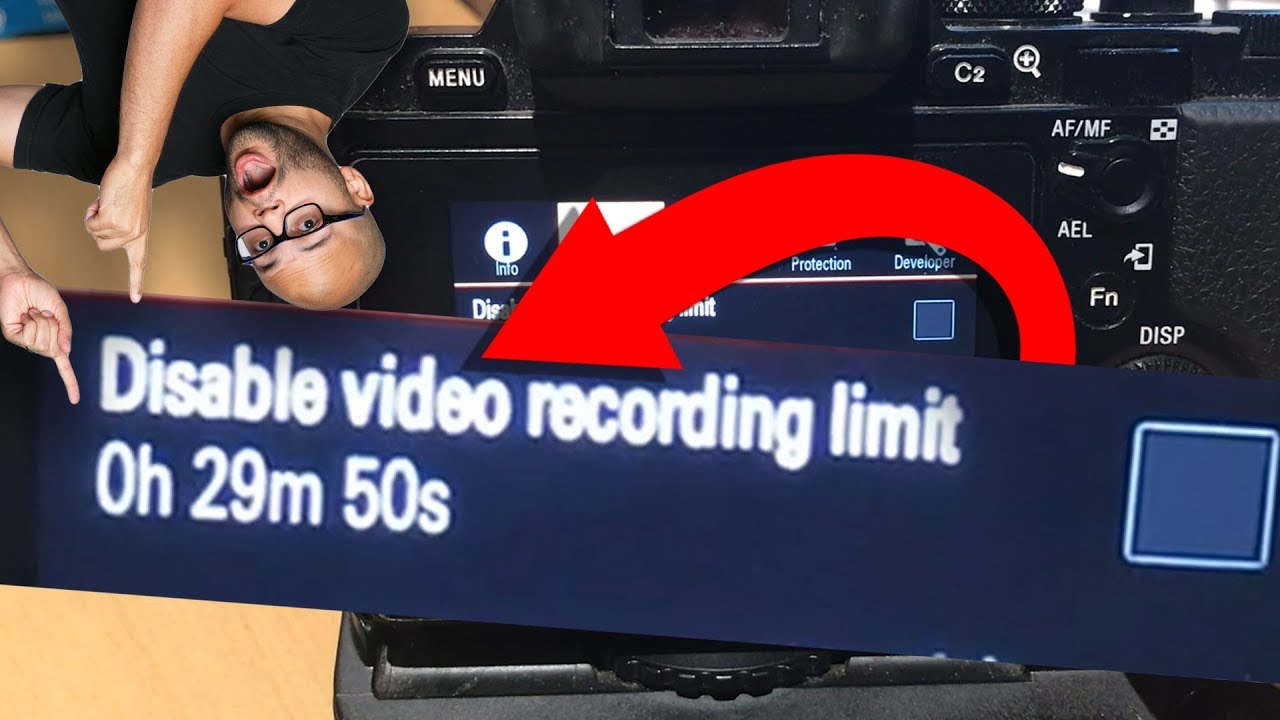
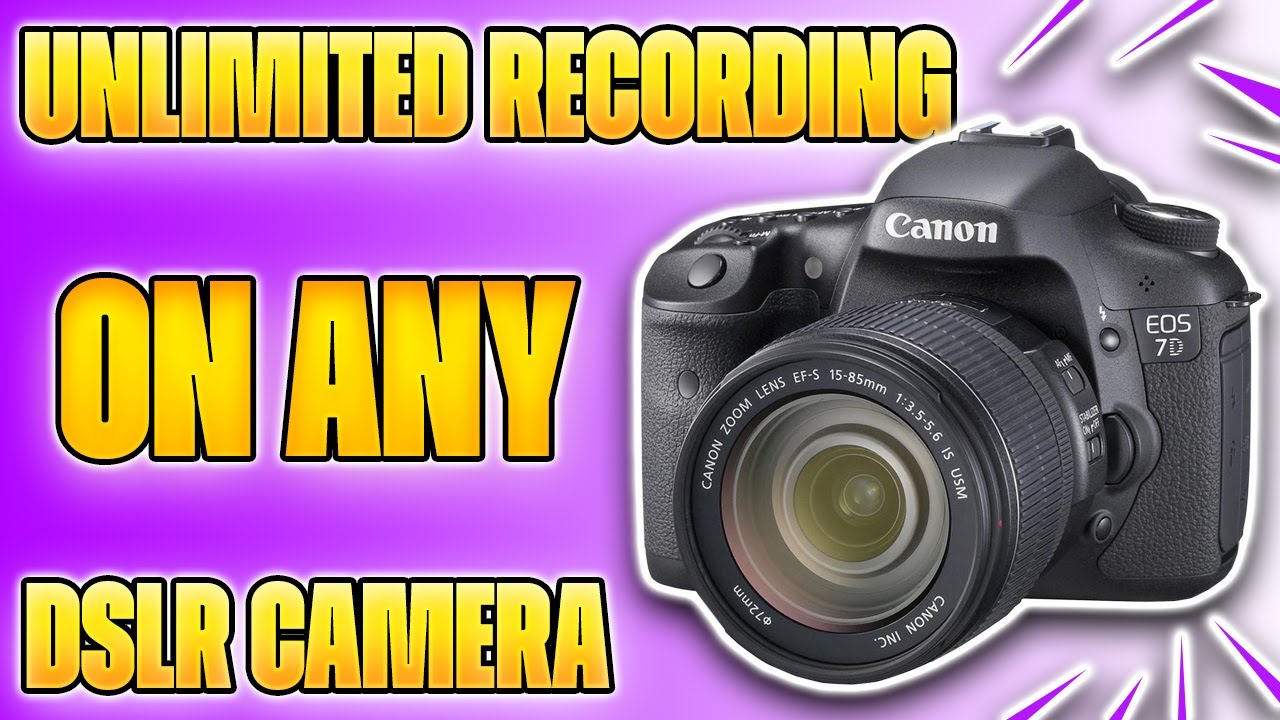
EASY! Record over 30 Minute Limit on ANY DSLR CAMERA! Unlimited Recording | DSLR for Game Streaming

Автор: GTG - Gaming Tech Gadgets

Загружено: 2020-12-30

Просмотров: 18490

Описание:

Remove any timer limit on any DSLR camera!

MY SOCIALS:
▶ YOUTUBE:    / jtplaysgames  
▶ INSTAGRAM:   / _jtplaysgames  

ECAMM LIVE LINK:
https://www.ecamm.com

SPARKOCAM LINK:
https://sparkosoft.com/sparkocam

CAMERA POWER ADAPTOR:
https://www.amazon.co.uk/gp/product/B...

USB CAMERA CABLE:
https://www.amazon.co.uk/gp/product/B...

STEPS:
1) The first thing you want to do is connect the USB cable that came with your camera to your PC & camera. In my case I'm using this cable that was supplied with the Nikon.

2) Another quick tip is to purchase a power adaptor for your camera so that it can be plugged in and run continuously. This isn't a MUST HAVE as I can still record over 1hour on my battery but I suppose for live streams you don't want to be changing batteries every couple of hours.

3) The next thing you want to do is download a software called Ecamm, I know theres some others out their like SPARKOCAM but they weren't compatible with older cameras like mine. Anyway I've put the link in the description below, click on the link and download it for either MAC or WINDOWS. In my case it's MAC.

4) Once you've downloaded you can start a free trial and I recommend doing this to ensure your camera works using this method before you go ahead and start buying anything.

5) Okay once the software is loaded up you want to click on the camera tab at the top or click the camera on screen and select your camera. However, in order for your camera to show it needs to be connected with the USB cable to your PC and also switch the camera on. Make sure you take the lens cover off the front of your camera too and you should see your camera in the ECamm software.

6) A few tips now, on the options tab turn on the high quality video mode. Also make sure you pick the stream size and aspect that's relevant for you as this is the same settings that apply to the recordings. Finally if you have a external USB Microphone like I do make sure you select that under the Mic tab. Once you've selected it you can adjust the gain in the sound levels box.

dslr,camera,recording limit,game streaming,dslr for gaming,Nikon,canon,right side broadcasting live,30 minute recording limit,disable video recording limit sony,disable 30 minute limit,unlimited record time sony alpha,how to use dslr as webcam,a6000 30 minute record limit,sony a7iii recording limit,live stream camera to computer,sony a7iii recording limit hack,why does my camera stop recording,why do dslr only record video for 29:59,dslr camera for beginners

~-~~-~~~-~~-~
Please watch: "The New DJI Osmo Pocket 3 Review | Rumours & Leaks"
   • The New DJI Osmo Pocket 3 Review | Rumours...  
~-~~-~~~-~~-~
EASY! Record over 30 Minute Limit on ANY DSLR CAMERA! Unlimited Recording | DSLR for Game Streaming

Поделиться в:

Доступные форматы для скачивания:

Скачать видео mp4

  • Информация по загрузке:

Скачать аудио mp3

Похожие видео

Sick of the 30 Min Live View Time Limit on your Nikon D3xxx or D5xxx Camera?

Sick of the 30 Min Live View Time Limit on your Nikon D3xxx or D5xxx Camera?

Как записывать неограниченное время на камерах Sony — отключите 30-минутный лимит записи видео

Как записывать неограниченное время на камерах Sony — отключите 30-минутный лимит записи видео

UNLOCK Record Limit on your Sony Camera

UNLOCK Record Limit on your Sony Camera

Как настроить многокамерную прямую трансляцию

Как настроить многокамерную прямую трансляцию

Master Mobile Filmmaking in 20 Minutes

Master Mobile Filmmaking in 20 Minutes

Мебельная фурнитура которую вы не поняли

Мебельная фурнитура которую вы не поняли

Эта камера с искусственным интеллектом превзошла Canon, Nikon и Sony: обзор Caira

Эта камера с искусственным интеллектом превзошла Canon, Nikon и Sony: обзор Caira

25 Запрещенных Гаджетов, Которые Вы Можете Купить Онлайн

25 Запрещенных Гаджетов, Которые Вы Можете Купить Онлайн

Как сделать покадровое видео на телефон

Как сделать покадровое видео на телефон

Понять ЭКСПОЗИЦИЮ раз и навсегда (Без сложных схем)

Понять ЭКСПОЗИЦИЮ раз и навсегда (Без сложных схем)

DSLR Video Recording Time Limit 🔥 Remove DSLR Recording Time Limit | DSLR Video Settings

DSLR Video Recording Time Limit 🔥 Remove DSLR Recording Time Limit | DSLR Video Settings

DSLR Recording Limits - WHY “Movie Recording Has Been Stopped Automatically” Happens & How to Fix It

DSLR Recording Limits - WHY “Movie Recording Has Been Stopped Automatically” Happens & How to Fix It

The Advantages of Using an HDMI Recorder - Breaking the 30 Minute Recording Limit on Your Camera

The Advantages of Using an HDMI Recorder - Breaking the 30 Minute Recording Limit on Your Camera

Best Budget DSLR Live Streaming Setup! Canon SL3 250D

Best Budget DSLR Live Streaming Setup! Canon SL3 250D

Camera HACK for Sony/Canon/Nikon 30 Min Video Record Limit!

Camera HACK for Sony/Canon/Nikon 30 Min Video Record Limit!

Почему ваши

Почему ваши "Идеальные" фото больше никому не нужны (2026)

DSLR Recording Limit – Why Does My Camera STOP Recording after 30 Minutes???

DSLR Recording Limit – Why Does My Camera STOP Recording after 30 Minutes???

Как пользоваться ИНТЕРВАЛОМЕТРОМ!

Как пользоваться ИНТЕРВАЛОМЕТРОМ!

6 Cameras UNDER $1,000 w/ NO 30 Minute Video Recording Limit!

6 Cameras UNDER $1,000 w/ NO 30 Minute Video Recording Limit!

Panasonic G7 Walkthrough

Panasonic G7 Walkthrough

© 2025 dtub. Все права защищены.


  • Контакты
  • О нас
  • Политика конфиденциальности


Контакты для правообладателей: infodtube@gmail.com