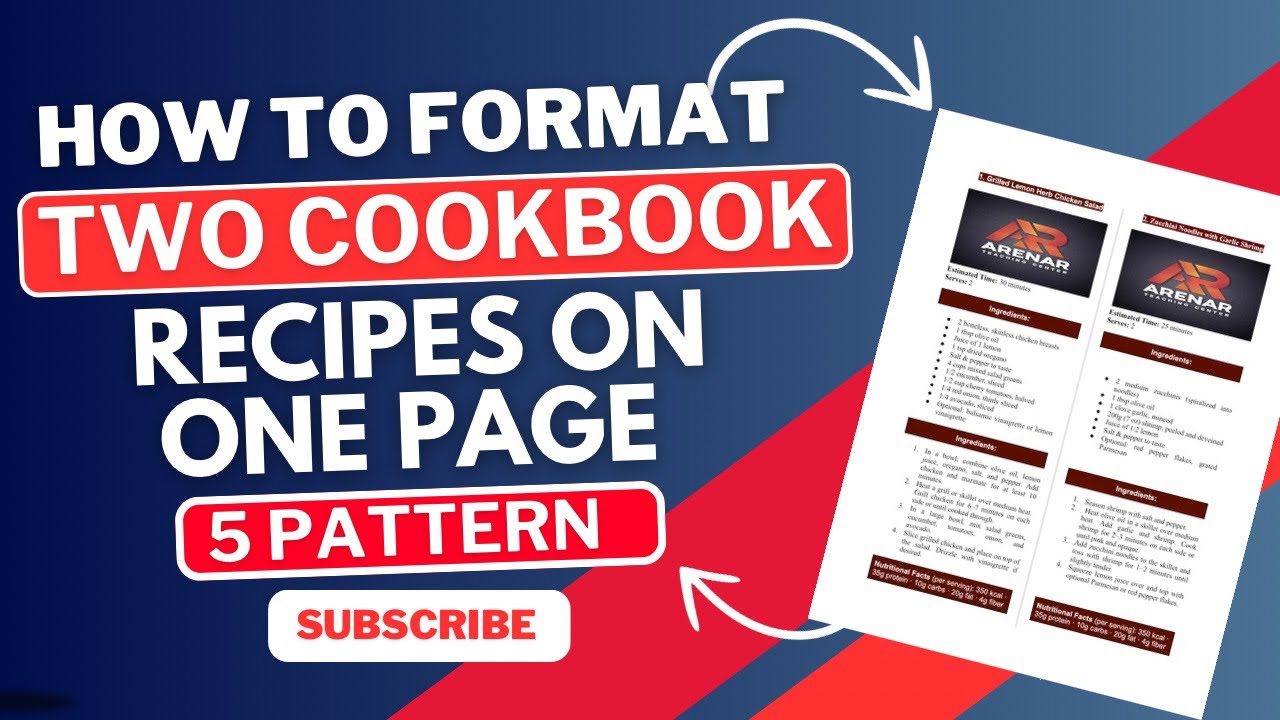
How to Format Two Cookbook Recipes on One Page in Google Docs (Step-by-Step Tutorial)
Автор: ARENAR TEACHING CENTER
Загружено: 2025-04-26
Просмотров: 1966
Video Description:
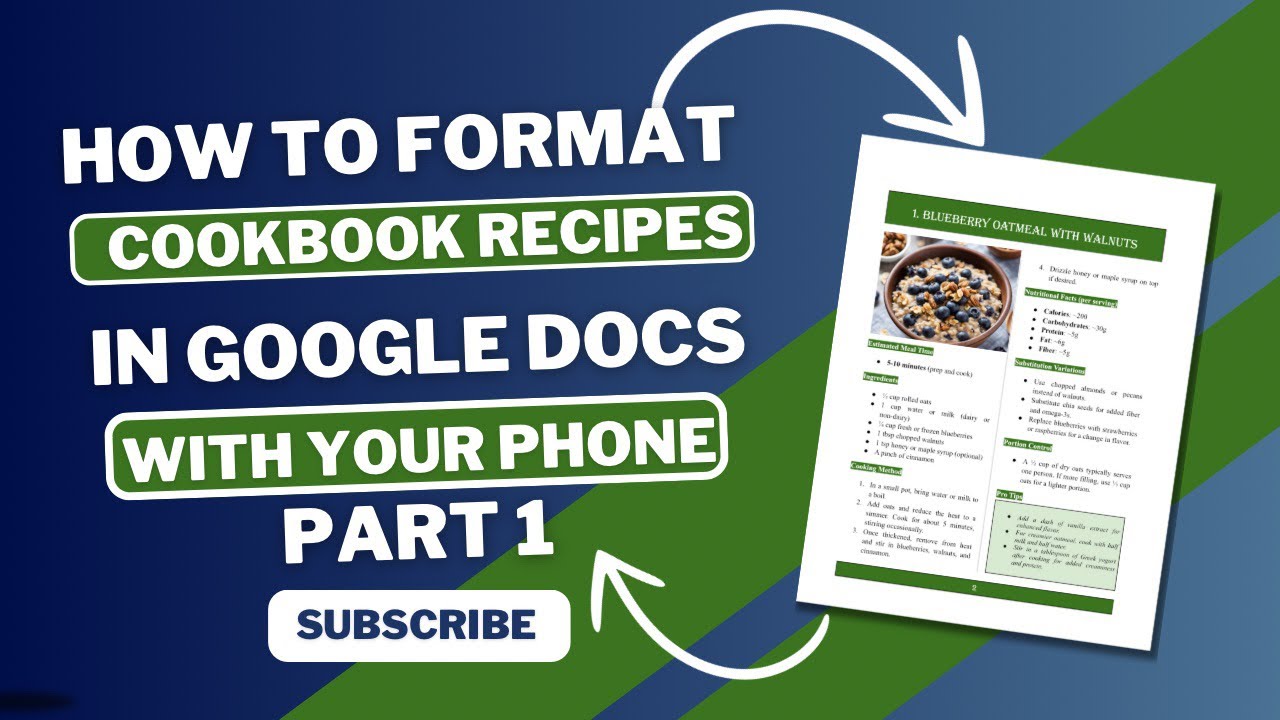
Want to maximize your cookbook space and make it look clean and professional? In this tutorial, I’ll show you step-by-step how to format two cookbook recipes on a single page using Google Docs!
Perfect for anyone creating a cookbook for Amazon KDP, self-publishing, or just organizing recipes beautifully.
Learn simple tricks to make your pages look polished, save space, and design a professional cookbook without expensive software — all from your laptop or smartphone!
Whether you're a beginner or ready to publish your next bestseller, this tutorial will guide you from start to finish. 🚀
✅ What You’ll Learn:
How to set up your Google Docs layout
How to format two recipes neatly on one page
Tips for professional spacing, fonts, and layout design
Secrets to creating a polished cookbook for KDP and beyond!
👉 Don't forget to subscribe for more KDP, cookbook design, and self-publishing tips!
#cookbookformatting #googledocs #googledocstutorial #cookbookdesign #cookbooklayout #cookbookpublishing #kdpformatting #cookbookselfpublishing #selfpublishingtips #howtoformatrecipes #formatcookbookrecipes #googledocscookbook #kdpbooks #howtopublishcookbook #amazonkdp2025 #selfpublishcookbook
Доступные форматы для скачивания:
Скачать видео mp4
-
Информация по загрузке:



![[AMAZON KDP] Book Interior Design Using Microsoft Word Document For Non-Fiction Books And Cookbooks](https://imager.clipsaver.ru/lOxoXGGxoN0/max.jpg)