Скачать
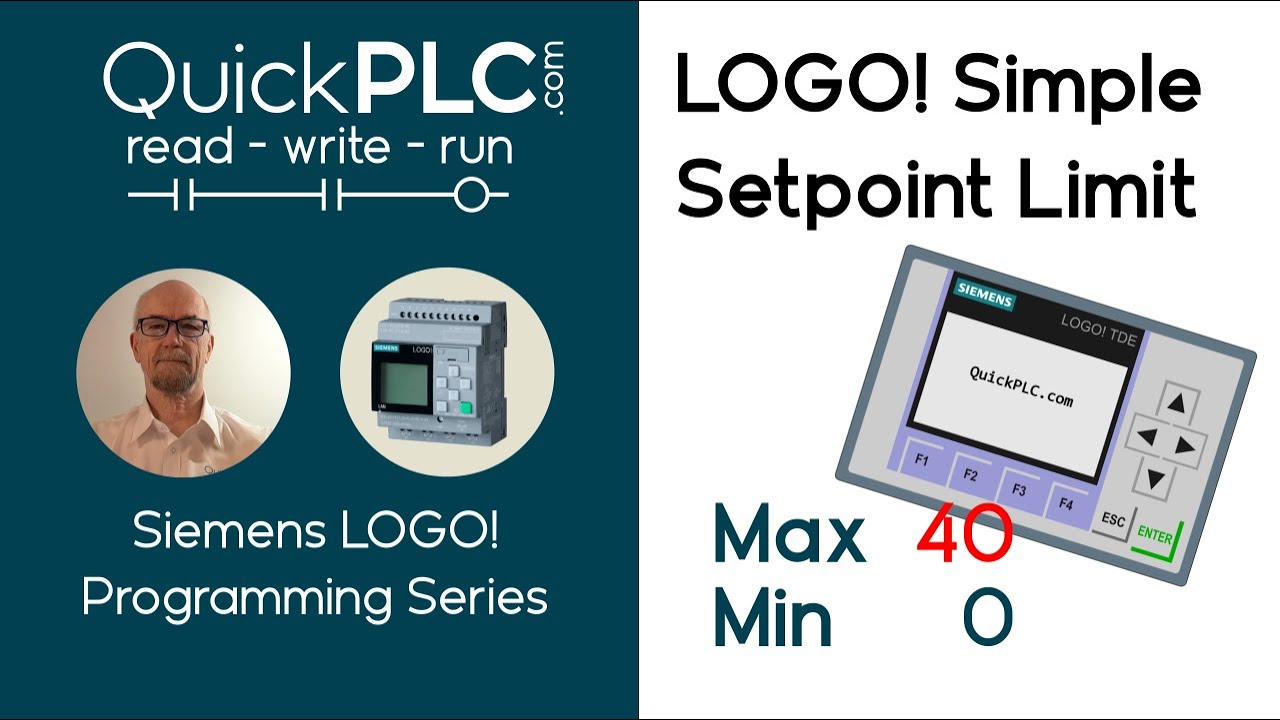
LOGO! Simple setpoint limit
Автор: Quick PLC
Загружено: 2025-05-25
Просмотров: 1184
Описание:
Limit the maximum value a user can enter via the LOGO! front panel or via a TDE interface.
To answer BeastRo's question in the comments about how the user edits the parameter:
1. Use the up / down keys on the LOGO! or on the TDE to navigate to the page with the parameter.
2. Hold ESC until the cursor blinks.
3. If necessary, use the up / down keys to select the parameter.
4. Press OK to enter edit mode.
5. Use the up / down keys to adjust the parameter.
6. Press OK.
7. Press ESC to exit edit mode.
I'll do a separate video on the topic.
Доступные форматы для скачивания:
Скачать видео mp4
-
Информация по загрузке: