Visualizing Active Fires Data with QGIS
Автор: construmGIS
Загружено: 2025-03-16
Просмотров: 337
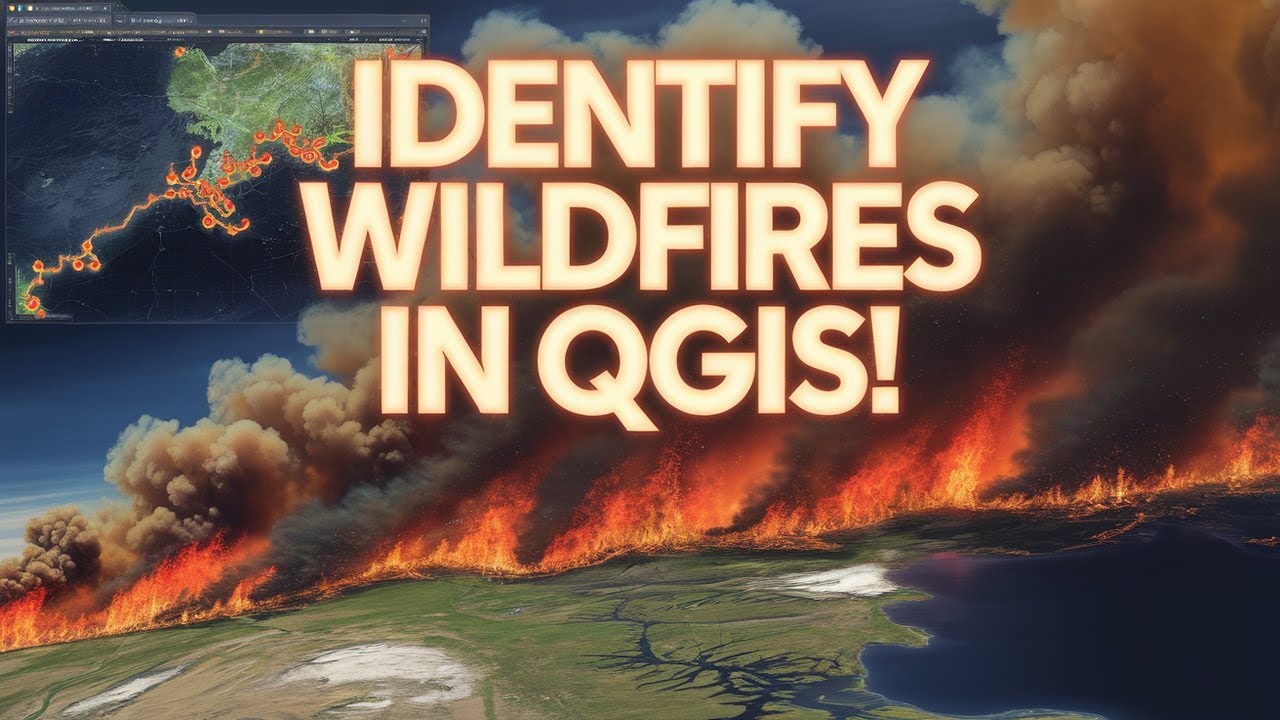
🔥 Identify Active Wildfires Using QGIS – Step-by-Step Guide! 🔥
Want to detect and analyze wildfires using QGIS? In this tutorial, I’ll show you how to download, visualize, and analyze active fire data using MODIS/VIIRS, Sentinel-2, and QGIS plugins. Whether you're a GIS expert, researcher, or just curious about fire detection, this guide will help you get started!
📌 In This Video, You’ll Learn:
✅ How to download active fire data from FIRMS (NASA) and other sources
✅ How to import and style fire hotspot data in QGIS
✅ How to use heatmaps and buffer analysis to study fire spread
✅ How to perform NDVI/NBR analysis for burn area assessment
✅ How to automate fire detection using QGIS plugins
🔥 Tools & Data Used:
🌍 QGIS 3.x (Open-source GIS software)
🛰 MODIS/VIIRS Fire Data (from FIRMS, NASA)
📡 Sentinel-2 & Landsat Imagery (for vegetation and burn assessment)
🛠 QGIS Plugins: Orfeo Toolbox, Semi-Automatic Classification Plugin (SCP), Google Earth Engine Plugin
👉 Download Fire Data: NASA FIRMS
👉 Download QGIS: Official Website
💡 Who Is This Video For?
✔ GIS Professionals & Students
✔ Researchers & Environmental Analysts
✔ Disaster Management & Emergency Responders
✔ Anyone interested in fire mapping & remote sensing
🚀 Subscribe for More GIS Tutorials!
If you found this video helpful, like, comment, and subscribe for more QGIS, Remote Sensing, and GIS Analysis videos! Don’t forget to hit the 🔔 notification bell so you don’t miss out!
#QGIS #WildfireDetection #GIS #RemoteSensing #FireMapping #QGISTutorial #ActiveFire #SatelliteImagery #DisasterResponse #MODIS #VIIRS #GISAnalysis
Доступные форматы для скачивания:
Скачать видео mp4
-
Информация по загрузке: