Apple Watch Ultra 3 | Setup & Features | Complete Buying & User Guide
Автор: Gadgeto Lab
Загружено: 2026-01-19
Просмотров: 160
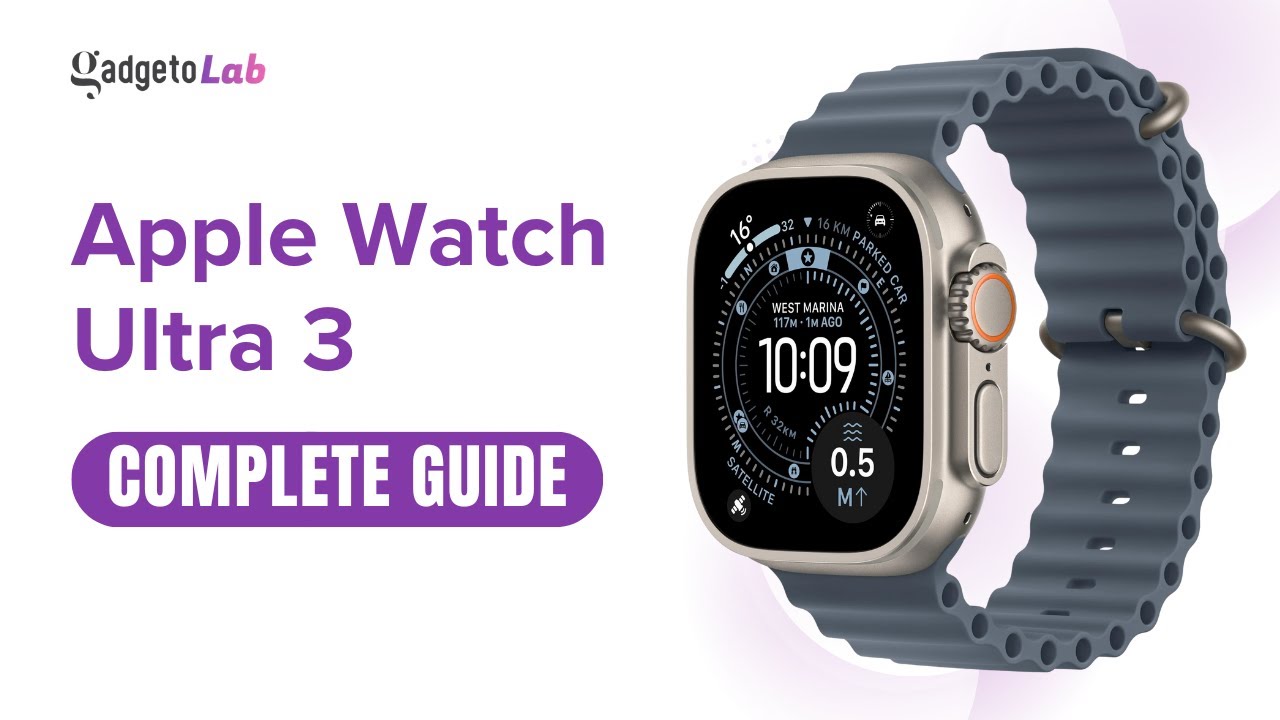
Meet the Apple Watch Ultra 3: Apple’s most rugged and capable smartwatch yet. In this complete guide, I’ll walk you through the full setup process step-by-step and then explore the key features that matter in real-world use: health tracking, fitness and training tools, outdoor navigation, safety features, smart notifications, battery performance, and the settings you should enable on day one for the best experience.
Whether you’re upgrading from an older Apple Watch, switching from another smartwatch, or setting up your first Ultra-series watch, this video will help you get everything configured correctly, avoid common mistakes, and personalize the watch to match your lifestyle — from workouts and sleep tracking to calls, messages, and productivity.
What you’ll learn in this guide:
• Unboxing and first-time setup (pairing with iPhone, Apple ID, iCloud, and essential permissions)
• Best settings to turn on/off for battery, display, notifications, and privacy
• Health & safety setup (Heart features, SOS, Crash/Fall Detection, Medical ID, Emergency Contacts)
• Fitness & training features (Workout app, zones, metrics, rings, coaching, and recovery basics)
• Outdoor and adventure tools (GPS accuracy options, compass, waypoints, Backtrack/route tools)
• Customization tips (watch faces, complications, Action Button setup, app layout, shortcuts)
• Common issues and quick fixes (pairing, syncing, notifications, battery drain, sensor accuracy)
Main features & specifications:
• Premium rugged build designed for demanding outdoor and fitness use
• Bright, always-on display for clear visibility in sunlight
• Advanced health tracking: heart rate monitoring, ECG support (region-dependent), blood oxygen support (region-dependent), sleep tracking, and trend insights
• Fitness features: multi-sport workout tracking, heart-rate zones, pace metrics, training load/recovery-style insights (availability varies by watchOS region/version)
• High-accuracy GPS capabilities suitable for running, hiking, cycling, and outdoor navigation
• Safety tools: Emergency SOS, siren, fall detection, crash detection (model/region-dependent), and Medical ID
• Smart features: calls, texts, notifications, Apple Pay, Siri, and seamless Apple ecosystem integration
• Water resistance suitable for swimming and water activities (follow Apple guidance for limits and appropriate use)
• Battery designed for extended use with power-saving options for longer sessions
If you found this guide helpful, subscribe to Gadgeto Lab for more Apple Watch tutorials, feature deep-dives, tips & tricks, and honest tech guides. Share your questions in the comments.
#applewatchultra3 #AppleWatchUltra #AppleWatchSetup #AppleWatchGuide #AppleWatchTips #watchOS #AppleWatchFeatures #AppleWatchTutorial #AppleWatchFirstTime #AppleWatchSettings #AppleWatchBattery #AppleWatchFitness #AppleWatchWorkout #AppleWatchHealth #AppleWatchSleepTracking #AppleWatchECG #AppleWatchGPS #AppleWatchCompass #AppleWatchActionButton #AppleWatchSafety #EmergencySOS #CrashDetection #FallDetection #ApplePay #Siri #iPhoneTips #AppleEcosystem #SmartwatchGuide #TechTutorial #GadgetoLab
Apple watch ultra 3 | Setup & Features | Complete Guide
Доступные форматы для скачивания:
Скачать видео mp4
-
Информация по загрузке: