Make Your Own Tattoo-Style Brushes in Procreate (Brush Studio Settings Explained)
Автор: The Techie Tattooer
Загружено: 2025-05-18
Просмотров: 4256
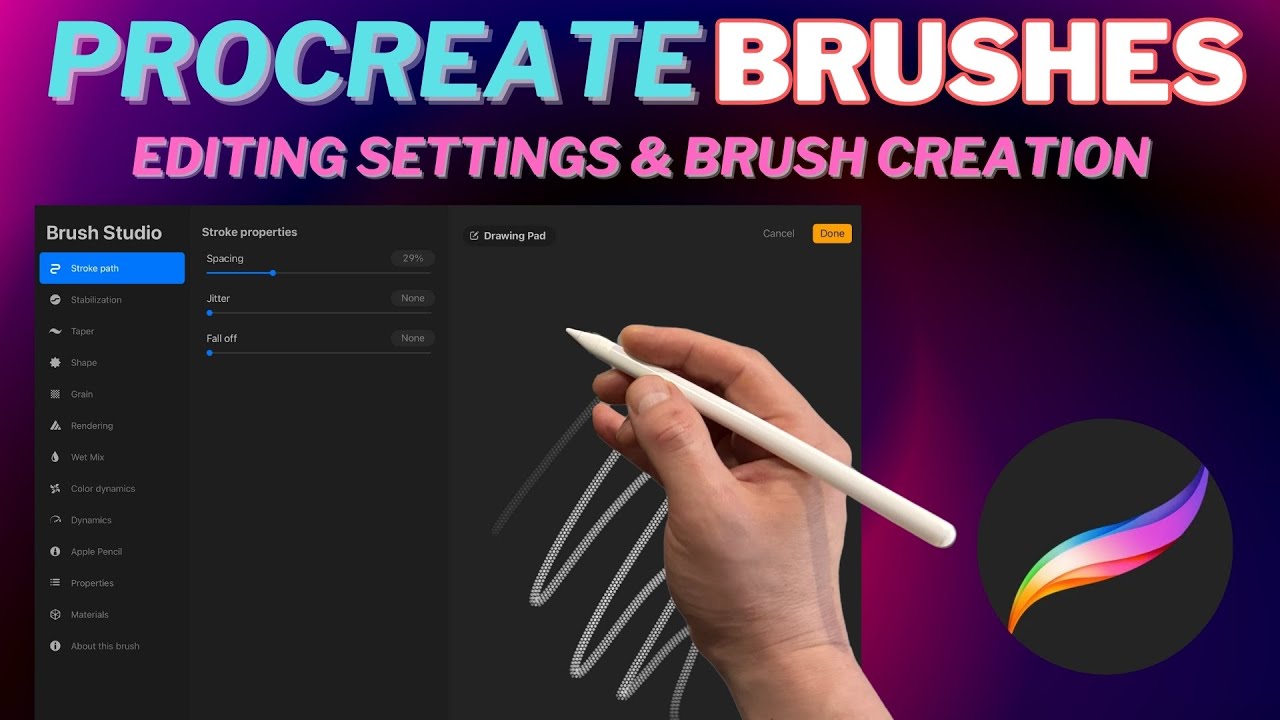
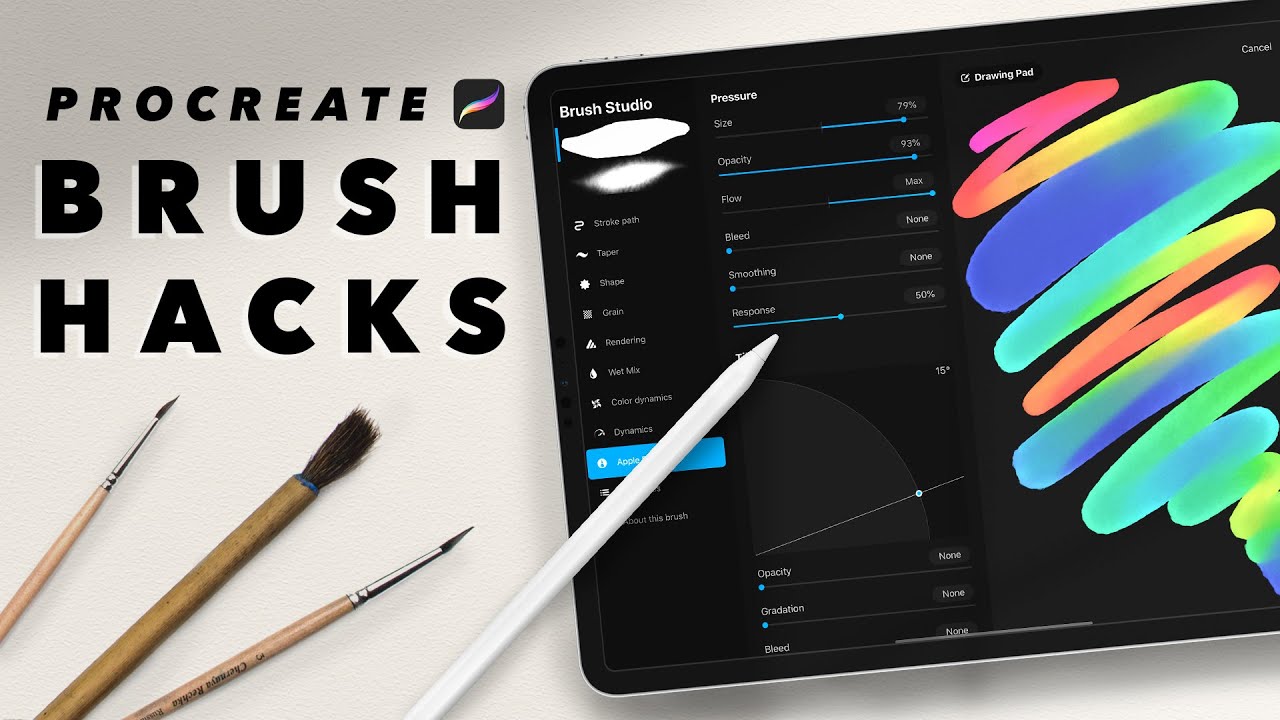
Want that real tattoo feel when you draw in Procreate? In this video, I’ll walk you through how to use Procreate’s Brush Studio to create your own custom tattoo-style brush inspired by real tattoo needle groupings — perfect for artists learning to design tattoos digitally!
Whether you want a tight 3RL look for fine lines or a mag-style texture for shading, I’ll show you the exact brush settings that mimic the feel of coil and rotary machines. You’ll learn how to adjust your taper, spacing, jitter, and grain settings to reflect the flow of actual needles on skin — giving your designs that authentic tattoo energy.
Inside this video:
🎯 Where to start with Brush Studio
🧠 What each brush setting does (without the overwhelm)
🖊️ How to build your own liner, shader, and texture brushes
💡 Why using custom brushes can improve your workflow and save you money
This is perfect for any artist trying to draw like a tattooer using Procreate, and it’s especially helpful if you’re bridging the gap into the tattoo industry from digital illustration.
Subscribe to The Techie Tattooer for more tutorials on drawing in a tattoo style using digital tools like Procreate and iPad Pro!
#ProcreateTattooBrush #TattooBrushesProcreate #CustomProcreateBrushes #BrushStudioProcreate #procreatetutorials #DigitalTattooDesign #LearnToTattoo #TattooDrawing #TattooLinework #ProcreateTips #iPadTattooDesign #TattooArtEducation #TattooIllustration #TechieTattooer
Доступные форматы для скачивания:
Скачать видео mp4
-
Информация по загрузке:








![I didn't think this was possible... [My Procreate brushes for sketching]](https://imager.clipsaver.ru/-CnKFcEZ-Ss/max.jpg)