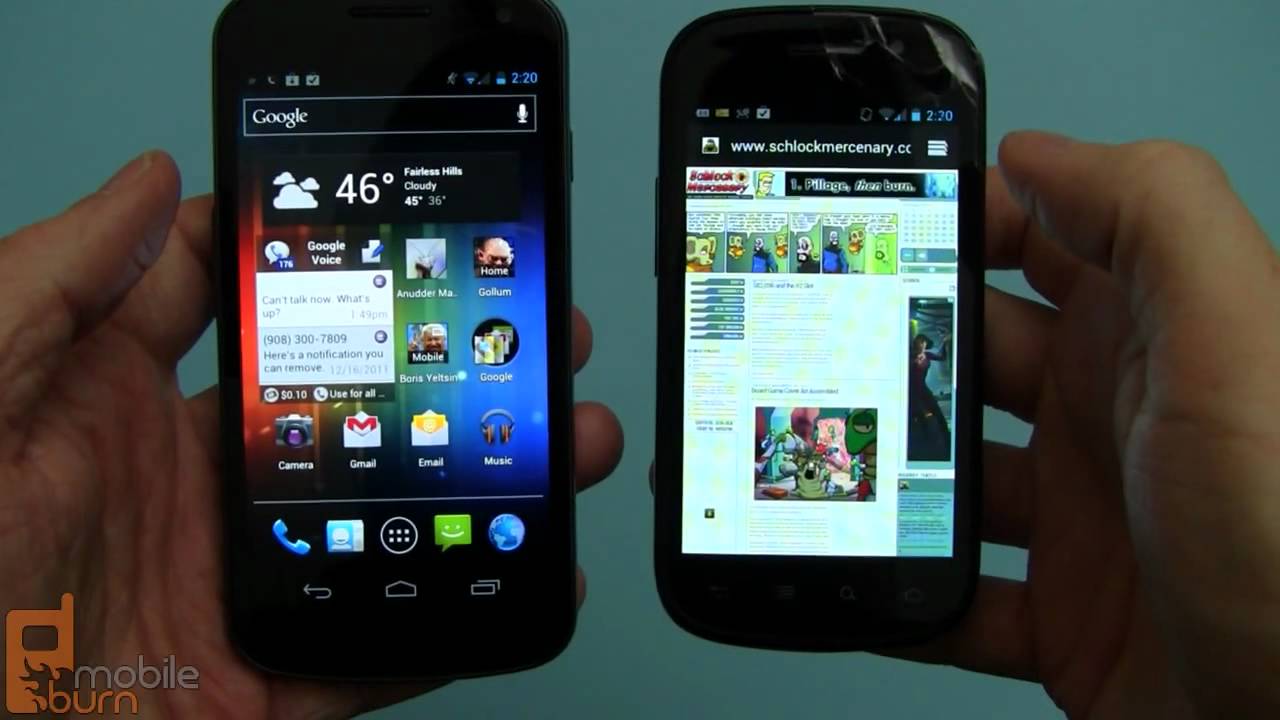
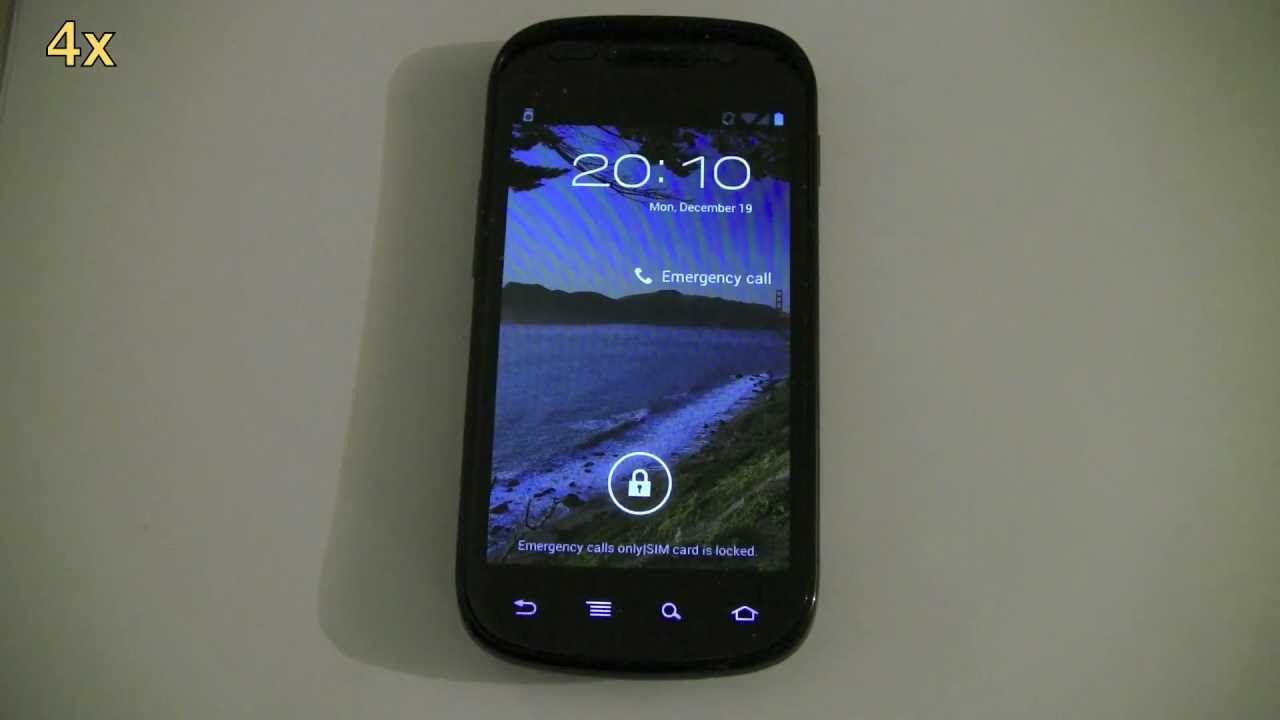
How to update Google Nexus S to Android 4.0.3 Ice Cream Sandwich (ICS)
Автор: Overcat
Загружено: 2011-12-21
Просмотров: 108026
This video shows how to update a T-Mobile (Samsung) Google Nexus S from Android 2.3.6 Gingerbread to Android 4.0.3 Ice Cream Sandwich using the official Google Android release. You don't have to root your phone (I didn't), but a user reports that the update will also work for rooted phones. The entire process took about 30 minutes. I sped up the slow parts of the video (downloading and updating), but you can see the relative speed in the upper left-hand part of the video. I have the T-mobile (i9020T) Nexus S. This update doesn't work on all Nexus S models. I have made a list of results for different models later in this description. If it works for your phone, leave a comment with the country and carrier (mobile phone service provider, and I'll update the list. I'd also like to know of any apps that don't work. The apps I have tested so far seem to work.
WARNING: If you plan to use your phone in the Middle East, the WiFi may be disabled. When the phone detects a SIM card from Qatar (and some other countries), it incorrectly configures the WiFi hardware. Google has logged this as issue 23262. Android 4.0.4 has been released, but I don't know whether it fixes this problem.
This update works on:
Austrian Nexus S (which carrier?)
Belgian Nexus S (which carrier?)
Canadian "Mobilicity" Nexus S
Canadian "Wind" Nexus S
Danish Nexus S (which carrier?)
Finnish Nexus S (which carrier?)
German Nexus S (purchased on amazon.de)
Indian I9023 Nexus S (which carrier?)
Indonesian Nexus S (which carrier?)
Malaysian Nexus S (which carrier?)
Swedish Nexus S (which carrier?)
UK "Orange" Nexus S
UK "Vodafone" Nexus S
USA "T-mobile" Nexus S
Phones with or without "root" access, but you may lose "root" after the update.
This update FAILS on:
Canadian "Bell Mobile" Nexus S
Canadian "Fido" Nexus S
Canadian "Koodo" Nexus S
Canadian "Rogers" Nexus S
Canadian "Telus" Nexus S
Dutch (Netherlands) Nexus S (It "bricked" the phone. Don't try it!)
Greek Nexus S (which carrier? Maybe wasn't on 2.3.6 before update)
Qatar (it disables the WiFi connection)
USA "AT&T" Nexus S
USA "Sprint" Nexus S 4G
Any tablets
Any phone that is not a Google Nexus S
Any phone that is not currently running Android 2.3.6
Phones using a SIM card from the Middle East can lose their WiFi capability.
NOTE: You have to be currently running Android 2.3.6 for this update to work. Update to Android 2.3.6 before proceeding. Some people have noted performance problems with some games, and I have noticed that the battery seems to drain faster. I don't know how to revert to an earlier firmware.
INSTRUCTIONS:
I didn't have any problems, but it's always a good idea to backup your files and apps regularly, especially before a system update. I use Astro File Manager for backups.
Make sure your phone is completely charged before starting.
Download the firmware file to your PC or Mac:
http://android.clients.google.com/pac...
Rename the file as "update.zip"
Connect your Nexus S to the PC or Mac with a micro-USB cable.
Pull down the notification bar on the phone.
Tap "USB connected"
Tap "Turn on USB storage"
Tap "OK"
Wait for it to connect.
Paste the "update.zip" firmware file into the root directory of your phone. (The root directory is the topmost directory. It's "\" on Windows and "/" on Mac or Linux.)
Tap "Turn off USB storage" on the phone.
Disconnect the USB cable.
Power off your phone (Press and hold the power button, tap "Power off", tap "OK".)
Power on your phone while pressing and holding the "volume up" button.
Use volume up and volume down to move to "RECOVERY".
Press the power button to accept.
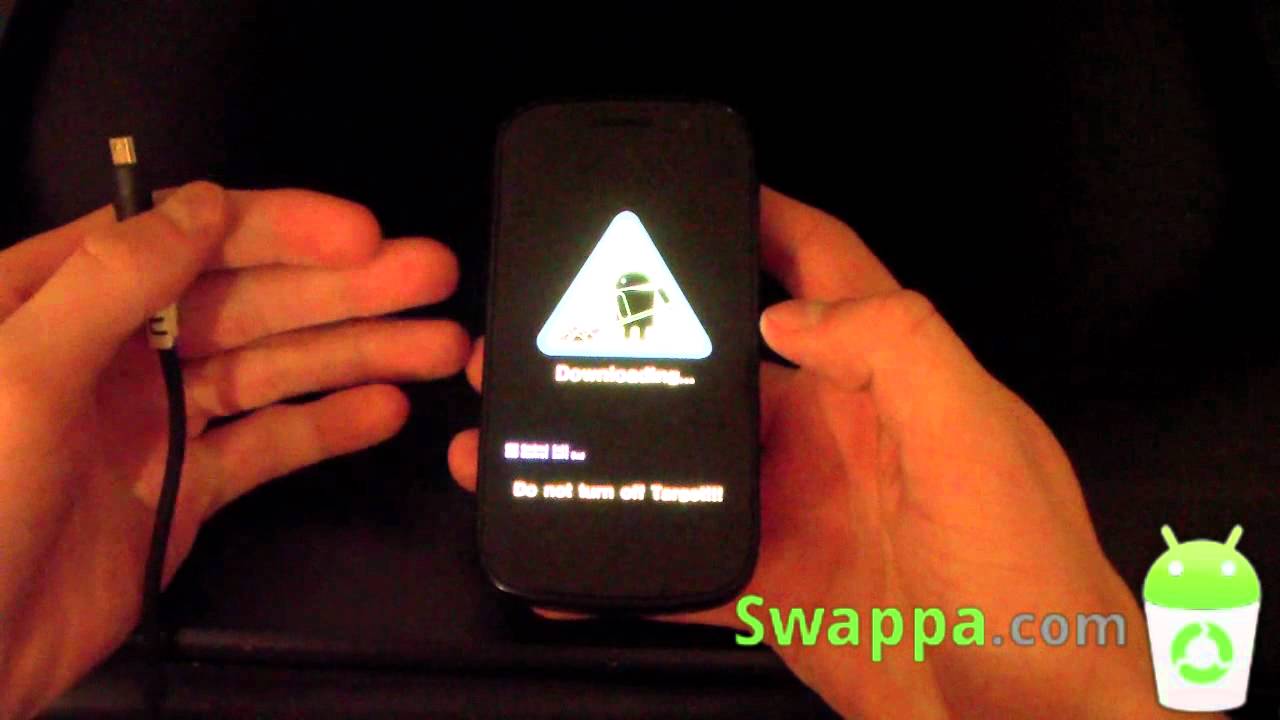
When you see the yield sign with the exclamation point inside, press the volume up and power buttons simultaneously.
Use volume up and volume down to move to "apply update from /sdcard".
Press the power button to accept.
Use volume up and volume down to select the "update.zip" file.
Press the power button to start the update.
Then it will highlight "reboot system now".
Press the power button to accept.
Wait for the phone to reboot and automatically update your applications.
Enjoy your "new" phone running Ice Cream Sandwich.
Now that you are running ICS, you can try out Google Chrome Beta. It's available for free download from the Play Store (formerly Android Market). Chrome doesn't support Adobe Flash, but it is much better than the standard Android browser.
NEW 4.0.4 OTA UPDATE VIDEO:
I have a new video that shows my phone being updated to 4.0.4, but it's an automatic installation: "Google Nexus S OTA (Over-The-Air) update to Android 4.0.4 Ice Cream Sandwich". Here's the link:
• Google Nexus S OTA (Over-The-Air) update t...
Доступные форматы для скачивания:
Скачать видео mp4
-
Информация по загрузке: