Samsung Galaxy A52– Screen replacement [including reassembly]
Автор: iDoc Europe EN
Загружено: 2021-12-17
Просмотров: 48742
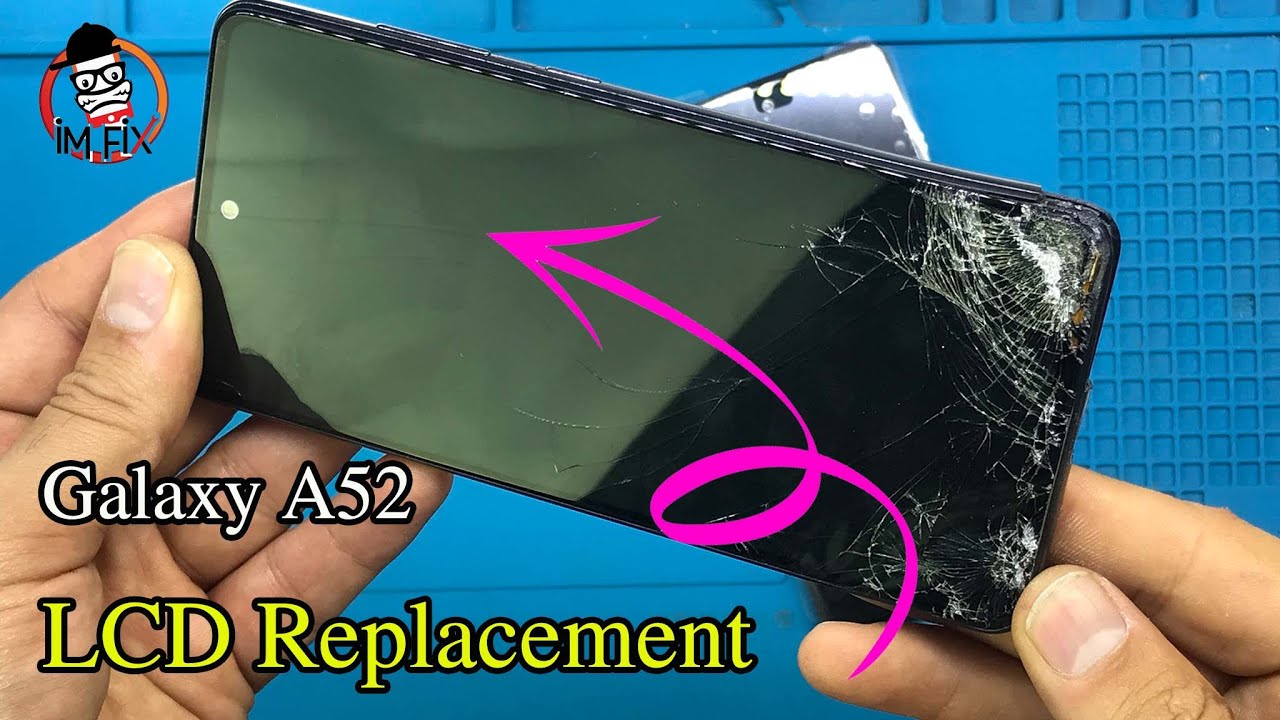
The screen of your Samsung Galaxy A52 is broken? In this video we're going to show you how to replace it on your own. With easy-to-follow instructions, macro shots and detailed steps to reassemble your phone we support you throughout the whole repair process.
📱 Find an original replacement screen for your A52 in our online store:
https://idoc.eu/yt-en/57529
🔧 Our Samsung tool kit contains all tools you need for your repair:
https://idoc.eu/yt-en/55970
Don't want an entire set? Our recommended tools are:
Phillips PH00 screwdriver - https://idoc.eu/yt-en/11543
iFlex opening tool - https://idoc.eu/yt-en/55670
iPlastix opening tool - https://idoc.eu/yt-en/56203
plastic pick - https://idoc.eu/yt-en/56853
ESD tweezers - https://idoc.eu/yt-en/1346
spudger - https://idoc.eu/yt-en/11270
battery spudger - https://idoc.eu/yt-en/11290
suction cup - https://idoc.eu/yt-en/1347
magnetic pad - https://idoc.eu/yt-en/11118
heat gun - http://amzn.to/2nMBZPP *
📷 Find our detailed photo guide here:
https://www.idoc.eu/guides/en/samsung...
✔️ To make sure your repair was successfull we recommend that you test your smartphone BEFORE and AFTER the repair. Our checklist can help you: https://www.idoc.eu/blog/wp-content/u...
Table of contents:
00:00 - Intro
00:47 - Switching of your Galaxy A52
01:03 - Removing the SIM tray
01:15 - Removing the back cover
02:30 - Removing the board cover
03:00 - Disconnecting the battery
03:15 - Removing the speaker
03:39 - Removing the connecting cable
04:04 - Removing the front camera
04:19 - Disconnecting the antenna cables
04:40 - Removing the motherboard
05:00 - Removing the USB board
05:27 - Removing the fingerprint sensor
05:38 - Removing the vibration motor
05:50 - Removing the battery
06:43 - Preparing the new screen
06:55 - Inserting the battery
07:08 - Inserting the vibration motor
07:20 - Inserting the fingerprint sensor
07:30 - Inserting the USB board
08:03 - Inserting the motherboard
08:17 - Inserting the antenna cables
08:42 - Inserting the front camera
08:51 - Attaching the connecting cable
09:13 - Inserting the speaker
09:40 - Connecting the battery
09:51 - Installing the board cover
10:23 - Testing your Galaxy A52
10:59 - Installing a new adhesive frame (optional)
11:56 - Installing the back cover
#screenreplacement #smartphonerepair #samsunggalaxy #galaxya52 #newscreen #idoceurope
__________________________________________________________________
iDoc Europe is your provider for all smartphone repairs. In addition to selling high-quality special tools and spare parts, we produce detailed photo instructions and high-resolution videos. Thanks for stopping by! Leave us a comment & thumbs up and subscribe to our channel.
/ idoceurope
/ idoceurope
Interested in our German videos? Check our channel: www.idoc.eu/youtube
Our 4K camera: http://amzn.to/2rVJWXn *
Lens for close-ups: http://amzn.to/2FzTQjd *
LED Panels for lighting: https://amzn.to/2n1P2iz *
(Links marked with * are affiliate links)
![Samsung Galaxy A52– Screen replacement [including reassembly]](https://imager.clipsaver.ru/MLpm-FbbCbU/max.jpg)
Доступные форматы для скачивания:
Скачать видео mp4
-
Информация по загрузке:

![Samsung Galaxy S20 – Screen replacement [including reassembly]](https://imager.clipsaver.ru/CZ96SBDW-ZU/max.jpg)

![Xiaomi Redmi Note 10 Pro – Screen replacement [including reassembly]](https://imager.clipsaver.ru/zNDnXWdMn74/max.jpg)


![Samsung Galaxy A52 – Display tauschen [Reparaturanleitung + Zusammenbau]](https://imager.clipsaver.ru/CPx4rU9gRs8/max.jpg)


![Samsung Galaxy S7 Edge – Screen replacement [including reassembly]](https://imager.clipsaver.ru/CoQGSpqYFy8/max.jpg)